Photo Video Maker with Music
BDH Apps
Downloads
10,000,000+
Source
Google Play
Advertisement
Click to download now, finish the installation quickly, and directly unlock the all-round experience
Advertisement
Screenshots
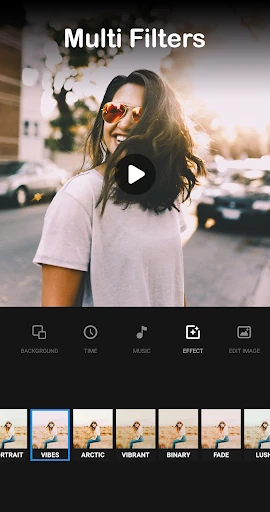
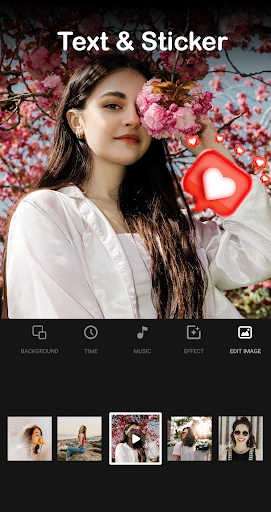
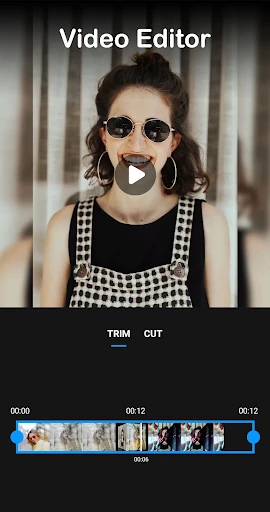
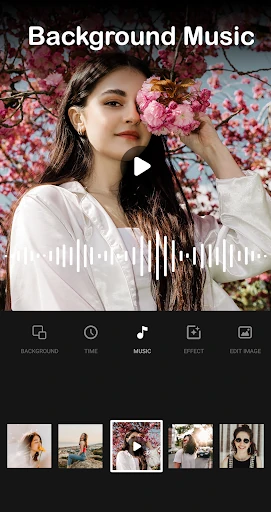
Click to download now, finish the installation quickly, and directly unlock the all-round experience
Photo Video Maker with Music is a mobile editor for making slideshows from selected photos and adding music to the result. It suits people who want to put together a personal video from pictures without working through a complex editing timeline. The app is listed in the Video Players & Editors category and is developed by BDH Apps.
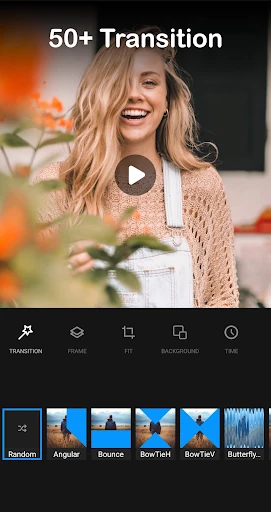
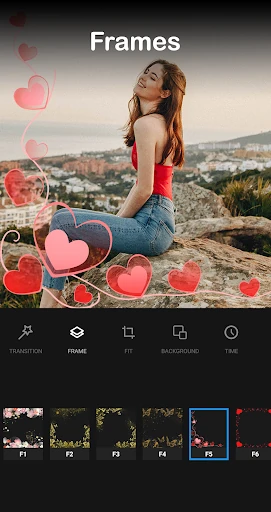
Before assembling a slideshow, you can adjust photos with tools for cropping, rotating and applying filters. The app also offers transitions between images, letting you shape how the slideshow moves from one picture to the next. These tools are aimed at straightforward edits rather than detailed, multi-track production.
You can add music from files on your device, and the app includes options to trim and combine video clips. That makes it useful for basic projects that mix images, audio and footage, such as a short recap or a collection of memories. Music availability depends on what you have on your device.
This is a practical option for users who want to create a photo-led video with a few editing choices and minimal setup. Its photo adjustments and clip tools cover common tasks, while the simpler approach may not suit creators who need layered timelines or more precise control over a complex project.
Google Play lists Photo Video Maker with Music at a rating of 4.66 out of 5, based on 401,616 ratings, with 10,000,000+ installs. Those figures offer a quick indication of its reach and how users have rated it. Check the listing for the current app details before choosing whether it fits your needs.