Record what is happening on your screen
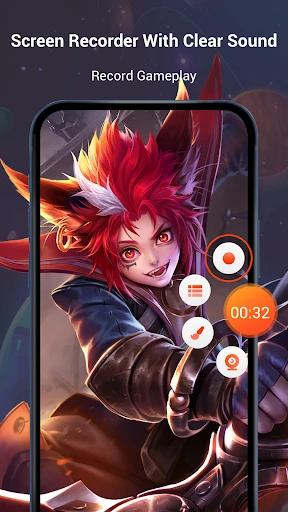
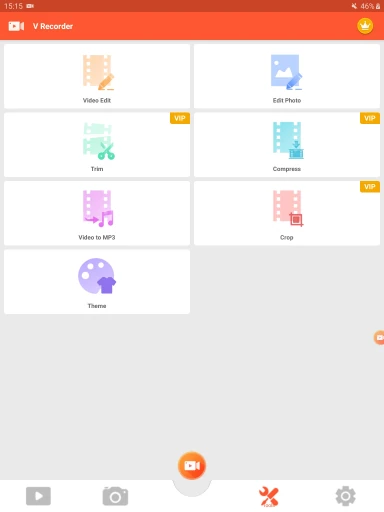
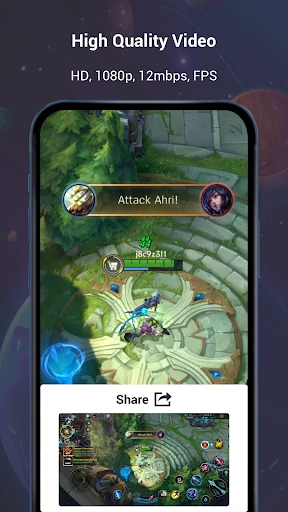
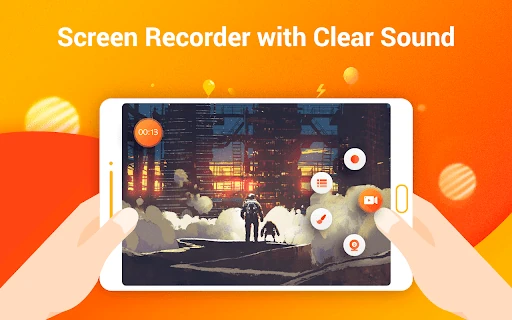
Screen Recorder Video Recorder captures activity on an Android screen, making it suited to people who want to save gameplay, record a walkthrough or explain how to use an app. It also offers an editing suite, so recordings can be trimmed and adjusted without immediately switching to another editor.
Capture and edit in one app
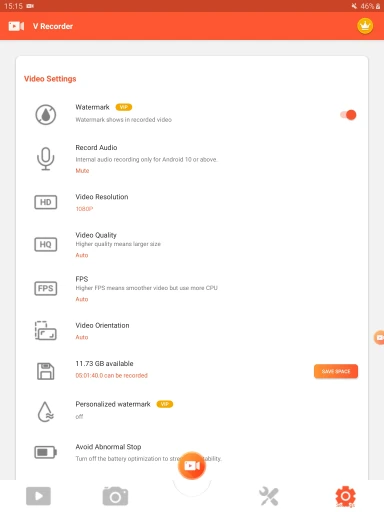
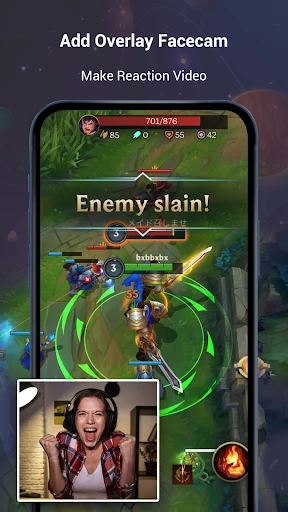
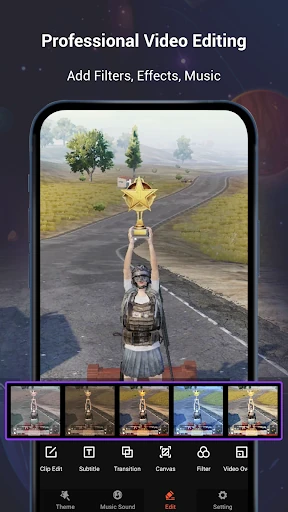
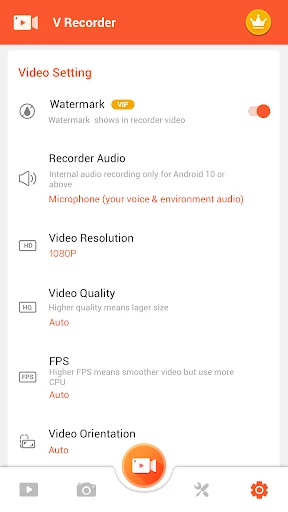
Recording options include capturing internal audio and using an overlay camera to add a facecam or reaction. Editing tools include speed controls, layered editing and music, giving creators ways to shape footage before sharing it. The range may suit users who want more than a basic screen capture, though those looking only to record a quick clip may not need every editing option.
Play Store details
The app is listed in the Video Players & Editors category and is developed by VIDEOSHOW Video Editor & Maker & AI Chat Generator. Its Google Play rating is 4.43 out of 5, based on about 1.67 million ratings, and the listing reports 100 million or more installs. Those figures offer a useful sense of its reach, while individual recording needs and preferences can still vary.
Who it may suit
Consider it if you want screen recording alongside tools for polishing clips, especially for game footage, demonstrations or tutorials. The camera overlay and audio options can help when a recording needs narration or a visible presenter. If you need only a simple capture tool, compare the available controls with the way you plan to record and edit.