Advertisement
Click to download now, finish the installation quickly, and directly unlock the all-round experience
Advertisement
Screenshots
Click to download now, finish the installation quickly, and directly unlock the all-round experience
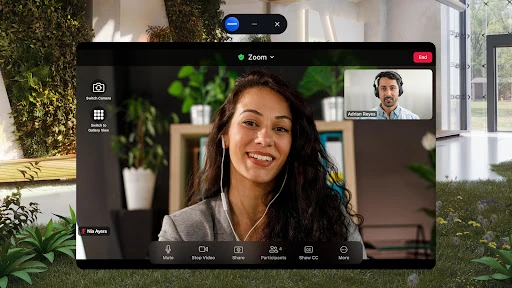
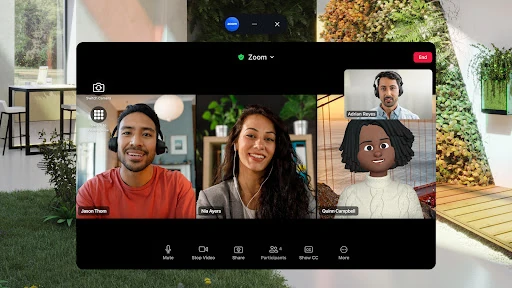
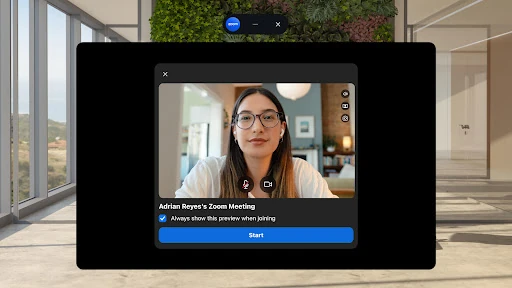
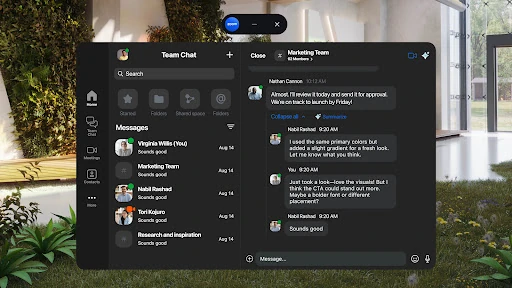
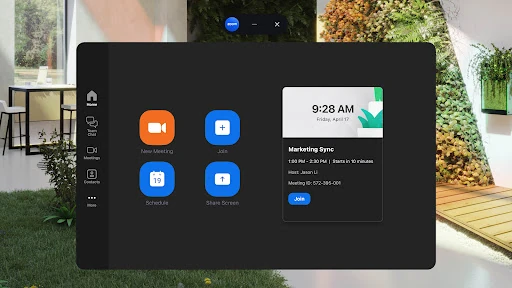
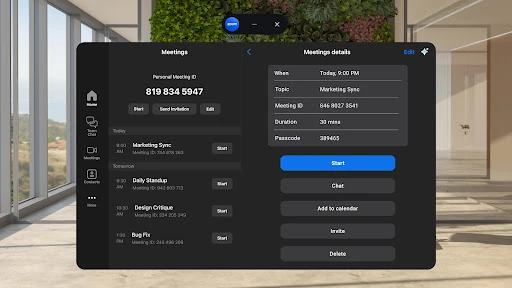
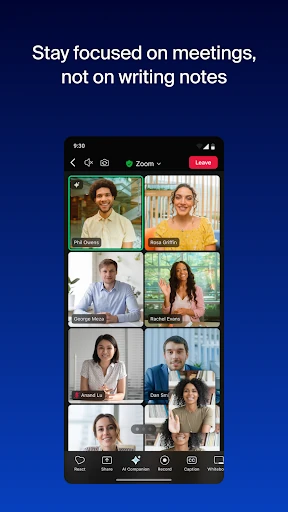
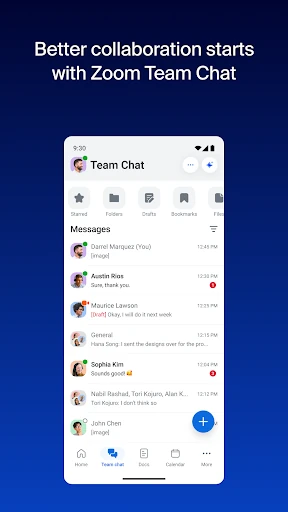
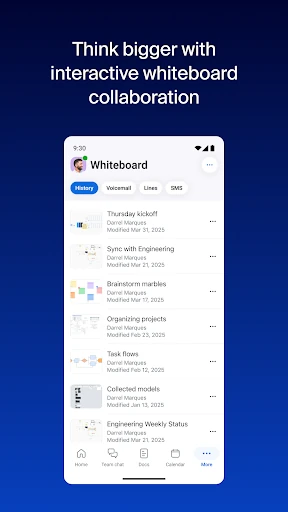
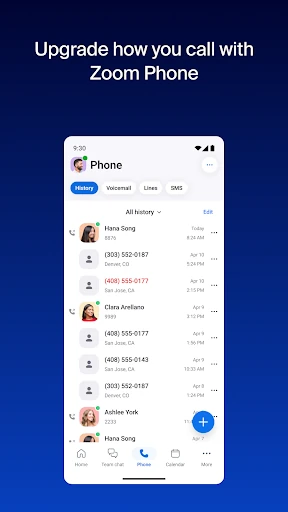
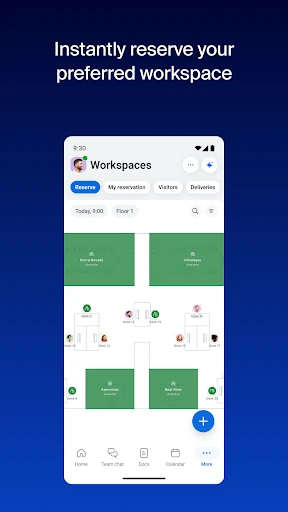
Zoom Workplace is a business communication app for people who need to join video meetings, talk with colleagues and work together remotely. It suits individuals and teams who use Zoom for work, whether they are taking part in a scheduled meeting or catching up through chat. The app also brings collaboration tools such as shared documents and virtual whiteboards into the same workplace environment.
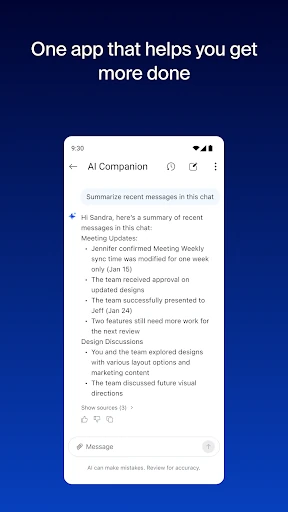
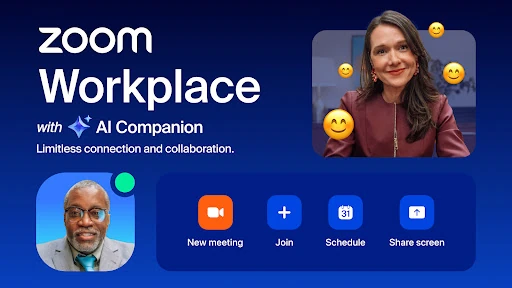
On Android, Zoom Workplace lets users take part in video sessions from a mobile device and move between communication and collaboration tasks. Depending on the account and availability, tools can include meeting summaries and help with drafting content through AI Companion. These options may be useful for people who want to review a discussion or organise follow-up work, though access to particular features can vary by plan or region.
The range of tools is broader than basic video calling, which may be helpful for teams already working with Zoom. It can also mean there is more to explore if all you need is a quick call. The app is part of the Business category.
Zoom Workplace is listed under developer zoom.com. Its Google Play rating is about 4.1 out of 5, based on more than 4.5 million ratings. The listing reports 1 billion-plus installs, indicating that the app is used across a very large audience. These figures provide a snapshot of its Play Store listing; they do not guarantee that every feature will suit every user.
Consider Zoom Workplace if your meetings or work conversations already run through Zoom, or if you want meeting, chat and collaboration functions in one app. Before relying on advanced tools, check whether they are available for your account. For occasional video calls, the added workplace features may be more than you need.