Flud - Torrent Downloader
Delphi Softwares
Downloads
10,000,000+
Source
Google Play
Advertisement
Click to download now, finish the installation quickly, and directly unlock the all-round experience
Advertisement
Screenshots
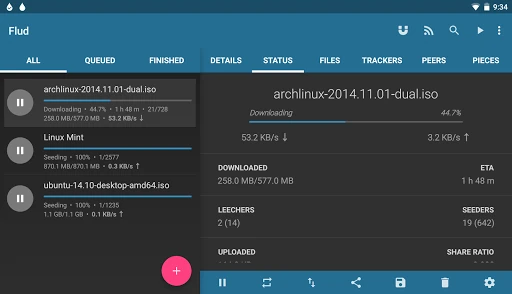
Click to download now, finish the installation quickly, and directly unlock the all-round experience
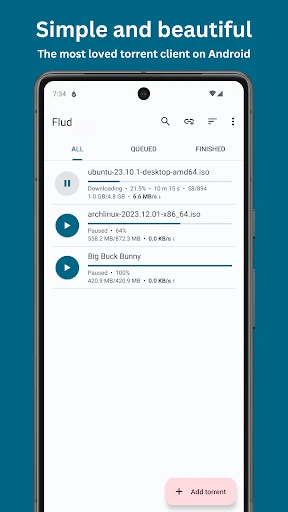
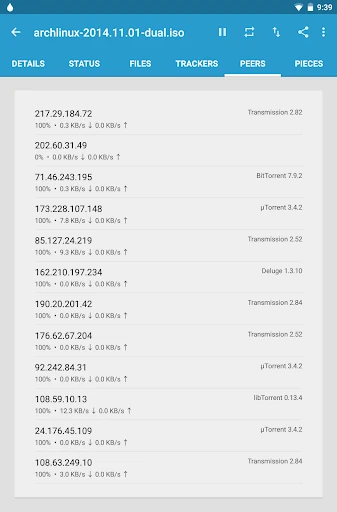
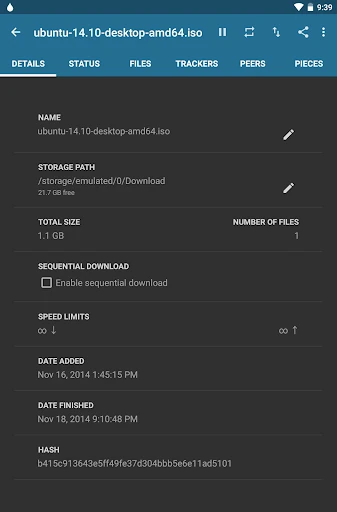
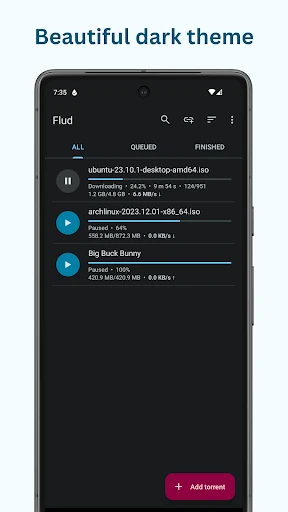
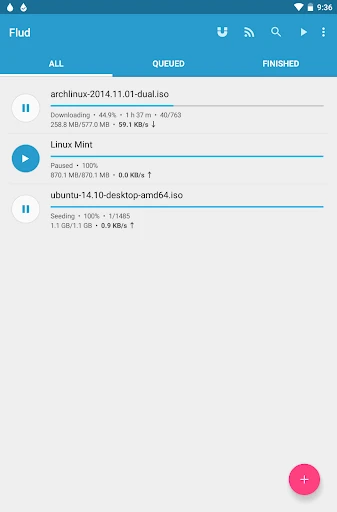
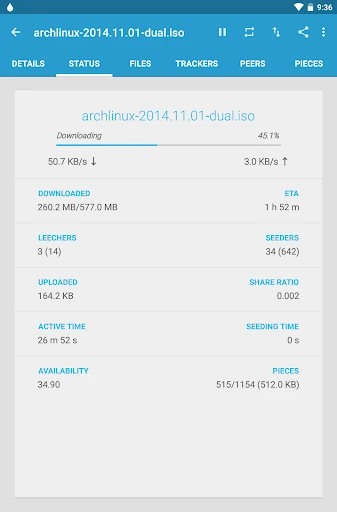
Flud - Torrent Downloader is a BitTorrent client for Android. It lets users manage torrent downloads and uploads on a phone or tablet, making it suited to people who use peer-to-peer transfers and want to keep track of them from a mobile device. The listing places it in Video Players & Editors, though its main purpose is handling torrent transfers rather than playing video.
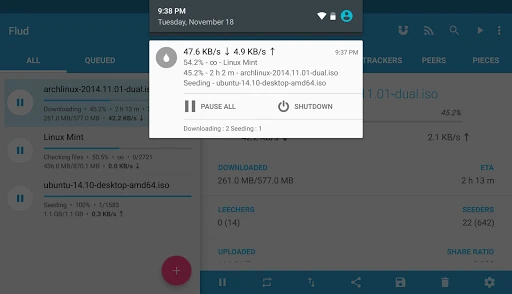
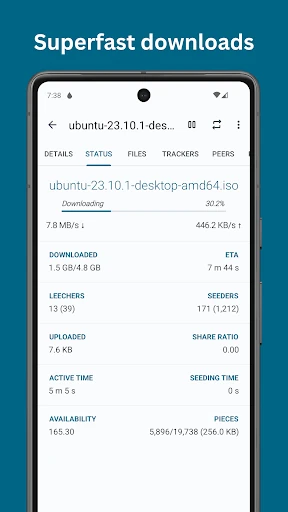
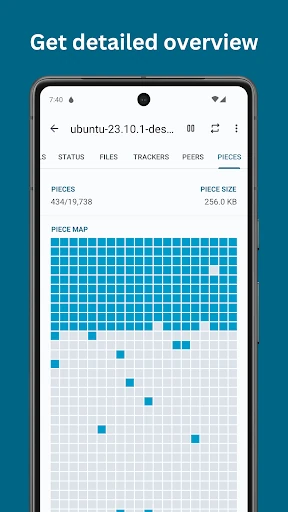
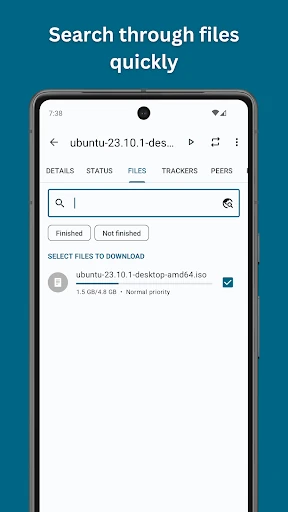
Flud supports magnet links and lets you select individual files within a torrent, rather than having to download every file in a group. File priorities can help you decide what should finish first. The app also supports RSS feeds with automatic downloading, which can suit users who regularly follow feeds for new items. These tools give users more control over what enters a device and how transfers are managed.
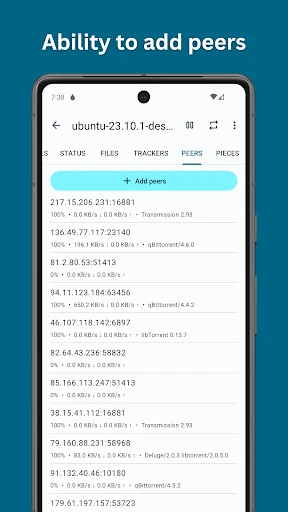
Settings include support for protocols such as DHT, UPnP and NAT-PMP, along with encryption, IP filtering and proxy configuration. These options may be useful for people who want to adjust how the client connects, while beginners can use the core torrent features without changing every setting. A Wi-Fi-only option can help users avoid transferring data over a mobile connection.
Flud is published by Delphi Softwares. Its Google Play listing shows a rating of 4.59 out of 5, based on 443,522 ratings, and 10,000,000+ installs. Those figures offer a quick sense of its reach and user feedback, though they do not guarantee that the app will suit every device or network. Check the Play Store listing for the current app details before choosing it.