Advertisement
Click to download now, finish the installation quickly, and directly unlock the "all-round experience"
Advertisement
Screenshots
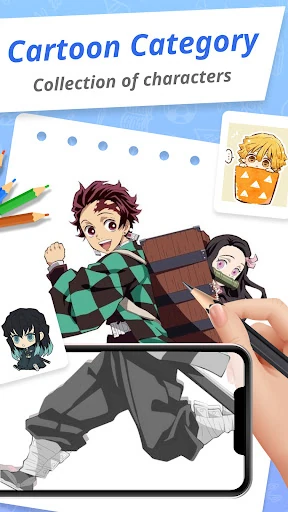
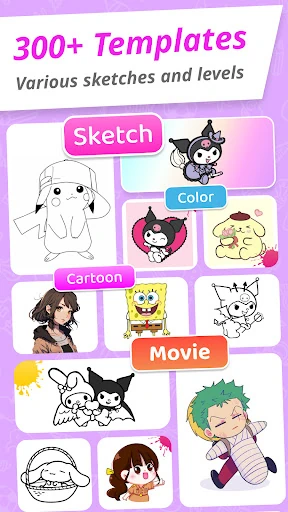
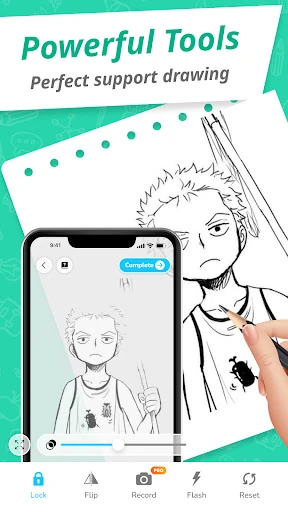
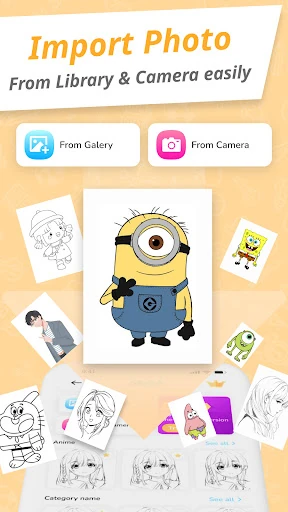
Click to download now, finish the installation quickly, and directly unlock the "all-round experience"
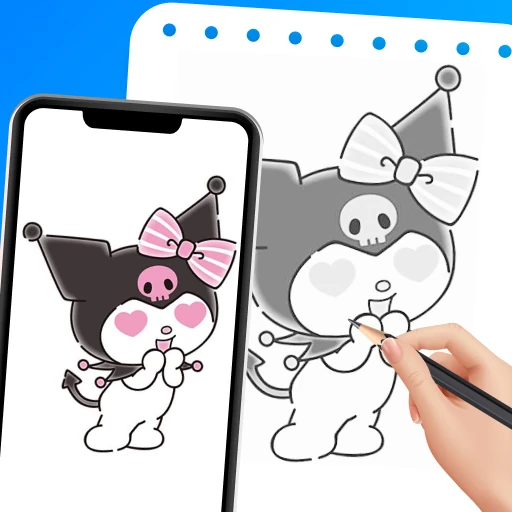
Draw Cartoon - AR Sketch App emerges as a practical bridge between digital assistance and traditional hand-drawn illustration. Positioned within the competitive Art & Design landscape, this application leverages Augmented Reality (AR) to demystify the complexities of character sketching for the masses. Unlike high-end professional suites, this tool focuses on the "tracing" methodology—an essential pedagogical step for hobbyists and fans of popular culture. By projecting digital templates onto physical surfaces via the device's camera, it effectively lowers the barrier to entry for aspiring artists, providing a structured environment for developing muscle memory and proportional accuracy.
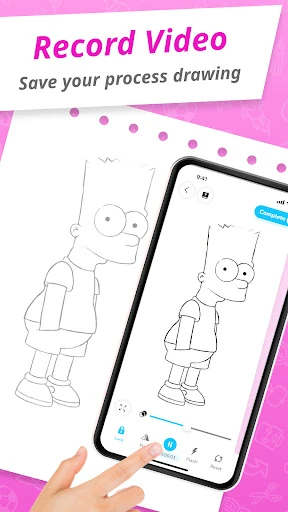
The user interface of Draw Cartoon - AR Sketch App is built on a philosophy of functional minimalism. Recognizing that the user's primary focus is on the physical paper, the UI stays out of the way, utilizing clean icons and a non-intrusive layout. The UX flow is logical: the app provides clear instructions on physical setup (positioning the phone parallel to the table), which is a critical step often overlooked in AR applications. While the aesthetic is straightforward, the responsiveness of the camera feed and the ease of the "Lock and Reset" functions indicate a design prioritized for the ergonomics of drawing.
To further elevate the application, the developers should consider implementing an "Auto-Stabilization" mode to compensate for minor phone vibrations during the tracing process. Additionally, adding a layer of basic digital editing—such as a brightness/contrast slider for the templates—would help users better distinguish lines when working on different colored papers. Finally, expanding the library to include "Anatomy Basics" templates would transition the app from a simple tracing tool into a more comprehensive educational platform.
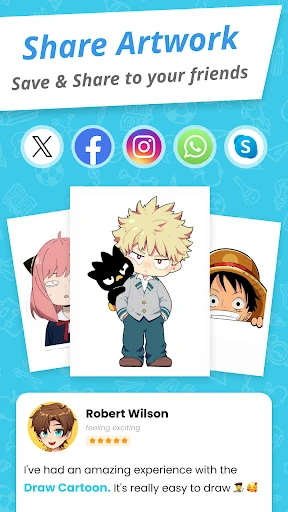
Draw Cartoon - AR Sketch App is a specialized tool perfectly suited for young learners, hobbyist fans of animation, and social media creators looking for an easy way to produce drawing process videos. It successfully transforms the smartphone into a modern-day "camera lucida." While it may not replace the need for formal art training, it serves as an excellent gateway tool for those who want to see immediate, tangible results in their artistic journey. It is highly recommended for parents looking for educational art tools and beginners seeking to master character proportions.