
Advertisement
Click to download now, finish the installation quickly, and directly unlock the "all-round experience"
Advertisement
Screenshots
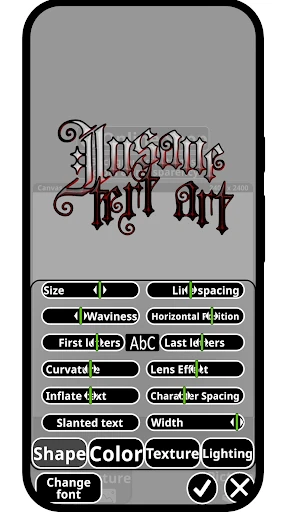
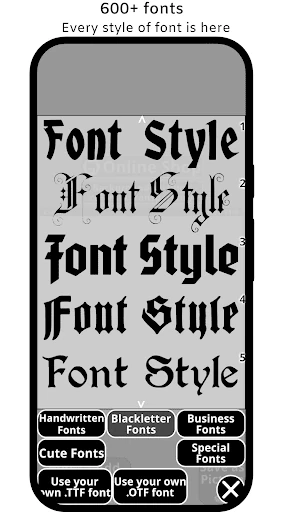
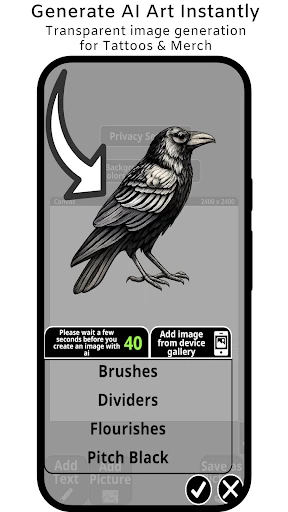
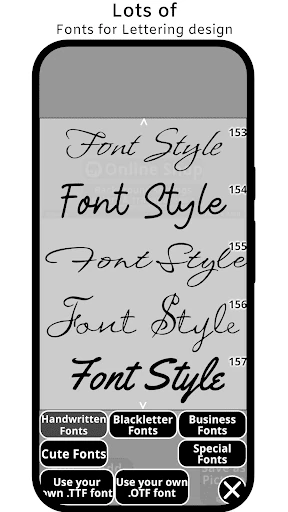
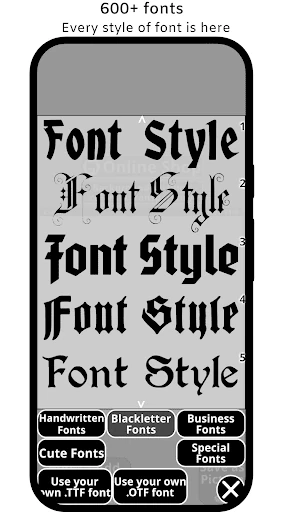
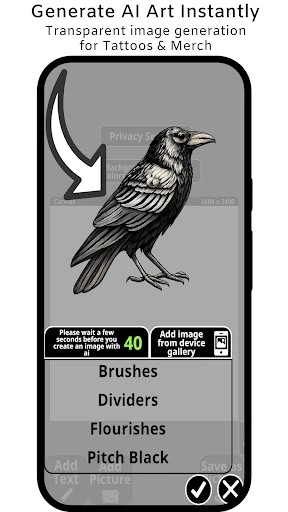
Click to download now, finish the installation quickly, and directly unlock the "all-round experience"
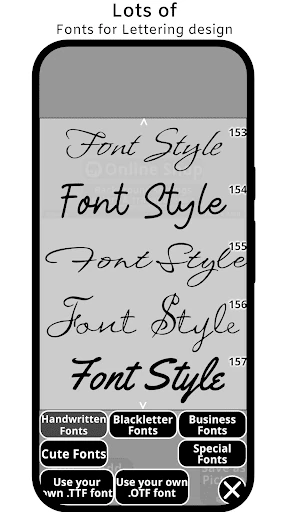
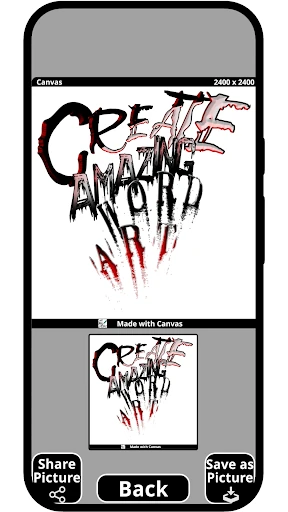
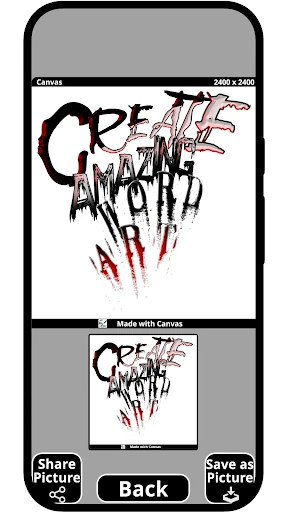
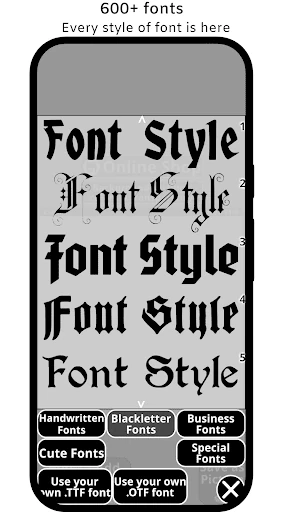
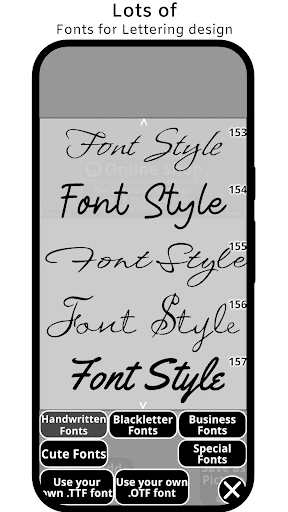
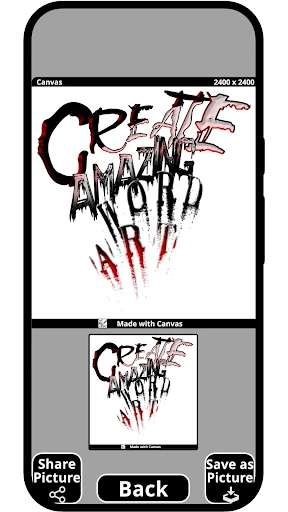
xCanvas emerges as a specialized powerhouse within the Art & Design landscape, bridging the gap between digital typography and physical craftsmanship. By focusing on the niche yet high-demand markets of tattoo artistry and logo creation, it offers a tailored suite of tools that general graphic design apps often overlook. xCanvas positions itself as an authoritative utility for professional designers, providing a high-level environment for font manipulation that is both technically robust and aesthetically focused.
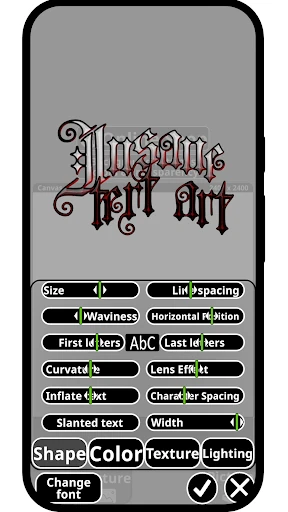
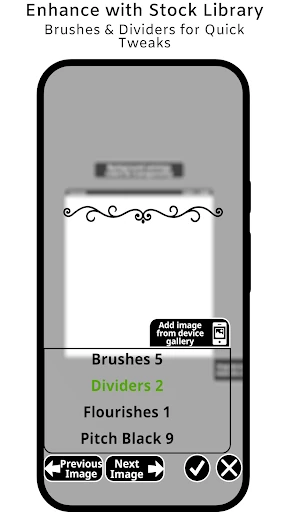
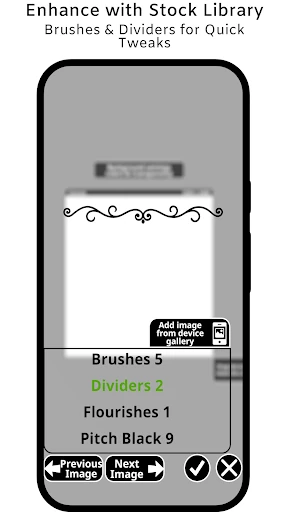
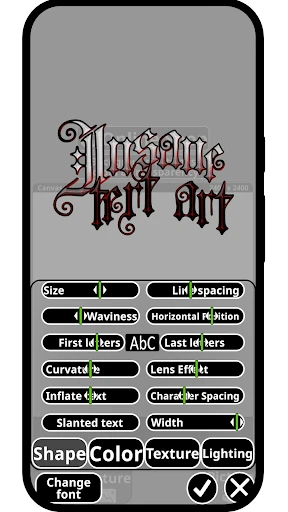
The UI of xCanvas is designed with the artist's workflow in mind, prioritizing the canvas area while keeping complex typography tools accessible. In the Art & Design category, users expect precision, and xCanvas delivers this through a clean interface that manages layering and text shaping without overwhelming the user. The UX succeeds by turning complex typographic transformations—like 3D rotation and curvature—into intuitive mobile gestures, making it accessible for both seasoned calligraphers and hobbyists.
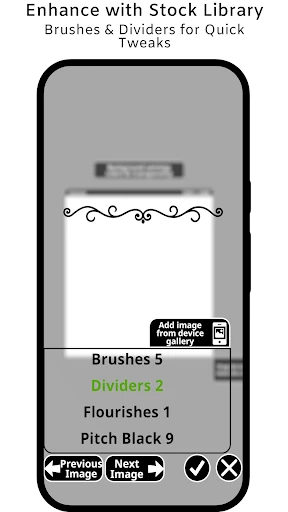
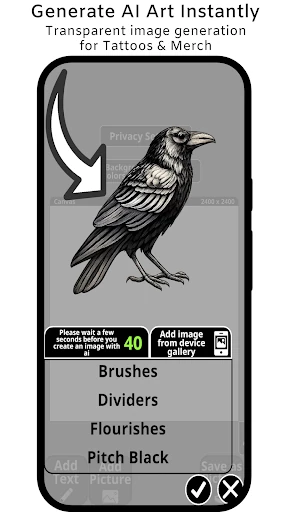
To truly dominate the professional space, xCanvas could benefit from the inclusion of vector export options (such as SVG) to allow for infinite scaling in professional printing and stencil making. Additionally, integrating an AI-powered font pairing assistant would help users who struggle with typography hierarchy to create more cohesive logo designs automatically.
xCanvas is the definitive tool for tattoo artists, brand designers, and calligraphy enthusiasts who require more than just standard text options. Its robust engine for bending and layering text makes it a "must-have" for anyone serious about lettering. We recommend this app to professional ink artists and creative entrepreneurs looking to build a distinct visual identity directly from their mobile device.