Advertisement
Click to download now, finish the installation quickly, and directly unlock the "all-round experience"
Advertisement
Screenshots

Click to download now, finish the installation quickly, and directly unlock the "all-round experience"
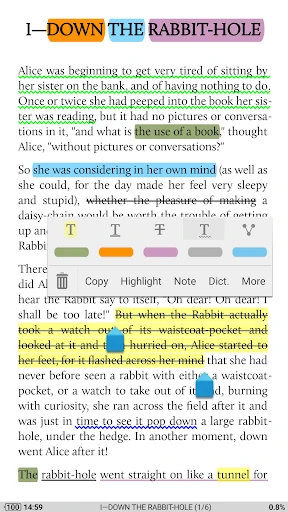
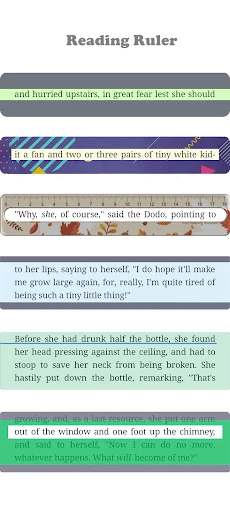
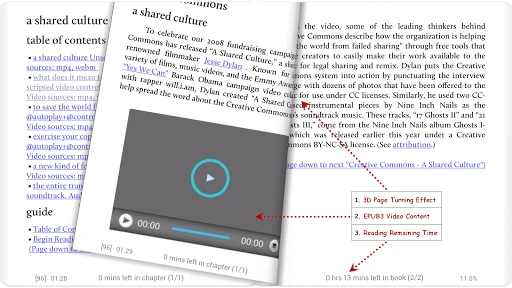
Moon+ Reader stands as a cornerstone of the Android Books & Reference category, widely regarded as the gold standard for local ebook management and customization. While many competitors lean into proprietary ecosystems, Moon+ Reader differentiates itself by offering unparalleled control over the reading experience across a staggering array of file formats. It is an essential tool for bibliophiles who possess their own digital libraries and demand a granular level of visual and functional agency that mainstream apps like Kindle or Google Play Books simply do not provide.
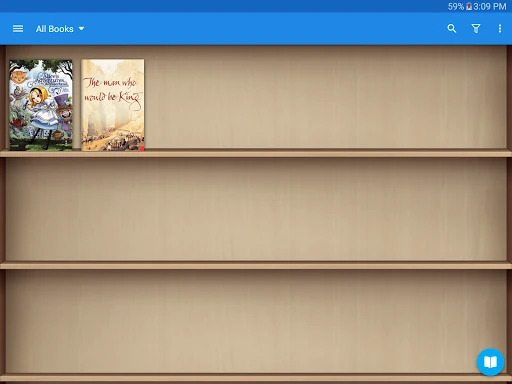
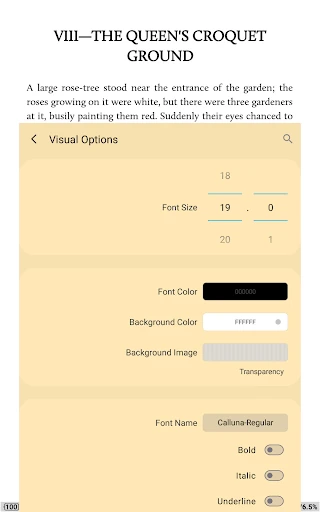
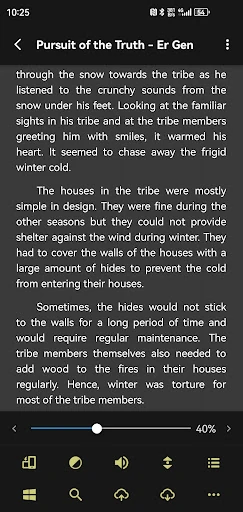
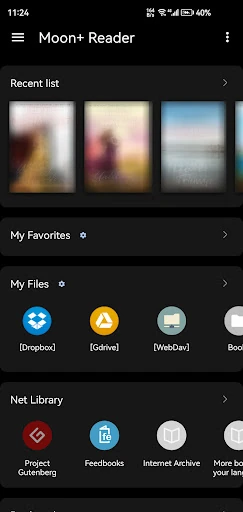
The user interface of Moon+ Reader is built on a philosophy of "function over form." While the default "My Bookshelf" design is clean and intuitive, the app’s true strength—and potential weakness for casual users—lies in its deep menu structures. The UX is highly rewarding for power users who enjoy "tinkering," but the sheer volume of settings can be daunting for novices. However, the inclusion of over 10 embedded themes and a seamless Day/Night mode switcher ensures that once configured, the interface recedes into the background to prioritize the content itself.
To further solidify its market lead, Moon+ Reader could benefit from a modernized UI overhaul that adopts more contemporary design languages, such as simplified navigation drawers and more fluid animations. Additionally, while the "All Files Access" is necessary for its robust file management, a more streamlined onboarding tutorial could help explain these permissions to privacy-conscious users. Finally, improving the native PDF rendering engine to handle high-resolution, image-heavy files more smoothly would close the gap with dedicated PDF experts.
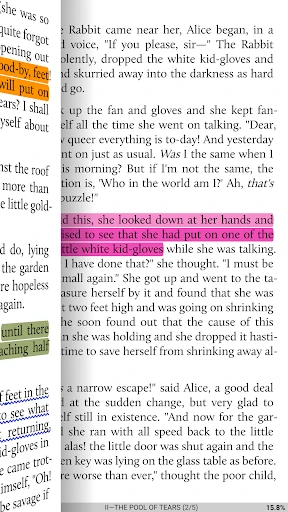
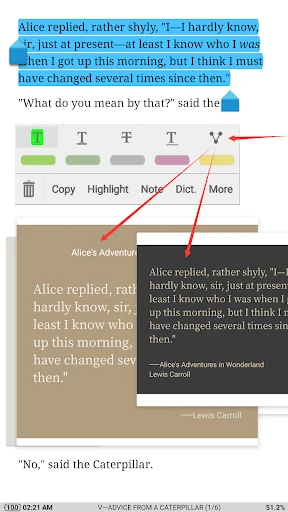
Moon+ Reader is the definitive choice for "power readers"—users who manage their own ebook collections and want a tailored, distraction-free environment. It is particularly well-suited for students, researchers, and comic book fans who require advanced annotation and format versatility. If you want an app that adapts to you, rather than forcing you to adapt to it, Moon+ Reader remains the most powerful e-reader on the market.