Advertisement
Click to download now, finish the installation quickly, and directly unlock the "all-round experience"
Advertisement
Screenshots
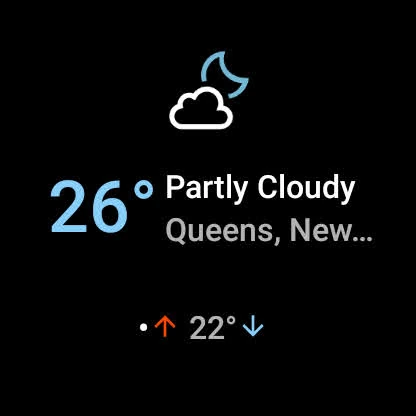
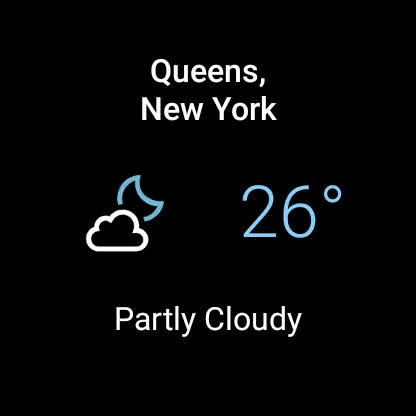
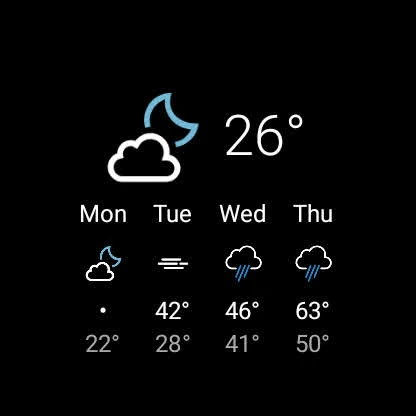
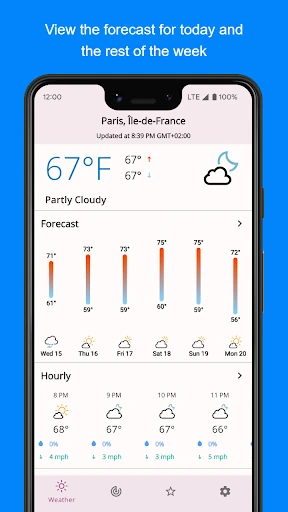
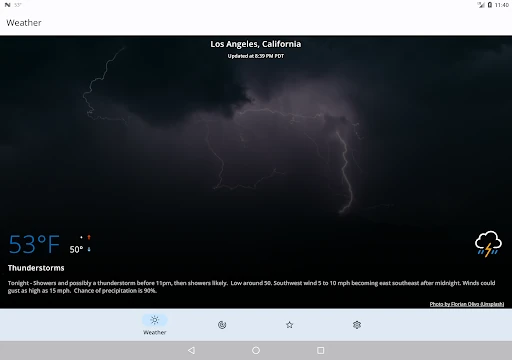
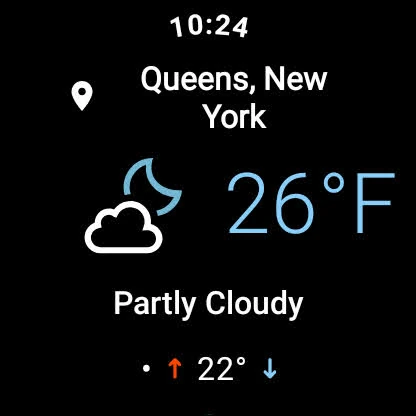
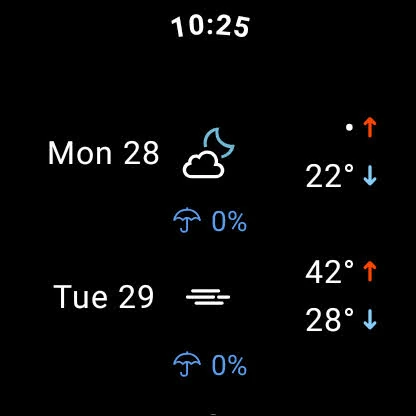
Click to download now, finish the installation quickly, and directly unlock the "all-round experience"
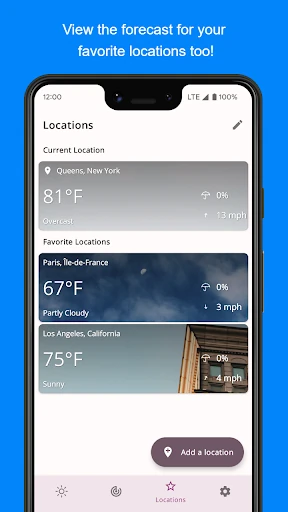
SimpleWeather establishes itself as a minimalist powerhouse in a category often cluttered with intrusive advertising and unnecessary bloat. By focusing on a clean, "function-first" philosophy, SimpleWeather provides a streamlined experience that prioritizes data transparency and user control. It distinguishes itself from the competition by offering an impressive array of weather providers, ranging from Apple Weather to the U.S. National Weather Service, allowing users to tailor their data accuracy based on their specific geographic location. This is a sophisticated tool disguised as a simple utility, catering to users who value privacy and performance over visual spectacle.
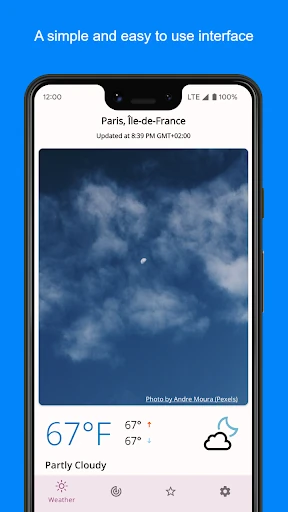
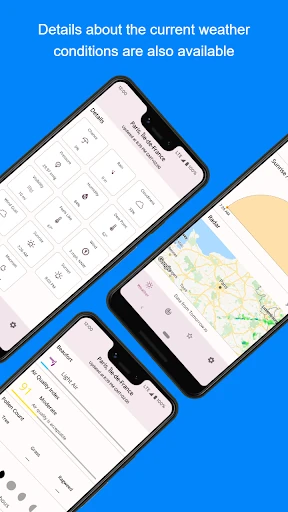
The user interface of SimpleWeather is intentionally understated, adhering to clean design principles that make navigation intuitive for any user level. The UX relies on familiar gestures, such as pull-to-refresh and long-pressing for location management, which reduces the learning curve significantly. While it lacks the flashy animations found in "lifestyle" weather apps, its layout is highly efficient, presenting vital statistics—pressure, humidity, and wind conditions—in a legible, hierarchical format. The design excels in its "glanceability," which is the primary metric of success for any utility-focused weather application.
To further elevate the platform, the developer could consider integrating a more seamless onboarding process for third-party API keys, perhaps through a simplified web-view guide. Additionally, while the app remains lightweight, the integration of a native, high-resolution radar layer—rather than relying on external links—would provide a more cohesive "all-in-one" experience for power users who track storm cells in real-time.
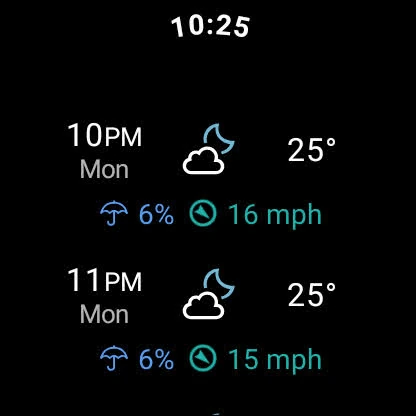
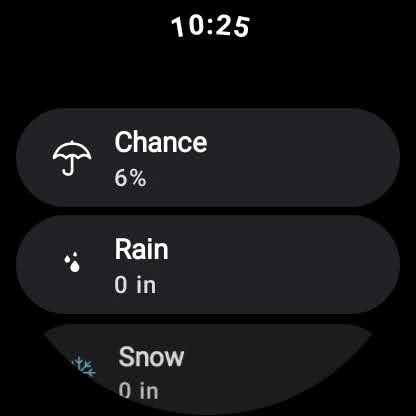
SimpleWeather is the definitive choice for the "Pro-sumer" and the minimalist alike. It is specifically designed for users who are frustrated by the monetization of weather data and who want a fast, reliable, and private way to check the forecast. It is highly recommended for Android enthusiasts and Wear OS users who prioritize data integrity and battery efficiency over aesthetic fluff. It is a rare example of an app that does exactly what it promises without any hidden costs.