🏆 Expert Verdict & Overview
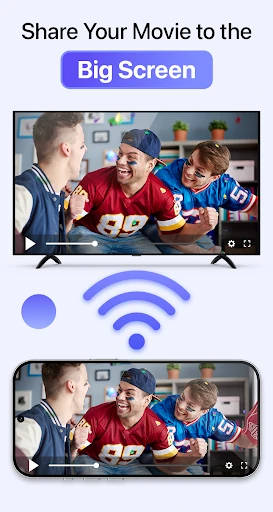
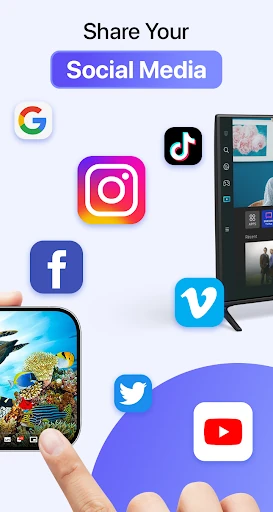
Cast to TV & Screen Mirroring is a robust utility that bridges the gap between small-screen mobility and big-screen immersion. Positioned as a versatile contender in the Tools landscape, it excels by simplifying the technical complexities of wireless protocols like DLNA and AirPlay into a user-friendly package. By focusing on cross-brand compatibility—supporting everything from Chromecast to Roku and major Smart TVs—it serves as a universal remote and streaming hub that eliminates the need for proprietary hardware or cumbersome cables.
🔍 Key Features Breakdown
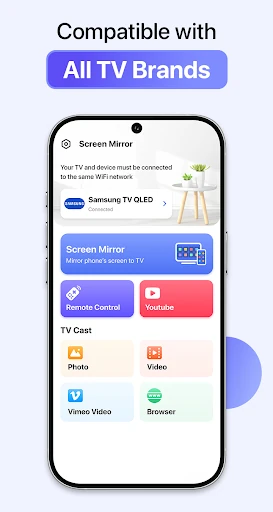
- Universal Device Compatibility: Seamlessly connects with Roku, Amazon Fire TV, Chromecast, and major TV brands like Samsung and LG, ensuring users aren't locked into a single ecosystem.
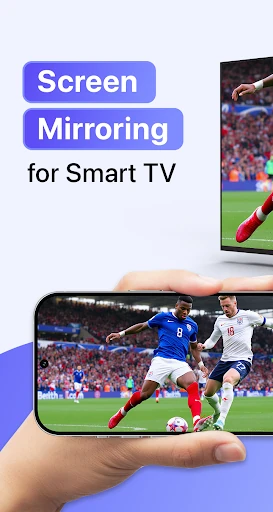
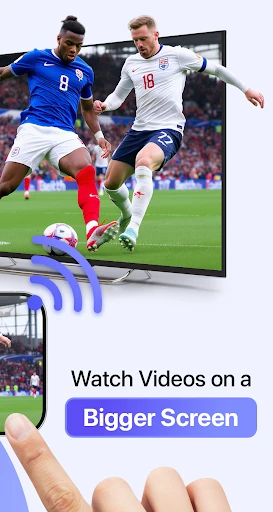
- Real-Time Screen Mirroring: Solves the problem of restricted viewing by projecting the entire phone interface onto a TV for gaming, presentations, or app demonstrations.
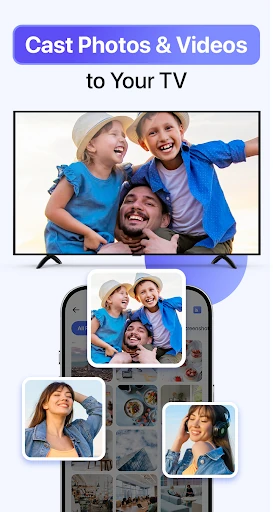
- Multi-Format Media Streaming: Allows users to cast specific file types including high-resolution photos, videos, and music, optimizing bandwidth for smoother playback compared to full mirroring.
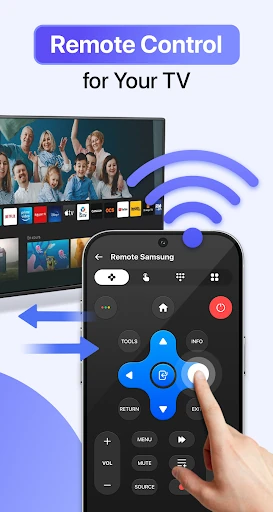
- Integrated Playback Controls: Turns the smartphone into a centralized remote, allowing users to manage volume, navigation, and playback directly from their handset.
- Automatic Device Discovery: Simplifies the technical setup by scanning the local Wi-Fi network to find compatible receivers instantly.
🎨 User Experience & Design
The app prioritizes a "function-first" philosophy, which is essential for the Tools category. The interface is built around a streamlined three-step workflow that reduces the cognitive load on the user. By utilizing a clean, intuitive layout, the app ensures that the connection process feels invisible rather than technical. The UI design effectively guides users through the initial Wi-Fi handshake, minimizing friction during the setup phase. While the aesthetic is utilitarian, the responsiveness of the device discovery feature provides a sense of reliability and modern efficiency.
⚖️ Pros & Cons Analysis
- ✅ The Good: Exceptional versatility across different hardware brands, making it a "Swiss Army Knife" for screen sharing.
- ✅ The Good: Low latency performance that is critical for real-time activities like mobile gaming or interactive presentations.
- ❌ The Bad: Performance is strictly tied to the quality of the local Wi-Fi network, which can lead to stuttering in congested environments.
- ❌ The Bad: Limited advanced features for power users, such as the lack of built-in cloud storage integration or localized subtitles for casted videos.
🛠️ Room for Improvement
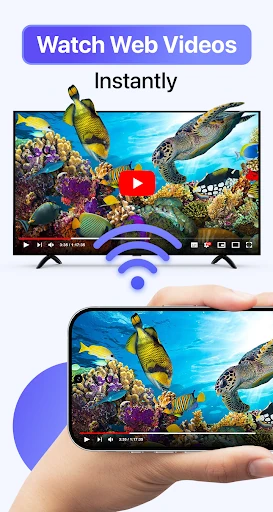
Future updates could benefit from an integrated web browser designed specifically for video sniffing, allowing users to cast web-based content more easily. Additionally, implementing a "Low Bandwidth Mode" would help maintain stability on older routers. Adding a screen-casting scheduler or a dedicated "Do Not Disturb" toggle that automatically activates during mirroring would further refine the professional use case for office presentations.
🏁 Final Conclusion & Recommendation
Cast to TV & Screen Mirroring is an essential tool for two primary audiences: home users looking to transform their living room into a cinema and professionals needing a portable presentation solution. It is a highly recommended download for anyone seeking to bypass the limitations of physical connectors. The app delivers a stable, high-quality experience that successfully democratizes screen-sharing technology for the average user.