Advertisement
Click to download now, finish the installation quickly, and directly unlock the "all-round experience"
Advertisement
Screenshots
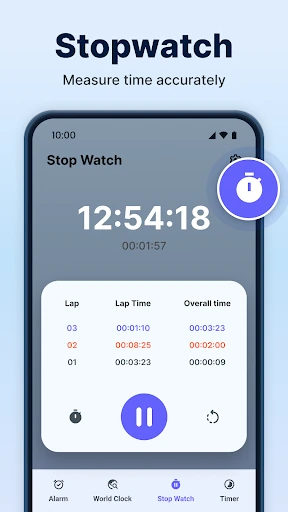
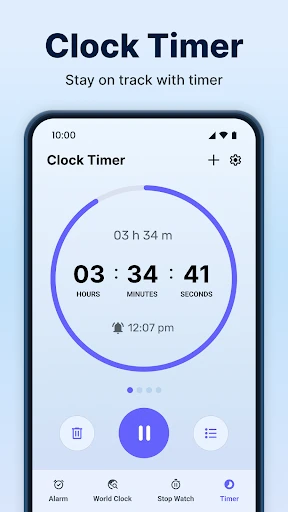
Click to download now, finish the installation quickly, and directly unlock the "all-round experience"
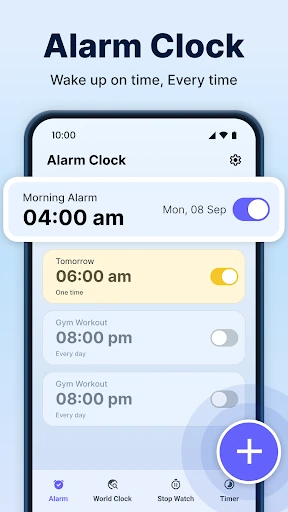
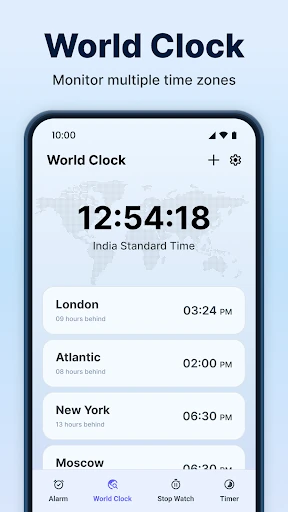
Alarm Clock by JKSOL is a versatile entry in the Productivity category that transcends the basic "wake-up" utility. While the market is saturated with simple clock tools, this application distinguishes itself by integrating post-communication workflows and background task management. It functions not just as a morning disruptor, but as a lightweight personal assistant designed to capture action items immediately after phone calls. From a tech analyst's perspective, it represents a shift toward "contextual productivity," where utility apps attempt to bridge the gap between communication and task scheduling.
The UI focuses on high-contrast visibility and accessibility, which are critical for an app intended for use during the "sleep-to-wake" transition. The user experience is defined by its utility-first approach; the inclusion of notification-shade interactions for the timer shows a deep understanding of Android's multitasking capabilities. In the context of Productivity apps, the layout is logical, though it prioritizes functional speed over minimalist aesthetics. The after-call overlay is designed to be non-intrusive yet impossible to ignore, striking a balance necessary for effective habit-forming reminders.
To truly dominate the Productivity space, the developers should consider adding cloud synchronization for alarms across multiple devices. Furthermore, integrating "Sleep Hygiene" analytics or a "Wind Down" mode would create a more holistic experience. Adding bio-rhythmic alarm sounds (progressive volume) and more advanced "After-Call" options—such as direct integration with popular third-party To-Do lists—would further solidify its position as a pro-user tool.
This app is best suited for busy professionals and "heavy sleepers" who struggle with follow-through after phone calls or need a more robust notification-based timing system. It is a solid, reliable utility that provides more value than the stock Android clock. Our final recommendation is that this is a must-download for users who find themselves frequently forgetting to schedule follow-up appointments after ending a call.