Photo Lab Picture Editor & Art
PHOTO LAB DMCC
Downloads
100,000,000+
Version
Latest
Advertisement
Click to download now, finish the installation quickly, and directly unlock the "all-round experience"
Advertisement
Screenshots

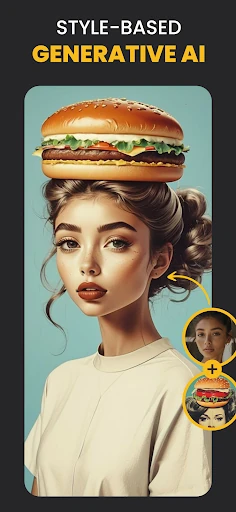
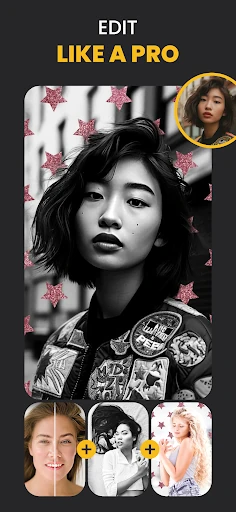
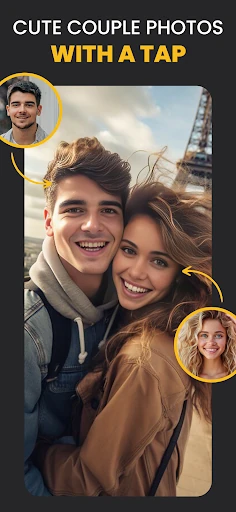
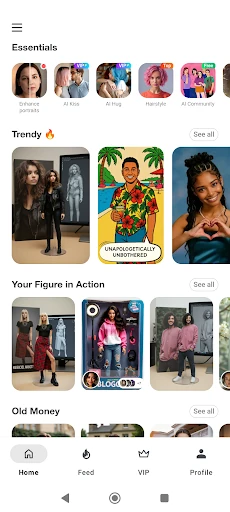
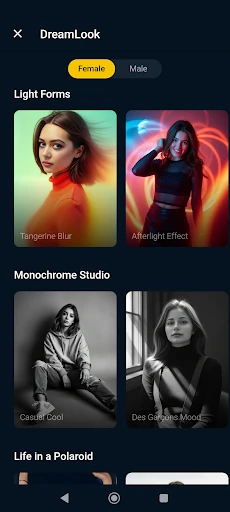
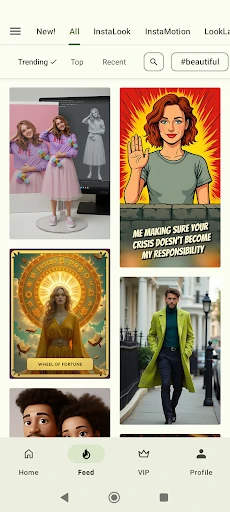
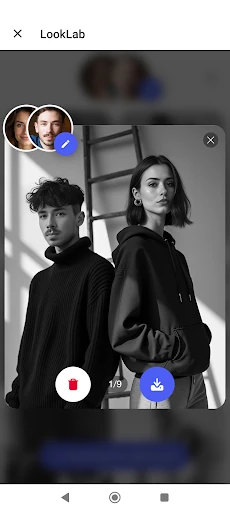
Click to download now, finish the installation quickly, and directly unlock the "all-round experience"
Photo Lab Picture Editor & Art stands as a sophisticated pillar in the creative photography landscape, distinguishing itself by bridging the gap between professional digital artistry and consumer-level accessibility. Unlike standard editors that focus solely on color correction, Photo Lab leverages cloud-based AI processing to deliver high-fidelity transformations that would traditionally require hours of manual work in desktop software. It occupies a unique niche for users who prioritize artistic expression and social media aesthetics over technical metadata adjustments.
The UI of Photo Lab is designed around the "one-tap" philosophy, which is critical for the mobile photography category. The interface prioritizes visual browsing, allowing users to see potential outcomes through template previews before applying them to their own images. This lowers the barrier to entry significantly. Because the application is internet-based, the local footprint is kept minimal, ensuring that even devices with limited storage can access high-resolution rendering. However, the reliance on a stable connection is a trade-off for the sheer processing power the app offers.
For future updates, the introduction of a "lite" offline mode featuring basic color grading and cropping tools would enhance the app's versatility. Additionally, adding more granular manual controls—such as the ability to adjust the intensity of neural styles or fine-tune AI-generated masks—would appeal to "prosumer" users who want more creative agency over the final output.
Photo Lab Picture Editor & Art is the premier choice for social media enthusiasts, digital hobbyists, and anyone looking to inject a high degree of creativity into their personal branding. It is not a replacement for technical editors like Lightroom, but rather a powerful companion for artistic transformation. We highly recommend this app for users who want professional-grade visual effects without the steep learning curve of traditional editing suites.