Advertisement
Click to download now, finish the installation quickly, and directly unlock the "all-round experience"
Advertisement
Screenshots
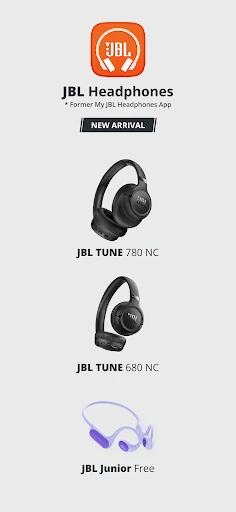
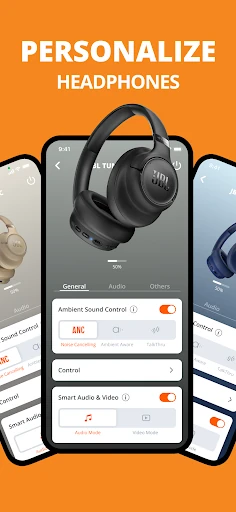
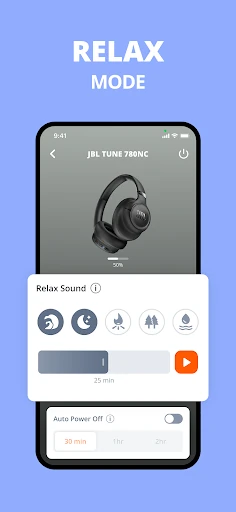
Click to download now, finish the installation quickly, and directly unlock the "all-round experience"
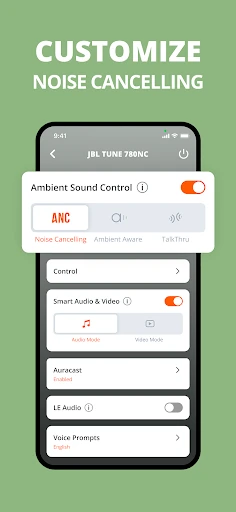
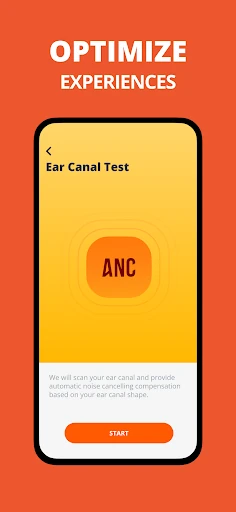
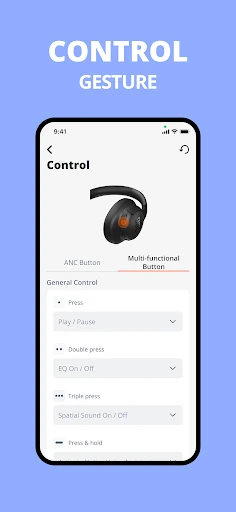
The JBL Headphones app serves as the essential digital companion for the brand's expansive audio ecosystem, bridging the gap between hardware and software to provide a truly personalized listening experience. Within the competitive Music & Audio landscape, this application stands out by offering authoritative control over acoustics and device behavior, transforming standard peripherals into tailored audio tools. It is a robust utility designed to empower users with granular adjustments that are often unavailable through native OS settings, making it a mandatory install for any JBL hardware owner.
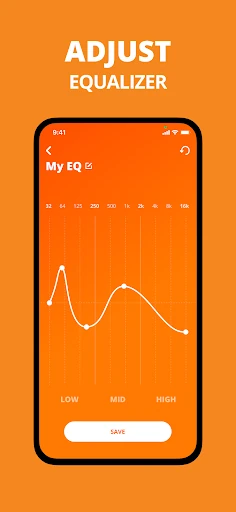
The user interface of the JBL Headphones app is characterized by a clean, modern aesthetic that aligns with contemporary UI/UX standards in the audio category. Navigation is predominantly card-based, which makes finding specific settings for noise cancellation or battery status straightforward. The visual feedback provided during EQ adjustments—where users can see the wave changes in real-time—is particularly satisfying. However, because the app supports an incredibly broad range of devices, users with entry-level models may find the interface slightly cumbersome as they navigate past features their hardware does not support.
To further elevate the user experience, JBL should consider implementing a more unified "Find My Buds" feature across a wider range of the product line. Additionally, the firmware update process could be streamlined to be more resilient against connection drops. Introducing a "Light Mode" for the interface and providing more descriptive tooltips for technical terms like "Smart Ambient" would also benefit less tech-savvy users who want to optimize their audio without a steep learning curve.
The JBL Headphones app is a powerful, high-utility tool specifically designed for owners of JBL’s wireless portfolio. It is best suited for audiophiles who demand control over their sound signatures and frequent travelers who rely on fine-tuned noise cancellation. While the experience varies based on the specific hardware model owned, the app is an absolute recommendation for anyone looking to maximize their investment in JBL audio products. It successfully moves the needle from a simple utility to a core component of the hardware experience.