
Advertisement
Click to download now, finish the installation quickly, and directly unlock the "all-round experience"
Advertisement
Screenshots

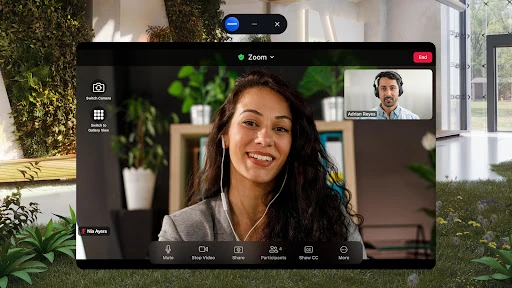
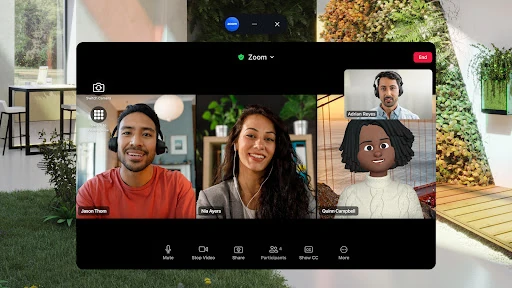
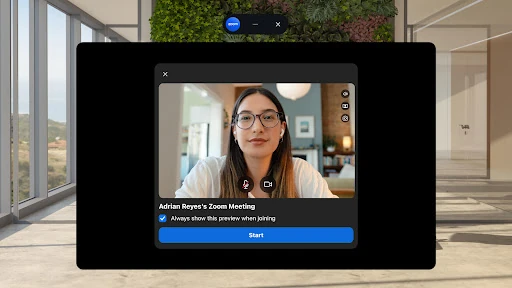
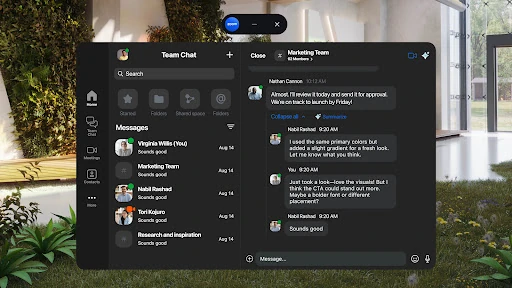
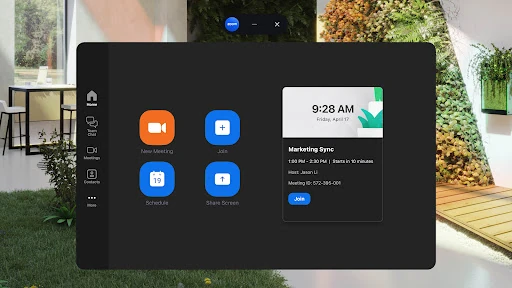
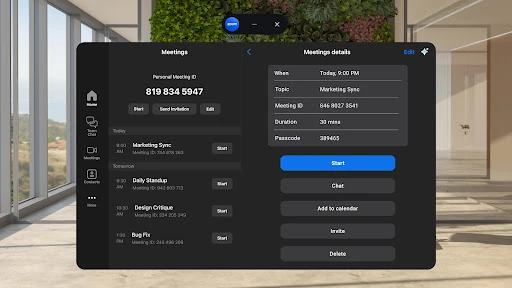
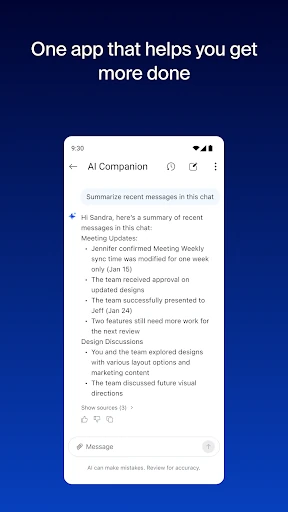
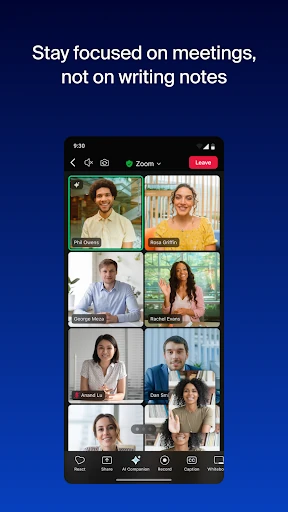
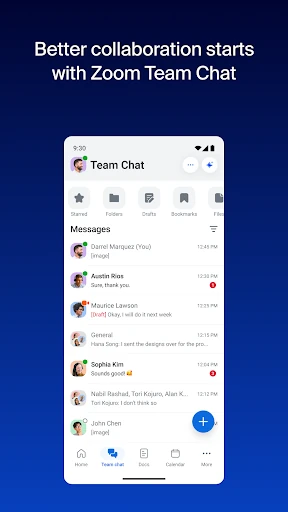
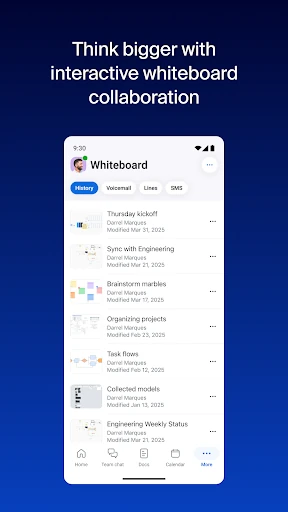
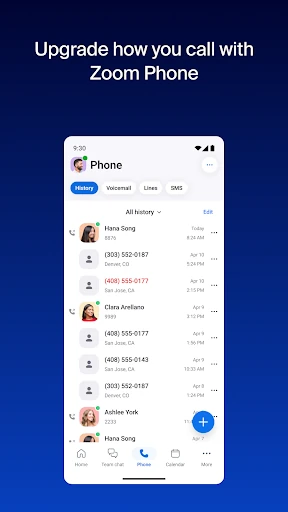
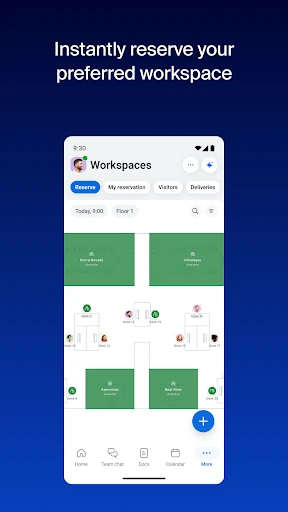

Click to download now, finish the installation quickly, and directly unlock the "all-round experience"
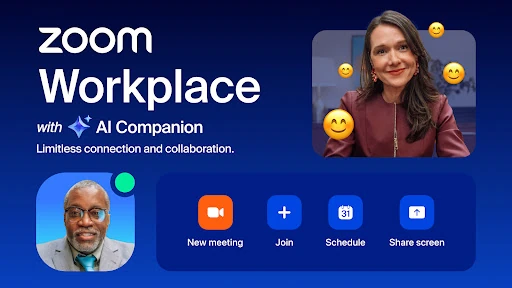
Zoom Workplace represents a strategic evolution for the platform, shifting from a standalone video conferencing tool to a comprehensive, AI-first collaboration hub. In the competitive Business landscape, it distinguishes itself by weaving communication, documentation, and generative AI into a single, cohesive ecosystem. By integrating the AI Companion across its suite, Zoom Workplace addresses the modern professional's need for efficiency, making it more than just a meeting app—it is now a central operating system for hybrid teamwork.
The UI of Zoom Workplace on Android is engineered for high-density information management without sacrificing clarity. Its design adheres to professional standards by prioritizing core actions—like joining a meeting or starting a chat—while tucking advanced tools into intuitive sub-menus. The inclusion of Picture-in-Picture and Split Screen support is a masterclass in mobile UX, acknowledging that business users frequently need to reference documents or emails while remaining active in a video session.
To further enhance the mobile experience, Zoom should focus on optimizing the initial load times for the "Docs" and "Whiteboard" modules within the Android app. Additionally, simplifying the license transparency within the app interface would help users understand which AI features are available to them without needing to consult external support documentation.
Zoom Workplace is the premier choice for distributed teams, enterprise organizations, and professionals who require a unified communication suite. It is no longer just for meetings; it is for the entire lifecycle of a project. We recommend this app for any business looking to leverage AI to reduce administrative overhead and improve team synchronicity in a mobile-first world.