
Advertisement
Click to download now, finish the installation quickly, and directly unlock the "all-round experience"
Advertisement
Screenshots
Click to download now, finish the installation quickly, and directly unlock the "all-round experience"
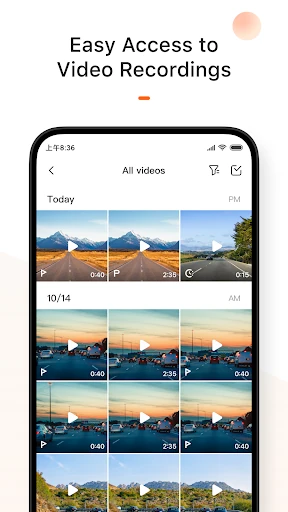
The 70mai app serves as the essential digital nerve center for the 70mai Smart Dash Cam ecosystem. As a sophisticated player in the Auto & Vehicles category, it provides a seamless bridge between vehicular hardware and mobile convenience. Its primary value proposition lies in its ability to democratize access to high-definition road footage, ensuring that drivers have immediate, data-free access to critical evidence and travel memories without the need for complex SD card removals or external hardware interfaces.
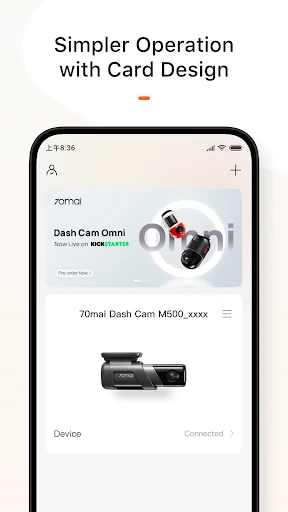
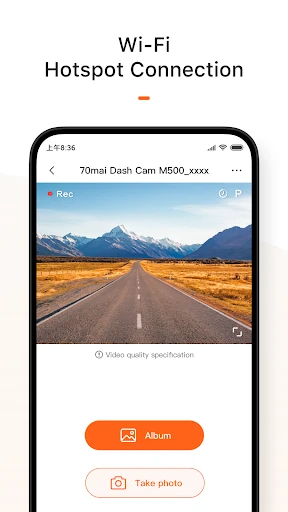
The interface of 70mai is designed with the "connected car" philosophy in mind, prioritizing clarity and rapid access. In the Auto & Vehicles landscape, apps must be intuitive enough to operate quickly before or after a drive. 70mai achieves this through a clean layout that focuses on the connection status and media library. While the reliance on a local Wi-Fi handshake is a technical necessity, the app simplifies the pairing process significantly compared to generic dash cam utilities.
To reach a five-star status, the next update should focus on automating the "Emergency Clip" sync, where the app automatically triggers a download when the dash cam detects a collision G-sensor event. Furthermore, integrating basic video editing features—such as the ability to crop or blur license plates before sharing—would add significant value for users who wish to upload footage to social media or insurance portals directly.
The 70mai app is a mandatory utility for any driver utilizing 70mai hardware. It is specifically tailored for safety-conscious vehicle owners, fleet managers, and road-trip enthusiasts who require a reliable digital paper trail of their journeys. If you own a 70mai Smart Dash Cam, this app is the vital link that transforms a passive recording device into a proactive safety tool.