🏆 Expert Verdict & Overview
Voice Recorder & Voice Memos emerges as a versatile and high-fidelity solution within the Google Play Music & Audio landscape. Unlike basic stock recording utilities, this application is engineered to bridge the gap between simple memo-taking and professional-grade audio capture. It distinguishes itself by offering a stable, non-interrupted recording environment that caters to specific user personas—ranging from students and corporate professionals to musicians—positioning itself as a comprehensive "audio manager" rather than a mere digital dictaphone.
🔍 Key Features Breakdown
- High-Definition Multi-Format Capture: By supporting MP3, AAC, M4A, and AMR, the app ensures users can balance audio quality and storage efficiency based on their specific needs.
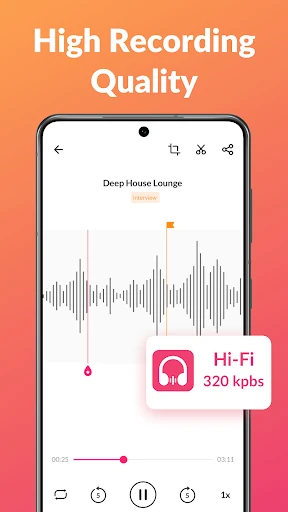
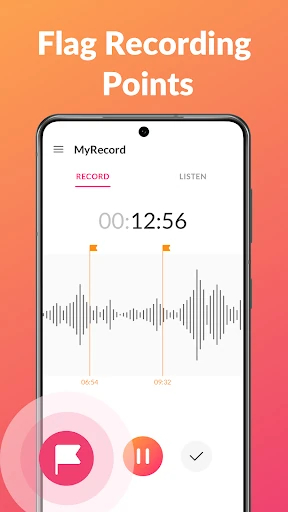
- Intuitive Marker & Tagging System: Solves the "needle in a haystack" problem by allowing users to place time-stamped markers during recording, enabling instant navigation to critical moments during playback.
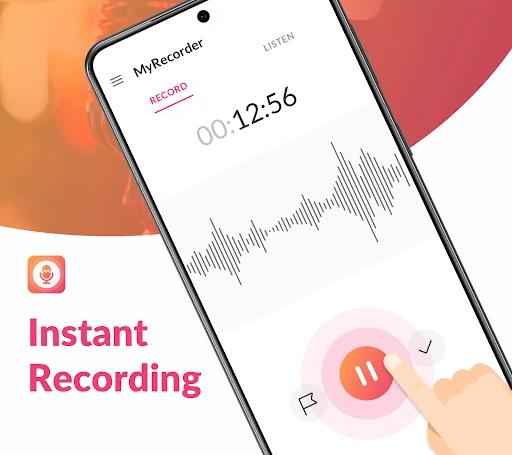
- Background Utility & Persistence: The ability to record while the screen is off or while using other apps ensures that users never miss a moment of a lecture or meeting due to device multitasking.
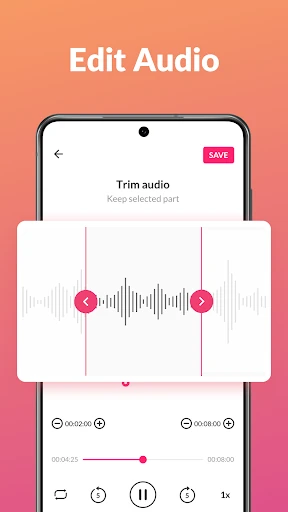
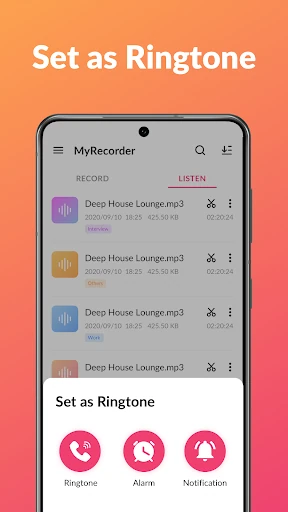
- Integrated Audio Editing: Eliminates the need for third-party software by providing a built-in cutter, allowing users to trim recordings and extract essential clips immediately after capture.
- Specialized Acoustic Support: Offers Mono and Stereo attributes along with support for external microphone sources, making it a viable tool for basic music demos and podcasting.
🎨 User Experience & Design
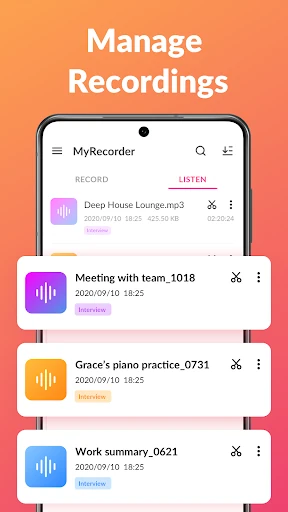
The interface of Voice Recorder & Voice Memos adheres to modern UI/UX principles for utility apps, focusing on a "Simple & Smart" aesthetic. The layout is clean, prioritizing the recording trigger to ensure low-latency starts. From a UX perspective, the categorization system is highly effective for heavy users; the ability to sort and tag audio notes prevents the clutter typically found in high-volume recording libraries. The transition between the recording interface and the editing suite is fluid, maintaining a low cognitive load for the user.
⚖️ Pros & Cons Analysis
- ✅ The Good: No arbitrary time limits on recordings, providing reliability for long-form content like seminars.
- ✅ The Good: Exceptional versatility with support for multiple sound sources and output formats.
- ❌ The Bad: While the trimming tool is effective, it lacks advanced multi-track editing features for more complex production.
- ❌ The Bad: Visual wave-form representation is functional but could be more granular for high-precision editing.
🛠️ Room for Improvement
To truly dominate the professional segment, the app could benefit from integrated cloud synchronization with platforms like Google Drive or Dropbox for automated backups. Additionally, the implementation of AI-driven speech-to-text transcription would be a transformative update for students and journalists who need to convert their voice memos into written documents quickly.
🏁 Final Conclusion & Recommendation
Voice Recorder & Voice Memos is an excellent choice for users who have outgrown basic pre-installed recorders and require a more organized, high-quality audio workflow. It is particularly well-suited for students capturing lectures and professionals documenting meetings. For those seeking a reliable, multi-functional audio hub that combines recording, trimming, and management into a single interface, this app is highly recommended.