Advertisement
Click to download now, finish the installation quickly, and directly unlock the "all-round experience"
Advertisement
Screenshots
Click to download now, finish the installation quickly, and directly unlock the "all-round experience"
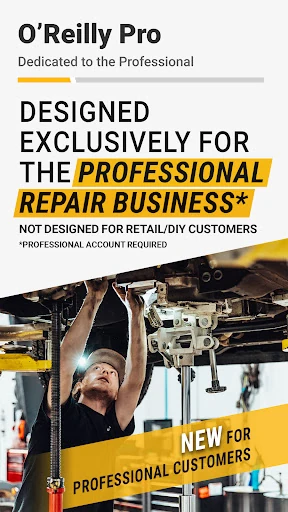
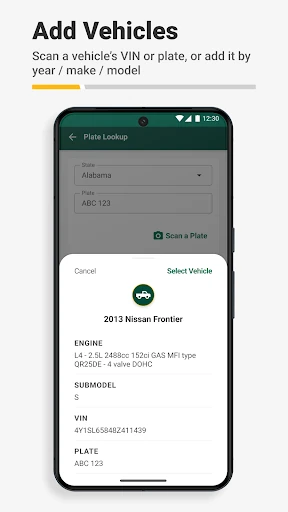
O'Reilly Pro stands out as a critical enterprise-grade utility within the Auto & Vehicles landscape, specifically engineered for the high-pressure environment of professional automotive repair. Rather than catering to the casual DIYer, this application serves as a comprehensive mobile extension of the O'Reilly Professional ecosystem. It successfully bridges the gap between vehicle diagnostics and procurement, offering a streamlined workflow that prioritizes speed, accuracy, and professional-grade inventory management for shop owners and technicians alike.
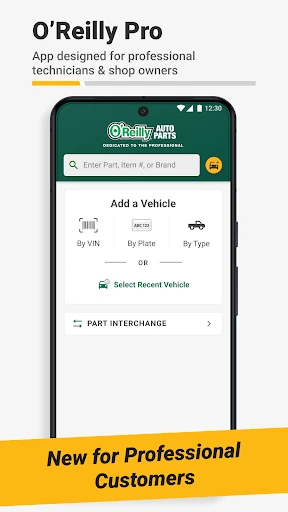
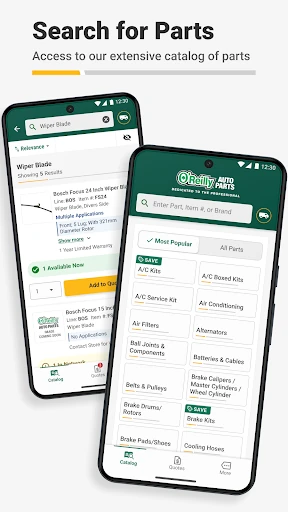
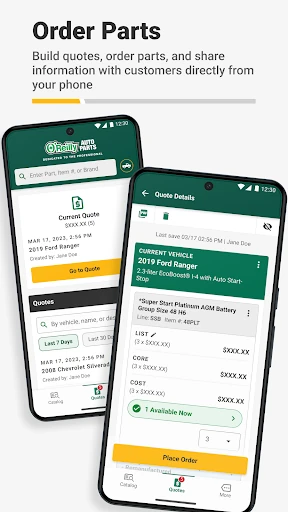
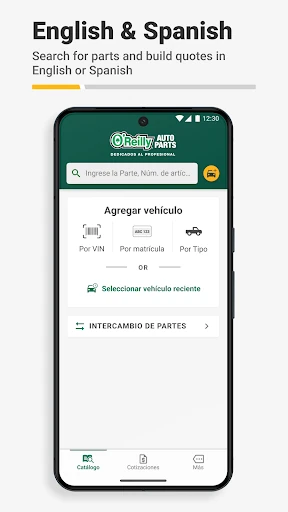
The UI of O'Reilly Pro is built around high-utility workflows rather than purely aesthetic appeal, which is exactly what the professional category demands. The interface prioritizes accessibility, featuring a logical catalog structure and a prominent search function that minimizes the number of taps required to reach a part. The UX shines in its desktop synchronization, allowing a service writer to start an order on a mobile device and manage it via a terminal, creating a cohesive digital environment for the entire shop.
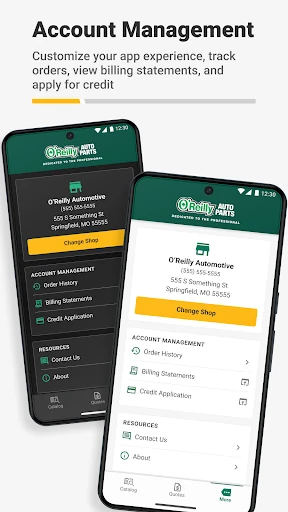
Future updates would benefit from an offline-caching mode for vehicle specifications, allowing mechanics to continue identifying parts even in "dead zones" within the shop. Additionally, integrating labor-time estimates directly into the quoting tool would provide a truly "all-in-one" solution for service writers. Expanding the order tracker to include real-time GPS tracking for delivery drivers would also significantly enhance shop efficiency.
O'Reilly Pro is a mandatory tool for automotive repair shop owners, service writers, and professional mechanics who utilize O'Reilly as their primary parts supplier. It effectively transforms a smartphone into a powerful procurement and management hub. While it is not intended for the general public, it is a top-tier recommendation for B2B automotive professionals looking to modernize their workflow and reduce vehicle-down time.