Advertisement
Click to download now, finish the installation quickly, and directly unlock the "all-round experience"
Advertisement
Screenshots
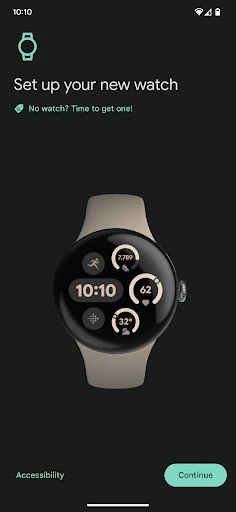
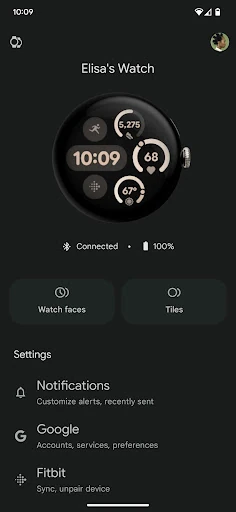
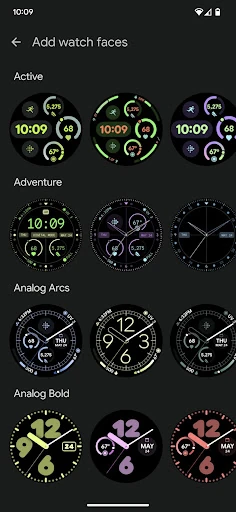
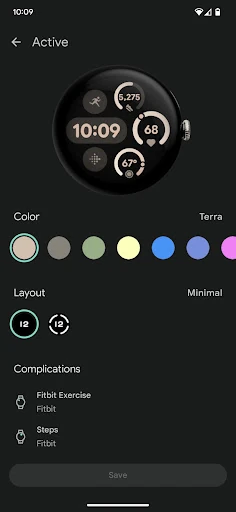
Click to download now, finish the installation quickly, and directly unlock the "all-round experience"
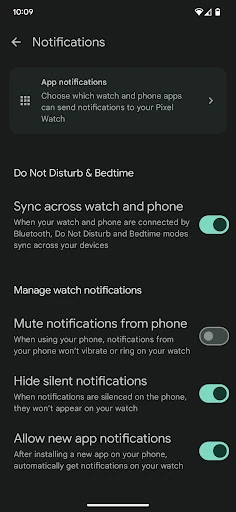
The Google Pixel Watch app serves as the indispensable bridge between Android smartphones and Google's flagship wearable ecosystem. Positioned within the Communication category, it acts as the primary nerve center for managing how notifications, messages, and calls transition from the pocket to the wrist. Its primary role is to ensure a seamless "handshake" between devices, making it a critical component for anyone looking to maintain a streamlined digital life. For Google Pixel Watch owners, this app is not just a utility but a fundamental extension of the hardware that defines the modern wearable experience.
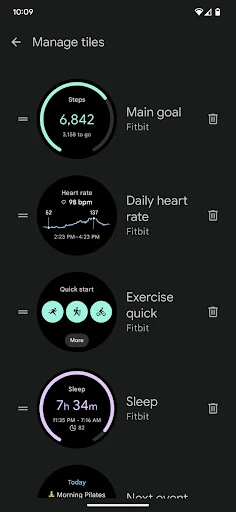
Adhering to Google’s modern design language, the interface is clean, spacious, and highly intuitive. The UX is designed for efficiency; most critical settings are reachable within two taps. The use of high-quality renders for watch face previews provides a "what you see is what you get" experience, which is essential for personalization. Navigation is fluid, and the app avoids the common pitfall of burying essential connectivity settings under obscure menus, making it accessible even for users who are new to the smartwatch category.
Future updates could benefit from a more detailed battery health dashboard and historical usage statistics within the app. Additionally, expanding the notification management to include keyword-based filtering would provide users with even finer control over their digital interruptions. Finally, increasing the transparency of regional feature availability directly within the UI would reduce user confusion in unsupported markets.
The Google Pixel Watch app is an essential download for any user within the Pixel wearable ecosystem. It is primarily targeted at Android enthusiasts and professionals who rely on efficient, glanceable communication and seamless device management. While its regional limitations are a drawback, its performance and UI/UX design set a high standard for companion apps in the wearable space. It is highly recommended for any Google Pixel Watch owner looking to maximize the utility of their device.