Advertisement
Click to download now, finish the installation quickly, and directly unlock the "all-round experience"
Advertisement
Screenshots
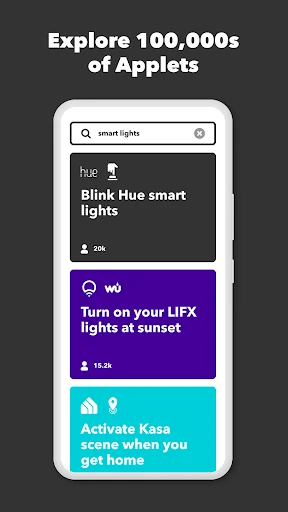
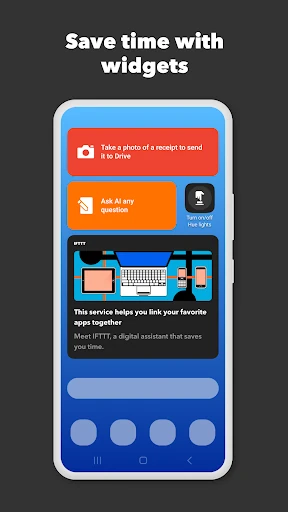
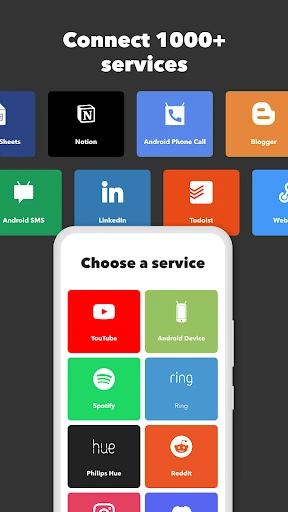
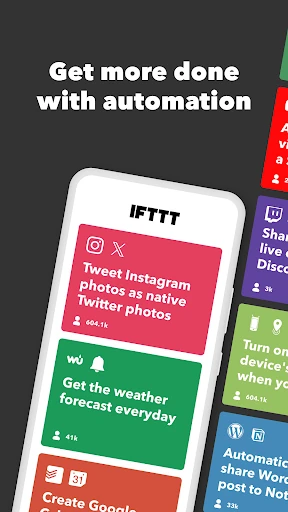
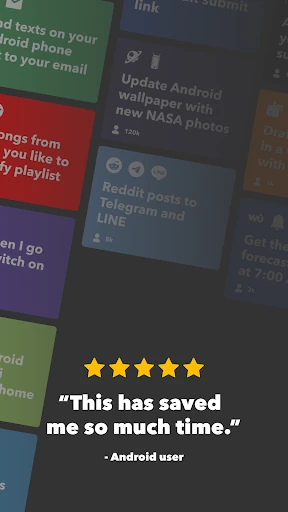
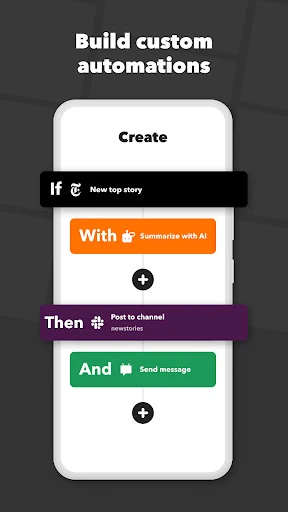
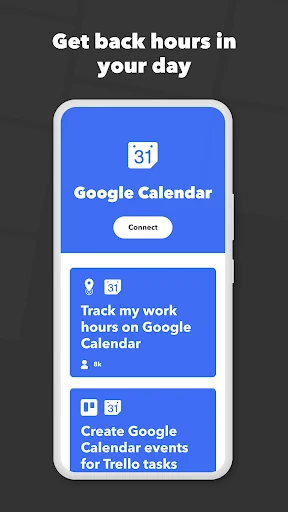
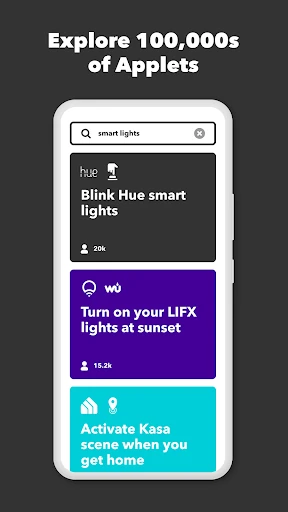
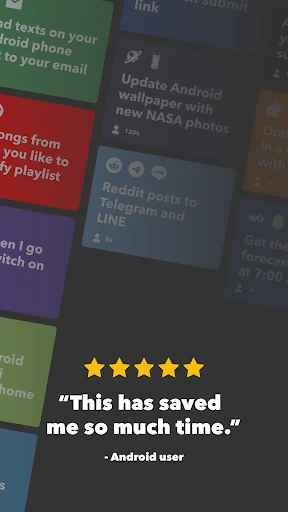
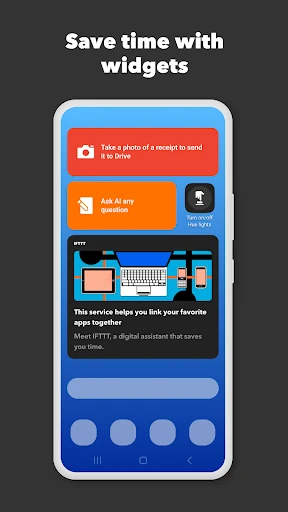
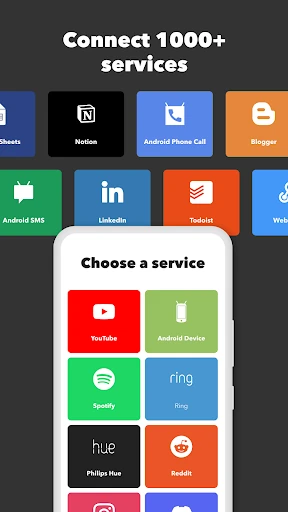



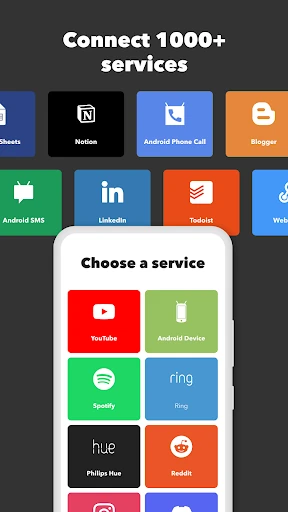
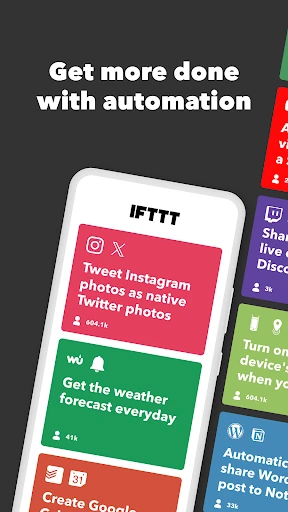
Click to download now, finish the installation quickly, and directly unlock the "all-round experience"
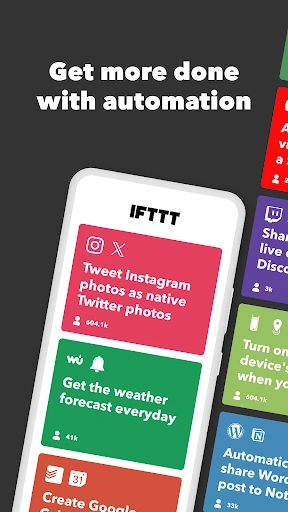
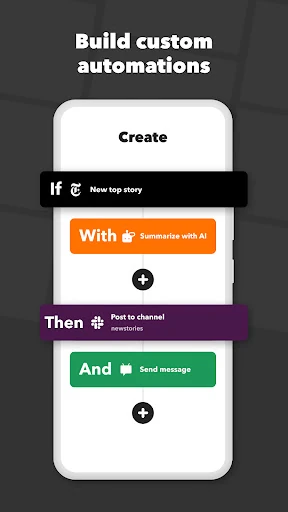
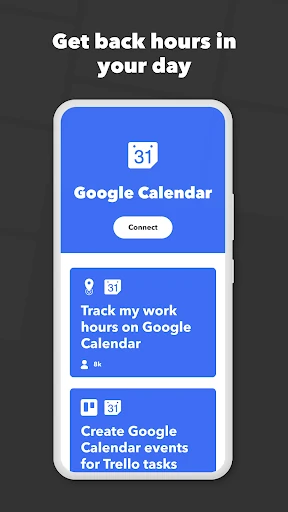
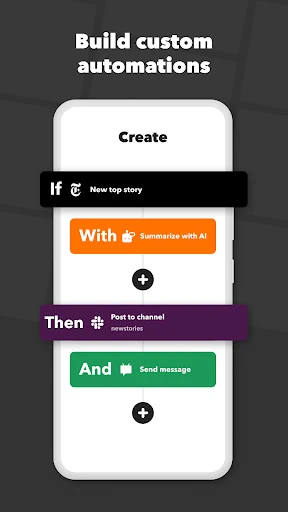
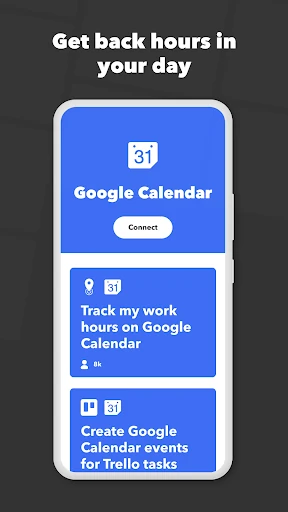
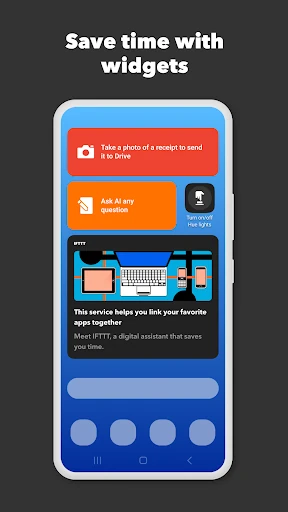
IFTTT - Automate work and home stands as the preeminent "glue" of the internet, serving as a vital bridge between disconnected digital services. Within the Productivity landscape, it transforms fragmented workflows into cohesive, automated systems. By leveraging a simple "If This, Then That" logic, it empowers over 30 million users—from smart home hobbyists to enterprise-level creators—to reclaim lost time through sophisticated, no-code integrations that were once the sole domain of developers.
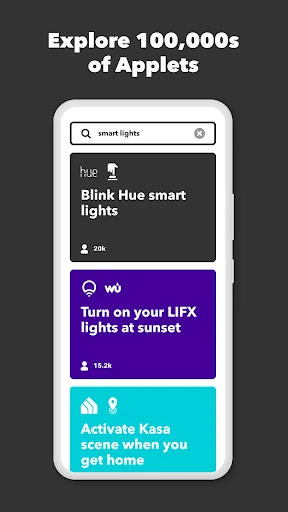
The interface of IFTTT is designed with accessibility at its core, utilizing a clean, card-based aesthetic that simplifies complex conditional logic. For a high-level productivity tool, the UX succeeds by stripping away technical jargon and replacing it with a visual "building block" approach. While the mobile app remains highly responsive and easy to navigate on both Android and Wear OS, the sheer volume of available services can occasionally lead to search fatigue; however, the inclusion of curated "collections" helps guide users toward effective automation recipes efficiently.
To further its lead in the market, IFTTT should focus on enhancing its debugging tools within the mobile app, providing clearer error logs when an Applet fails to fire. Additionally, implementing more sophisticated "multi-step" logic for entry-level tiers and reducing the latency for polling-based triggers would greatly improve the reliability of time-sensitive automations. A more robust offline mode for local Android system triggers would also benefit users in low-connectivity environments.
IFTTT - Automate work and home is an essential utility for anyone looking to optimize their digital life, particularly smart home enthusiasts, social media managers, and small business owners. It bridges the gap between disparate platforms with unmatched ease. While power users may need to navigate a more complex pricing structure, the sheer amount of time saved makes it a high-value investment for anyone serious about personal or professional efficiency.