Advertisement
Click to download now, finish the installation quickly, and directly unlock the "all-round experience"
Advertisement
Screenshots
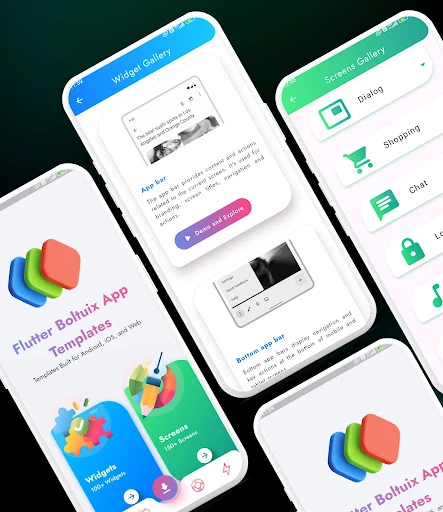
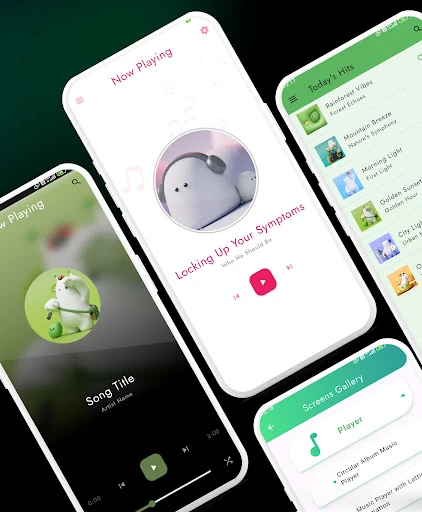
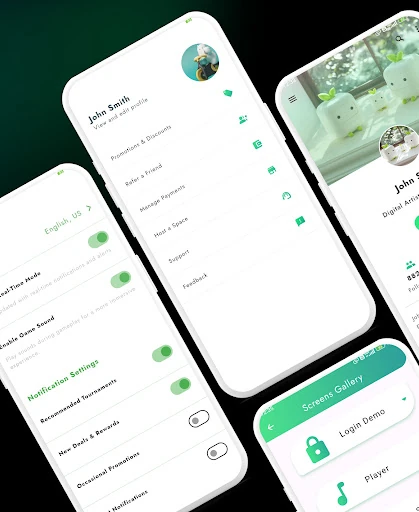
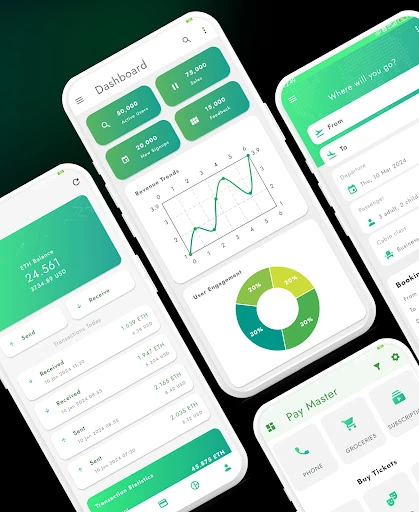
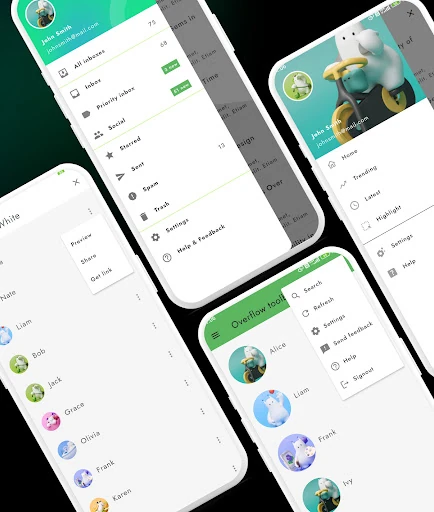
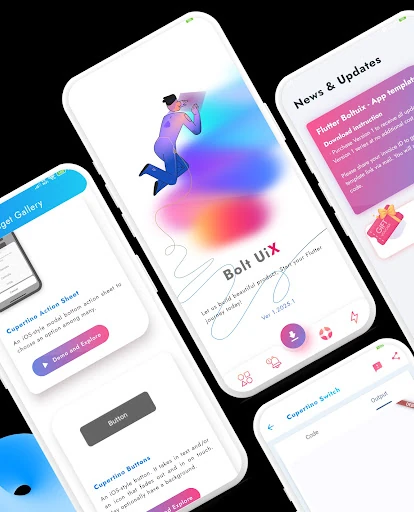
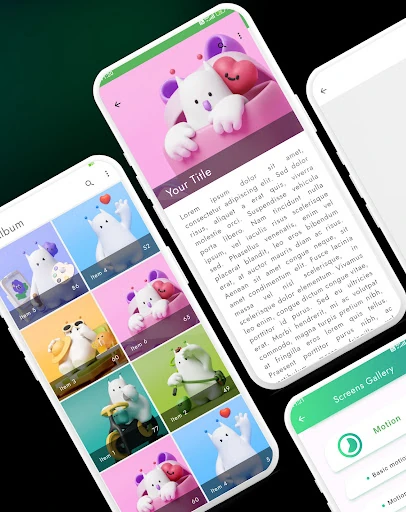
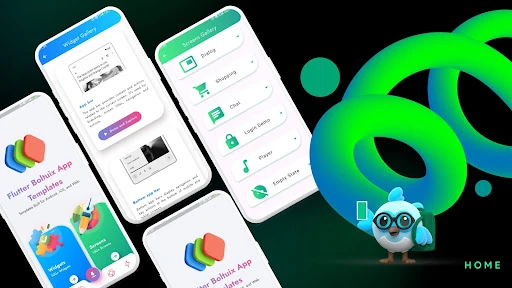
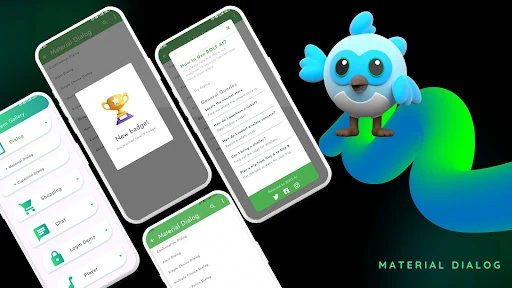
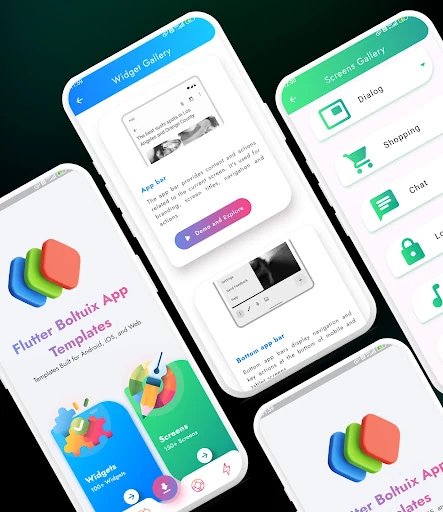
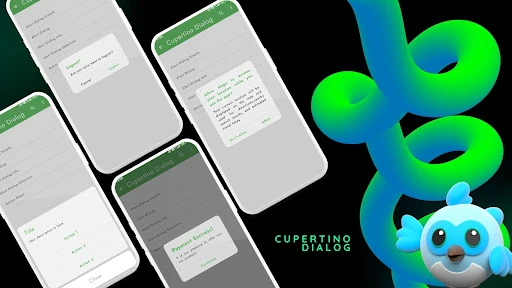
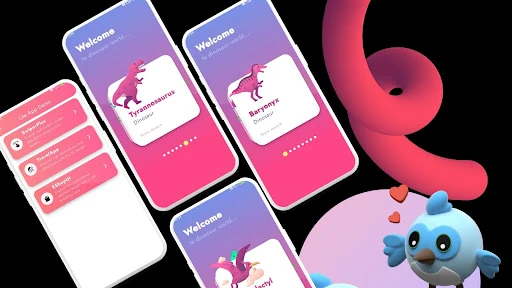
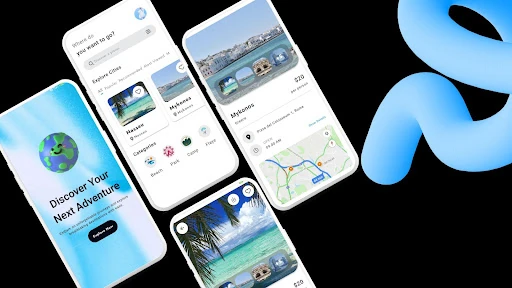
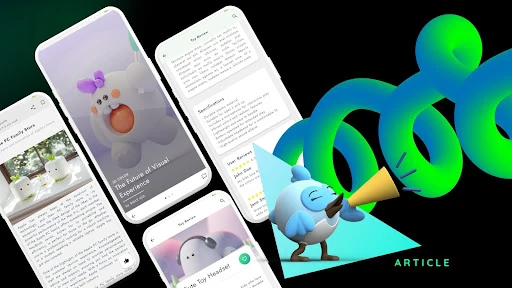
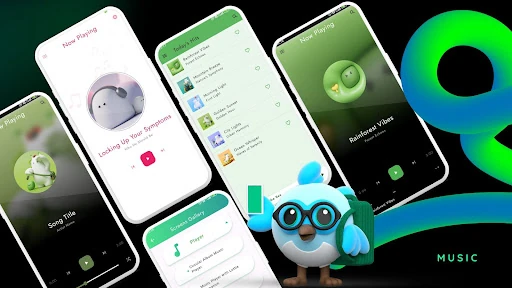
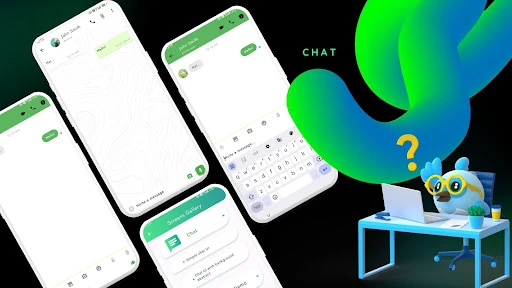
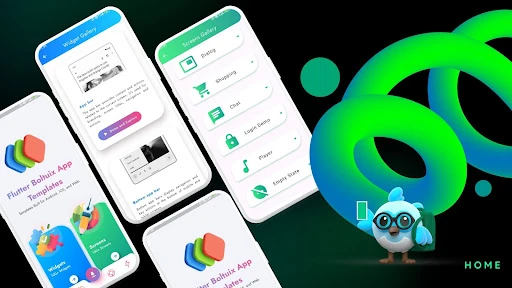
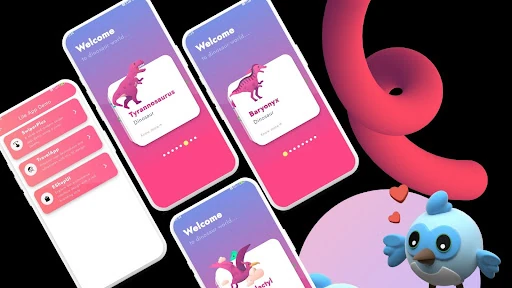
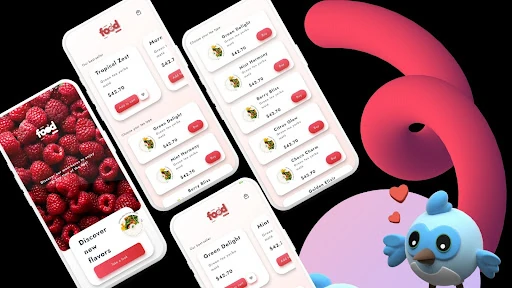
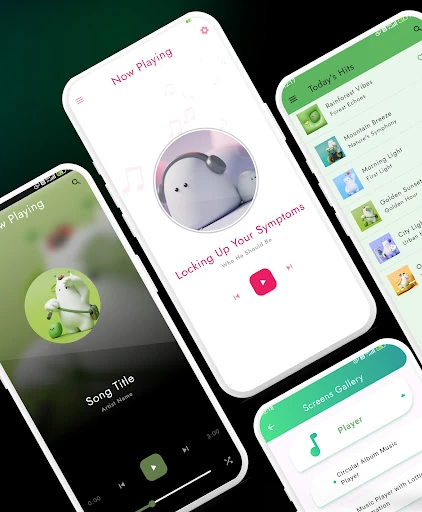
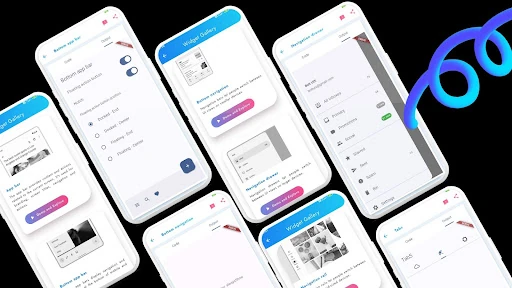
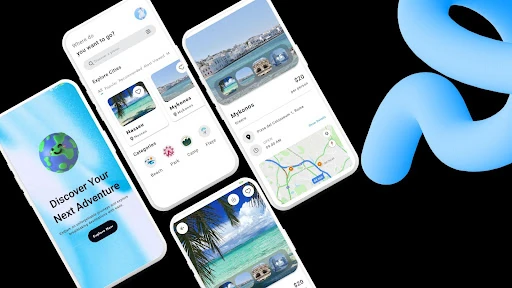
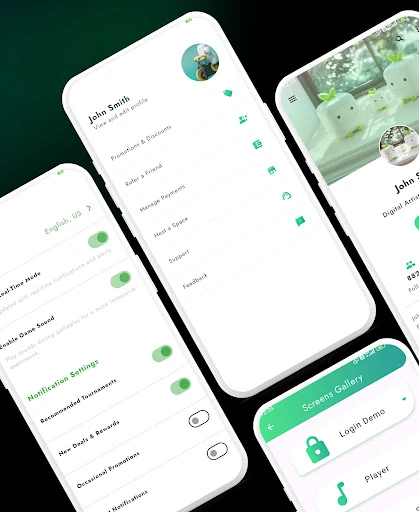
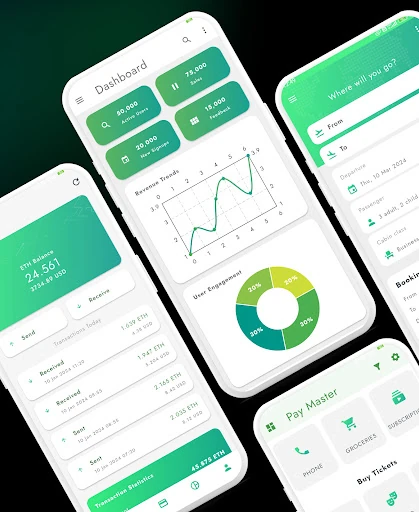
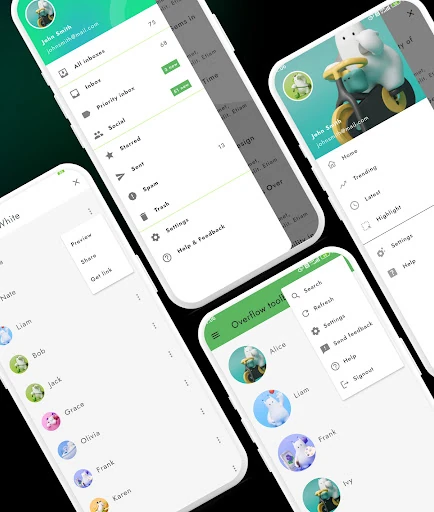
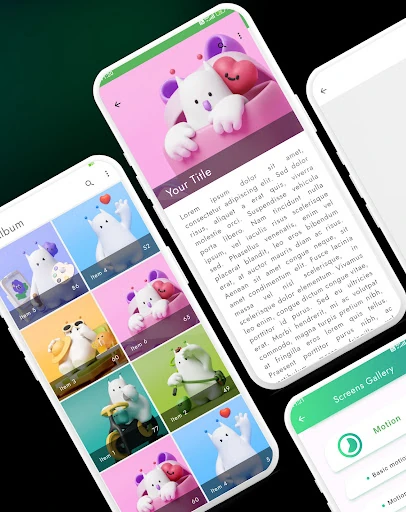
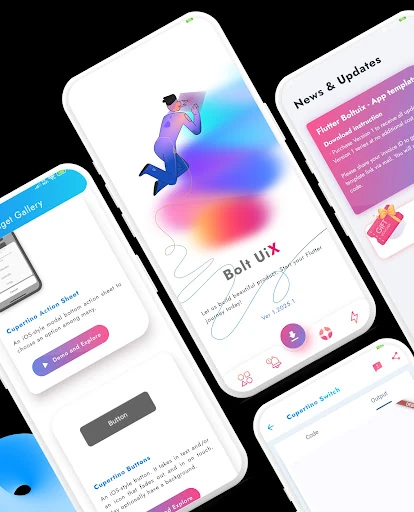
Click to download now, finish the installation quickly, and directly unlock the "all-round experience"
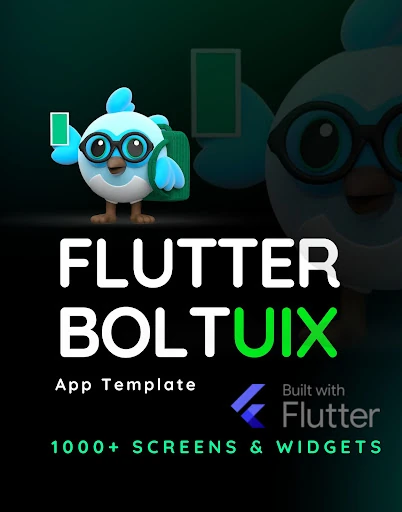
The Flutter UI App Template, part of the Flutter Boltuix ecosystem, stands as a comprehensive reference point within the Libraries & Demo category. Designed as a high-fidelity toolkit for developers, it effectively bridges the gap between static design concepts and functional cross-platform code. By leveraging Google’s Material Design principles, this application serves as a living gallery of reusable components, offering a professional-grade starting point for those building within the Flutter ecosystem. Its authoritative approach to UI/UX patterns makes it an essential utility for developers looking to accelerate their production cycles while maintaining a high standard of visual polish.
As a tool situated in the Libraries & Demo category, the user experience is optimized for exploration and technical inspiration. The interface is exceptionally clean, adhering strictly to modern Material Design standards. Each component is presented with clarity, allowing users to interact with buttons, sliders, and navigation drawers to feel the tactile response of the animations. The design is intuitive, ensuring that even complex UI patterns—like nested navigation or multi-step workflows—are easily digestible. The use of a cohesive Material color palette and refined typography ensures that the app feels like a premium, unified product rather than a disjointed collection of code snippets.
To further enhance its value to the developer community, the next update could introduce a "Code Preview" feature directly within the app, allowing users to toggle between the UI and the underlying Dart code. Additionally, incorporating more "Adaptive" layout demonstrations—specifically showing how components scale from mobile to foldable devices and tablets—would align the app with the latest cross-platform trends. Finally, adding a dedicated section for Dark Mode transitions would provide necessary guidance for modern accessibility standards.
The Flutter UI App Template is an indispensable resource for Flutter developers, UI/UX designers, and freelance engineers who prioritize efficiency and aesthetic consistency. It is specifically tailored for those who want to master Material Design 3 implementation while minimizing the overhead of UI construction. This app is a highly recommended "design bible" for any professional developer's mobile toolkit, providing a clear roadmap for building modern, high-performance applications.