Advertisement
Click to download now, finish the installation quickly, and directly unlock the "all-round experience"
Advertisement
Screenshots
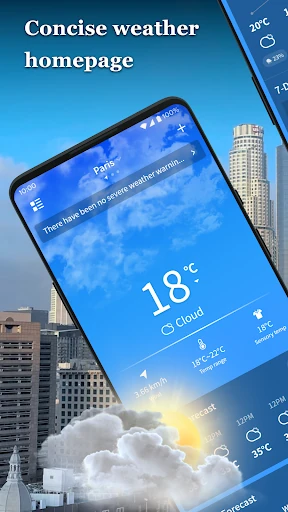
Click to download now, finish the installation quickly, and directly unlock the "all-round experience"
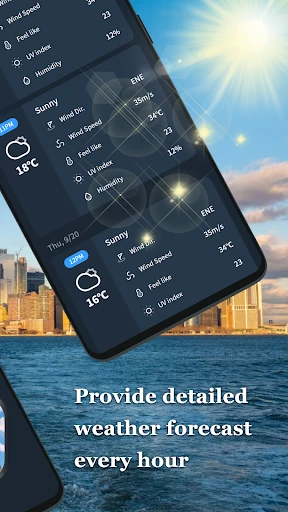
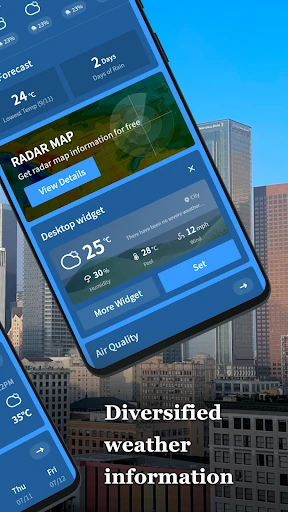
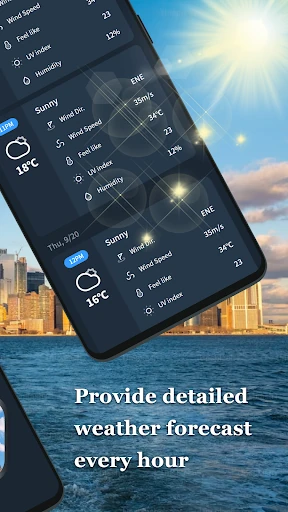
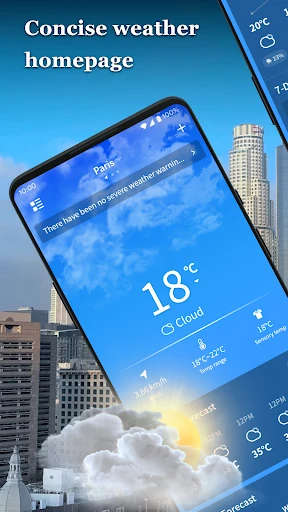
Journey Weather enters the crowded meteorology category with a focused commitment to clarity and multi-location tracking. In an ecosystem often bloated with intrusive advertisements and unnecessary features, Journey Weather stands out as a pragmatic utility that prioritizes glanceable data. It effectively bridges the gap between basic pre-installed weather tools and overly complex professional meteorological software, providing a balanced experience for the everyday user who needs reliable data without the friction.
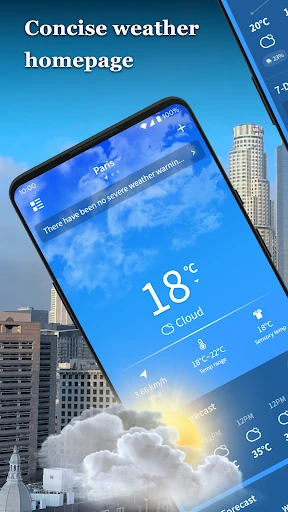
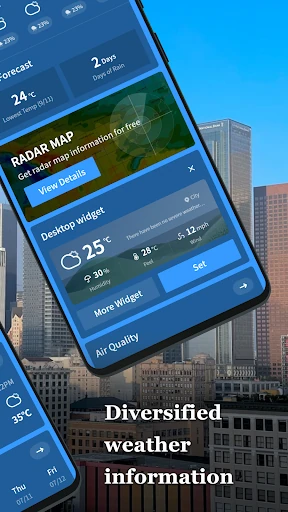
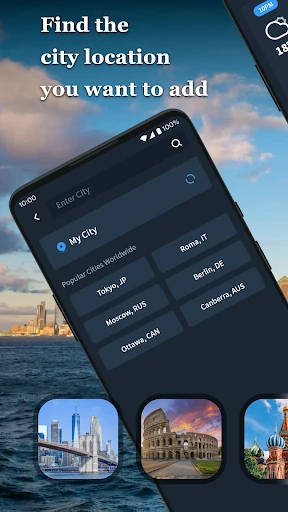
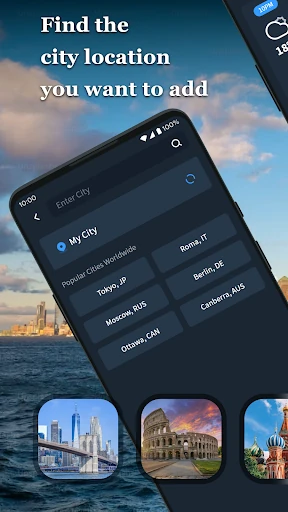
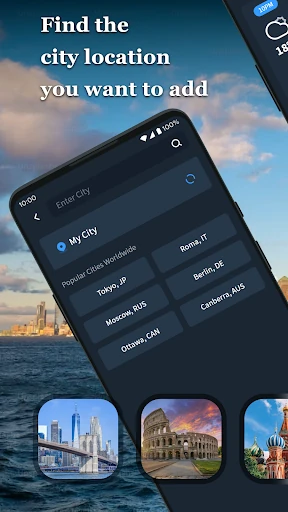
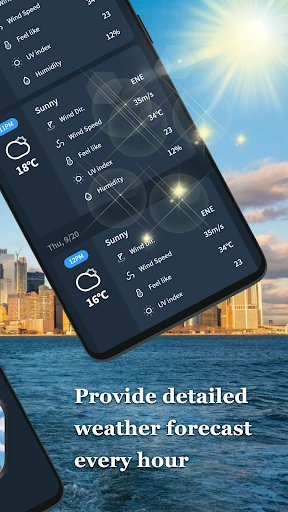
The interface of Journey Weather is built on the principle of high legibility. By utilizing a clean layout with distinct icons and clear typography, the app ensures that users can extract vital information within seconds of opening the screen. The user experience is specifically optimized for quick "in-and-out" interactions, with city-switching mechanics that feel fluid and intuitive, adhering to modern Android UI standards for navigation and ease of use.
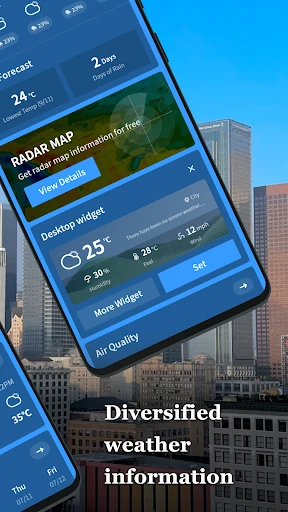
To truly excel in the competitive weather segment, Journey Weather should consider implementing customizable home screen widgets and dynamic precipitation alerts. Adding a live radar layer would satisfy power users, while the addition of weather-based "clothing suggestions" or "outdoor activity scores" could further leverage its air quality and UV data to provide more personalized value to the user.
Journey Weather is an ideal choice for the "efficiency-first" user who values speed and clarity over deep-dive data analysis. It is particularly well-suited for commuters, casual travelers, and health-conscious individuals who need to monitor multiple locations and environmental safety levels simultaneously. While it may not replace a dedicated storm-tracking app, it is a highly dependable daily companion for the average smartphone user.