
Remini - AI Photo Enhancer
Bending Spoons
Downloads
500,000,000+
Version
Latest
Advertisement
Click to download now, finish the installation quickly, and directly unlock the "all-round experience"
Advertisement
Screenshots






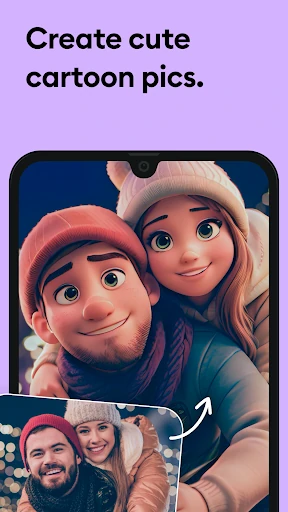


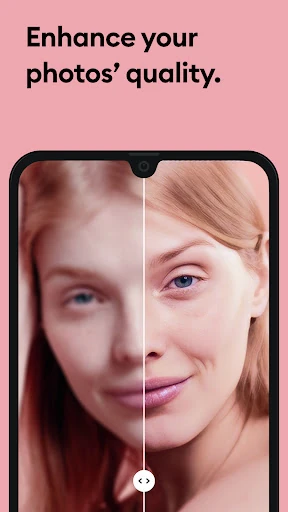

Click to download now, finish the installation quickly, and directly unlock the "all-round experience"
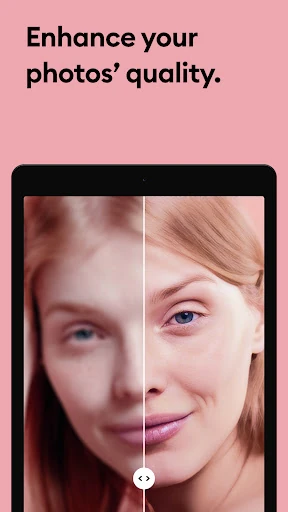
Remini - AI Photo Enhancer has established itself as a cornerstone in the mobile photography landscape, specifically within the niche of AI-driven restoration. Unlike traditional photo editors that rely on simple color adjustments or sharpening filters, Remini utilizes sophisticated deep-learning models to essentially "reconstruct" lost data in images. It serves as a bridge between the analog past and the high-definition present, making it an essential tool for users looking to salvage cherished family memories or elevate low-resolution mobile captures into professional-grade portraits.
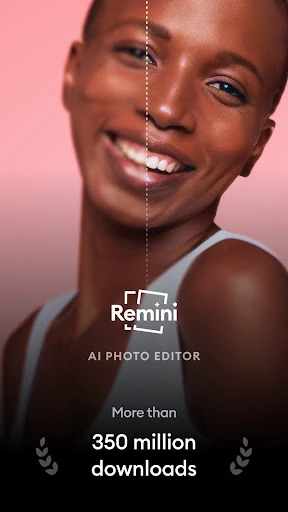
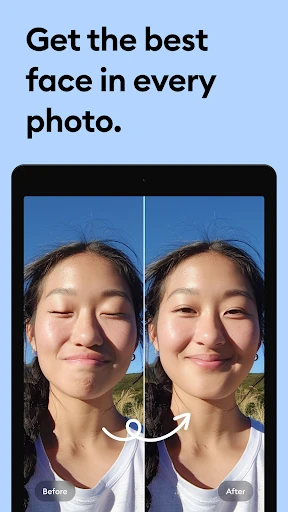
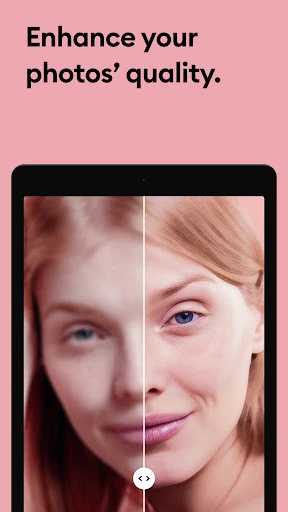
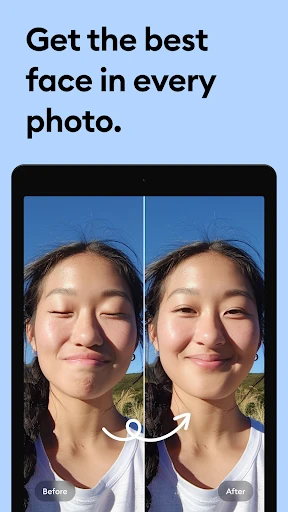
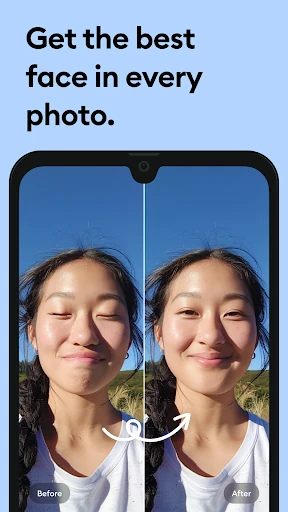
The user interface of Remini is built upon a philosophy of accessibility, prioritizing a "one-tap" workflow that caters to both tech-savvy users and those less familiar with photo editing. The design is clean and functional, adhering to modern Photography category standards. One of the standout UX elements is the interactive "Before and After" slider, which provides users with immediate visual feedback and a tangible sense of value. While the process is highly automated, the app maintains a professional aesthetic, though the frequency of subscription prompts can occasionally disrupt the user journey.
To further solidify its market position, Remini could benefit from introducing more granular control sliders, allowing users to adjust the "intensity" of the AI enhancement to prevent over-processing. Additionally, improving the stability for legacy hardware (Android versions older than 7.0) and offering more flexible "pay-per-photo" options alongside the weekly/yearly subscriptions would likely improve long-term user retention and broaden the target demographic.
Remini - AI Photo Enhancer is the premier choice for family historians, social media enthusiasts, and anyone looking to breathe new life into damaged or low-quality media. It excels at portrait restoration where other apps fail. For users who prioritize ease of use and dramatic visual transformations over manual technical control, this app is highly recommended as the gold standard for AI-powered image revitalization.