🏆 Expert Verdict & Overview
PicsLeap–AI Photo Editor & Grid emerges as a comprehensive, all-in-one solution in the saturated Photography category of the Google Play Store. By leveraging cutting-edge generative AI and restoration algorithms, it bridges the gap between casual snapshotting and professional-grade post-production. The app distinguishes itself by offering a suite of "one-tap" solutions—such as background removal and image upscaling—while maintaining deep-dive creative controls like HSL and Curve adjustments. In an era where mobile users demand high-quality, watermark-free content for social platforms, PicsLeap positions itself as a versatile powerhouse for modern digital storytelling.
🔍 Key Features Breakdown
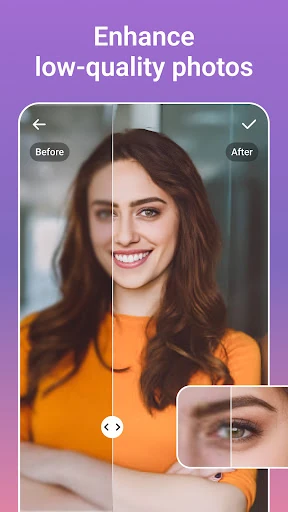
- AI-Powered Enhancement & Restoration: Solves the problem of low-resolution or aged photos by utilizing AI to deblur, sharpen, and restore clarity, making old memories shareable in high definition.
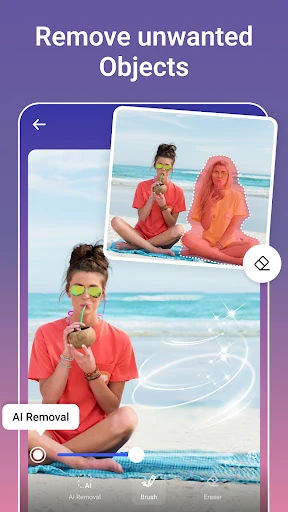
- Intelligent Object Removal (Magic Eraser): Addresses the common issue of photobombing or distracting elements by allowing users to erase unwanted objects with seamless background infilling.
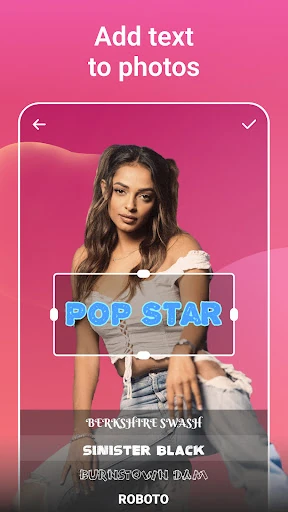
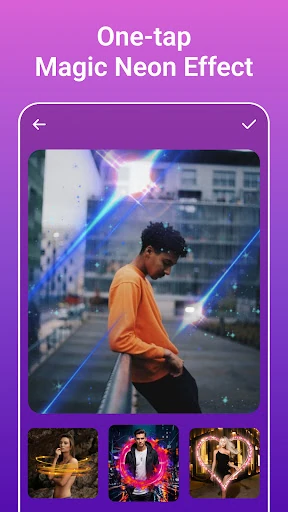
- Advanced Creative Filters & Body Effects: Provides over 100 stylistic filters and 70+ light effects, enabling users to establish a signature visual identity without needing complex lighting setups.
- Professional Color Grading (HSL & Curves): Offers granular control over hue, saturation, and luminance, solving the need for precise color correction that is usually reserved for desktop software.
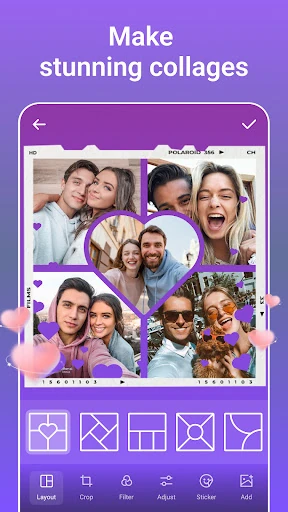
- Dynamic Collage & Grid Maker: Simplifies the narrative process by allowing users to blend and juxtapose multiple images into adjustable, stylized layouts for instant social media posting.
🎨 User Experience & Design
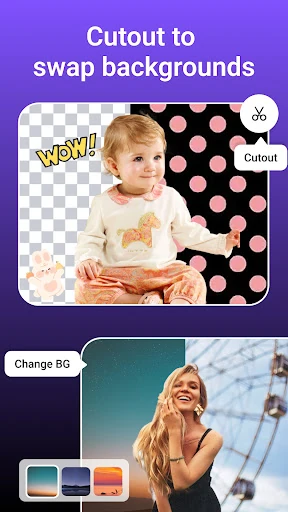
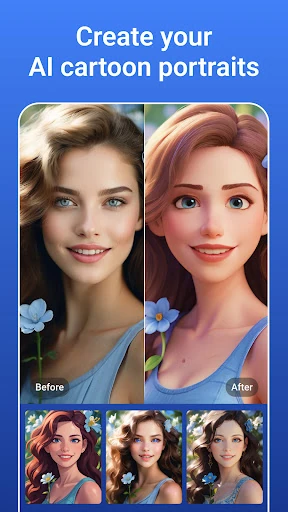
The UI of PicsLeap is designed with a "Mobile-First" philosophy, prioritizing immediate accessibility to its most powerful AI tools. The layout follows standard photography app heuristics, placing primary editing categories within easy thumb-reach. The UX focuses on reducing friction; complex tasks like background isolation and cartoon conversion are handled in the cloud or through optimized local processing, requiring minimal user input. For a photography app, the balance between a cluttered toolkit and a clean workspace is critical, and PicsLeap manages this by nesting advanced tools while keeping common "Enhance" features front and center.
⚖️ Pros & Cons Analysis
- ✅ The Good: Offers watermark-free exports, a major competitive advantage for creators looking for professional-looking content without a premium price tag.
- ✅ The Good: Extremely versatile feature set that covers everything from "fun" AI face swaps to "serious" photographic restoration and color grading.
- ❌ The Bad: The sheer volume of features may lead to a steeper learning curve for users who only want basic cropping or filter application.
- ❌ The Bad: High-end AI features like image upscaling and object removal can be resource-intensive, potentially leading to slower processing times on entry-level hardware.
🛠️ Room for Improvement
While the feature set is robust, the next iteration could benefit from batch processing capabilities, allowing users to apply specific filters or watermarks to multiple photos simultaneously. Furthermore, adding localized adjustment brushes for manual masking would provide the precision that "prosumer" users often seek beyond automated AI selections. Improved integration with cloud storage services would also streamline the workflow for users managing large libraries of high-resolution images.
🏁 Final Conclusion & Recommendation
PicsLeap–AI Photo Editor & Grid is best suited for social media influencers, hobbyist photographers, and content creators who require a Swiss-Army-knife approach to photo editing. It successfully replaces several single-use apps by combining AI restoration, creative filtering, and collage making into one cohesive interface. If you are looking for a powerful, free-to-download tool that delivers professional results without the complexity of traditional editing suites, PicsLeap is an excellent choice for your mobile photography toolkit.