Automate repeated taps and swipes
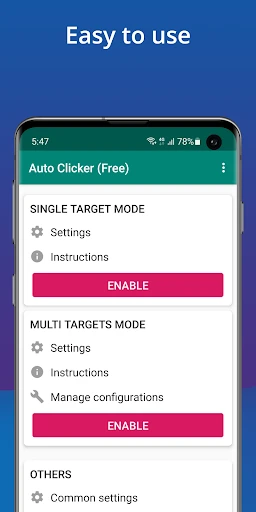
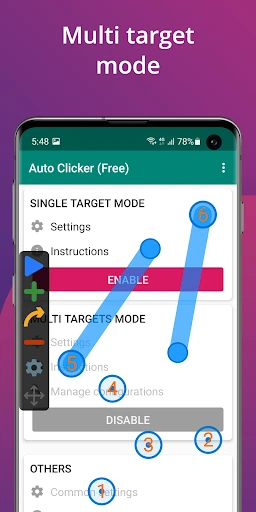
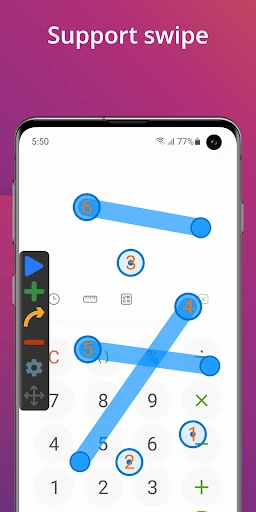
Auto Clicker - Automatic tap is a Tools app for setting up repeated screen interactions instead of performing each one by hand. It suits people who need consistent tapping or swiping in an app or game, especially when a task involves repeating the same actions over time. The app supports multiple click points and swipe paths, so a setup can cover more than one interaction.
Set up and control a session
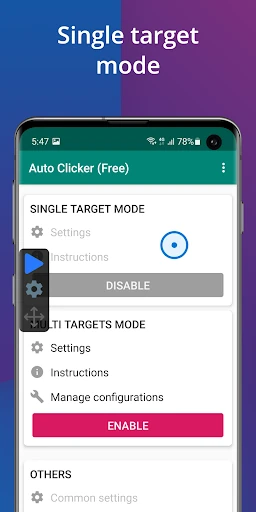
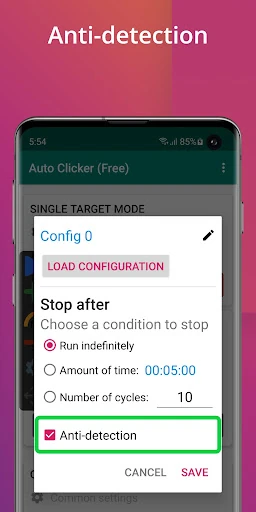
A floating control panel lets you start or stop automation while keeping the app you are using on screen. You can also set a timer to end a session after a chosen period. These controls are useful when you want a sequence to run without continually returning to the clicker’s main screen, while still having a way to stop it.
What to consider
Automation works by interacting with the screen on your behalf, so it is best suited to tasks where repeated input is appropriate. Setting up several points or swipe paths may take some adjustment to match the action you want. The app uses Android’s accessibility service for this kind of control, which requires granting the relevant system permission.
Developer and Play Store record
True Developers Studio is the listed developer. On Google Play, Auto Clicker - Automatic tap has a 4.56-star rating from about 775,000 ratings and more than 100 million installs. Those figures indicate broad use and a substantial body of user feedback, though individual experiences can vary by device and use case. Check the Play Store listing for the current app details before choosing it.