Advertisement
Click to download now, finish the installation quickly, and directly unlock the "all-round experience"
Advertisement
Screenshots
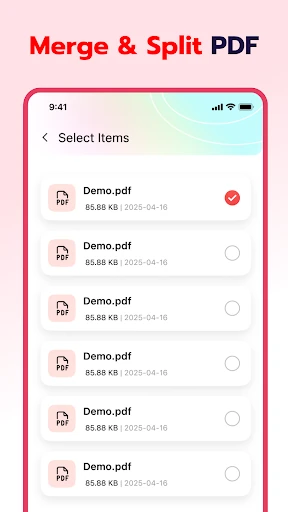
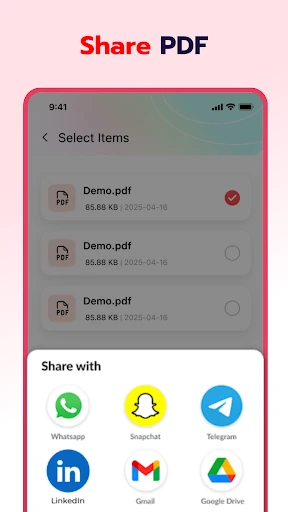
Click to download now, finish the installation quickly, and directly unlock the "all-round experience"
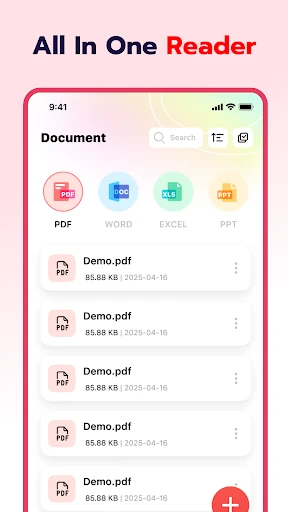
Smart PDF Reader & PDF Viewer positions itself as a high-efficiency utility within the Google Play Tools category, catering to users who require a streamlined, local-first document management system. Unlike bloated enterprise alternatives, this application focuses on performance and ease of use, providing a lightweight footprint without sacrificing essential productivity features. It is a pragmatic solution for those who need to transition between reading e-books, managing office documents, and quick file conversions on a mobile interface.
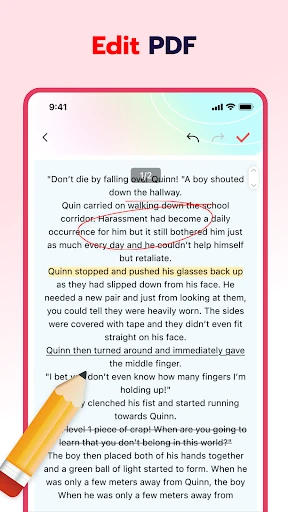
The user interface of Smart PDF Reader & PDF Viewer is rooted in the "less is more" philosophy, favoring a clean, distraction-free environment that prioritizes content visibility. The UX is characterized by smooth page transitions and responsive brush strokes, which are critical for maintaining flow during long reading sessions. By utilizing a standard Android-centric layout, the app ensures that even non-technical users can navigate the file manager and conversion tools with zero learning curve. The inclusion of foreground service processing for large files indicates a sophisticated backend design aimed at preventing app crashes during heavy resource usage.
To further elevate the application, the developers should consider implementing a dedicated Dark Mode to reduce eye strain during nighttime reading. Additionally, adding support for standard cloud providers like Google Drive or Dropbox would allow users to manage remote files without leaving the app. Integrating a text-highlighting tool alongside the existing brush tool would also provide a more standardized annotation experience for academic users.
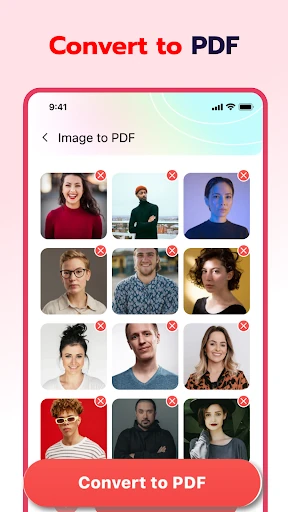
Smart PDF Reader & PDF Viewer is an ideal choice for students, office workers, and casual readers who prioritize speed and local file organization. It is particularly effective for users who frequently need to convert images to PDF or manage a high volume of local documents without the complexity of a subscription-based suite. For those seeking a pure, efficient, and reliable document companion, this app is a top-tier recommendation in the Tools category.