Advertisement
Click to download now, finish the installation quickly, and directly unlock the "all-round experience"
Advertisement
Screenshots
Click to download now, finish the installation quickly, and directly unlock the "all-round experience"
Perfect Viewer remains a cornerstone of the Android comics ecosystem, serving as a high-performance utility for power users who demand total control over their digital library. While modern competitors focus on sleek, simplified interfaces, Perfect Viewer prioritizes raw functionality and format versatility. It functions as a Swiss Army knife for image-based media, effortlessly handling everything from localized manga archives to cloud-hosted Western comics. In the landscape of comic readers, it is the veteran choice—dependable, extremely fast, and deeply customizable, provided the user is willing to navigate its dense feature set.
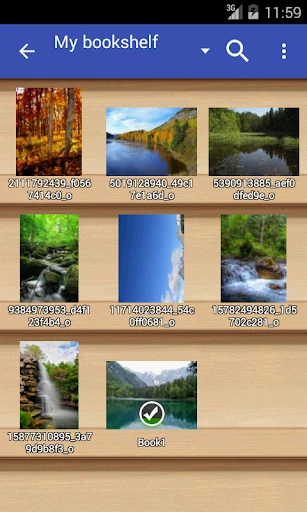
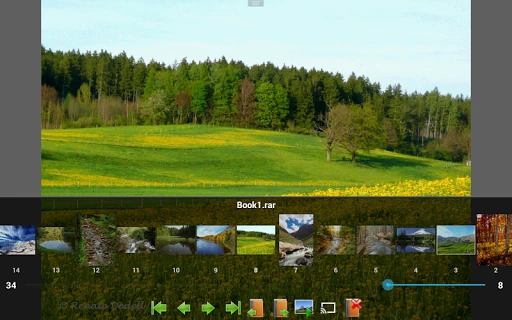
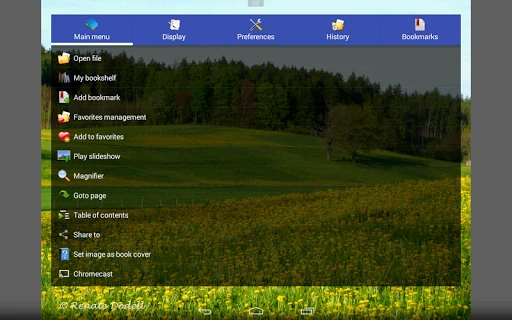
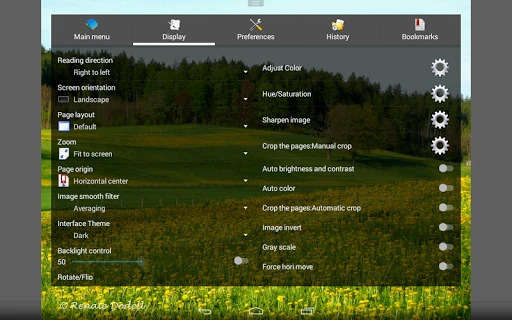
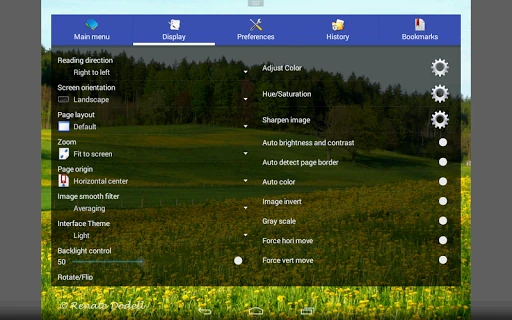
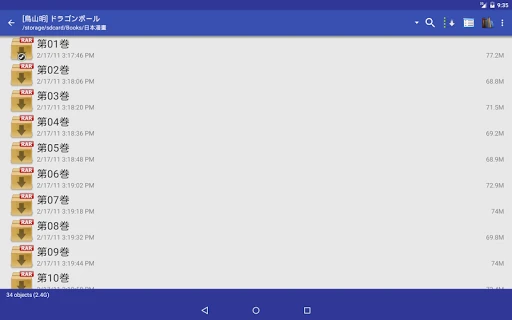
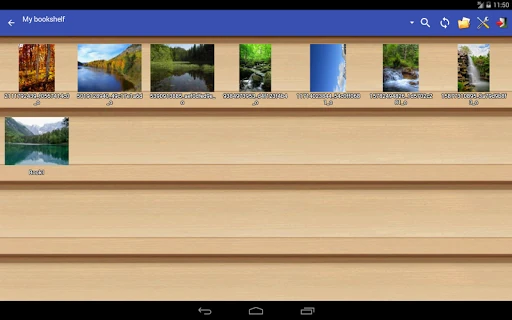
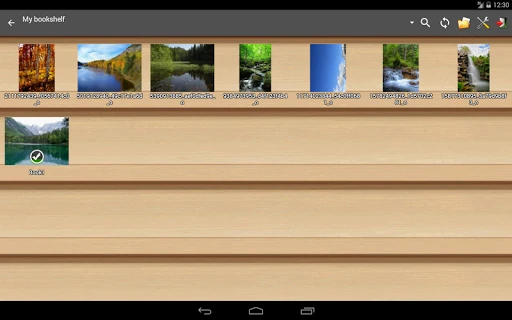
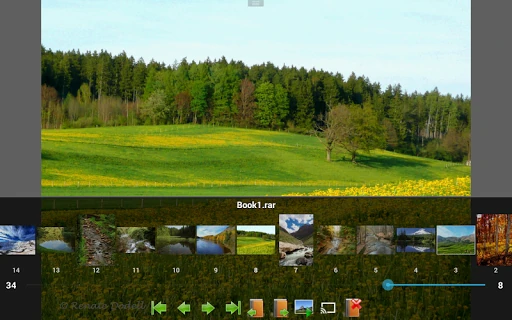
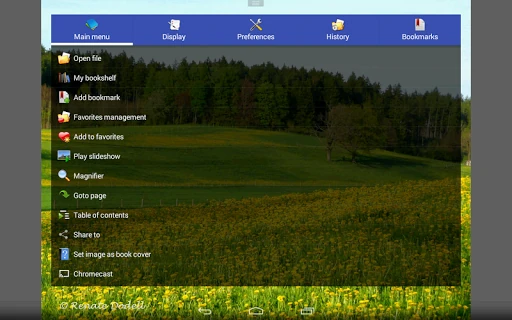
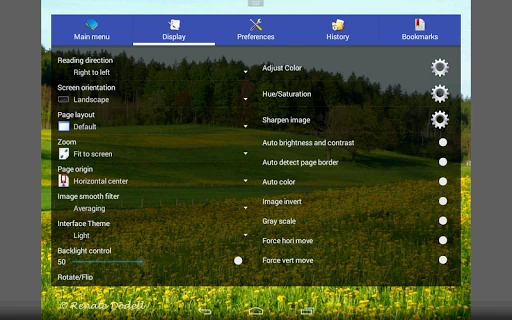
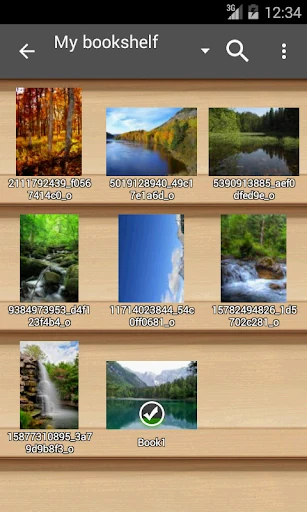
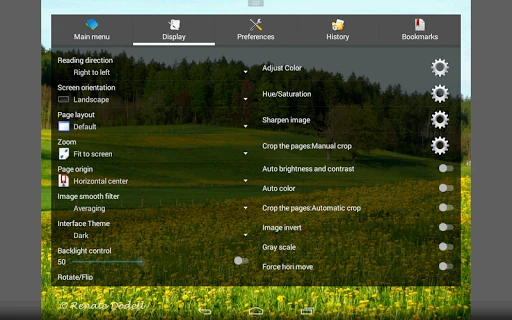
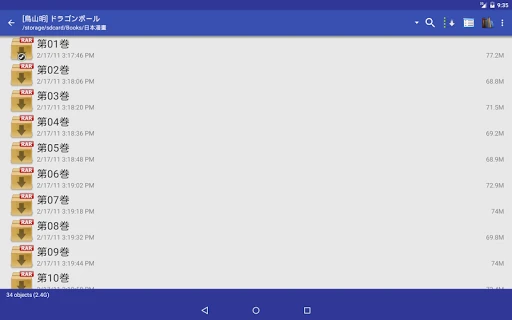
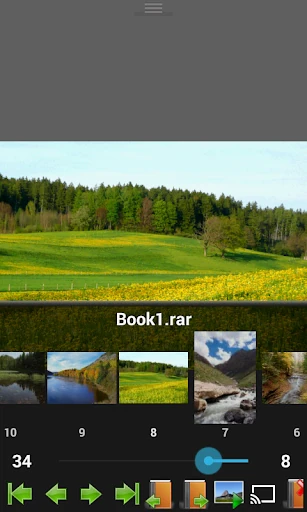
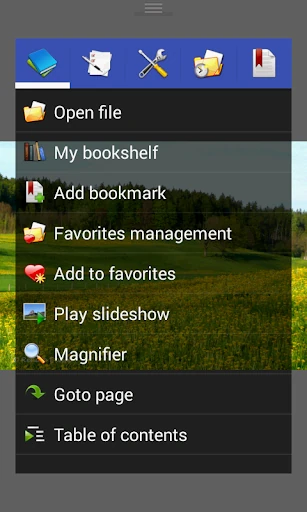
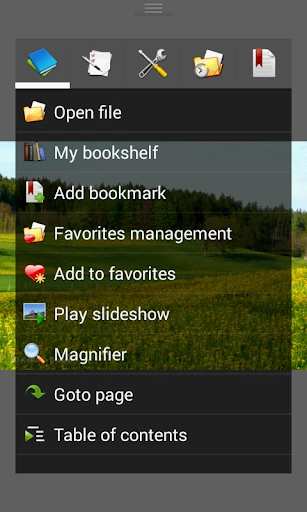
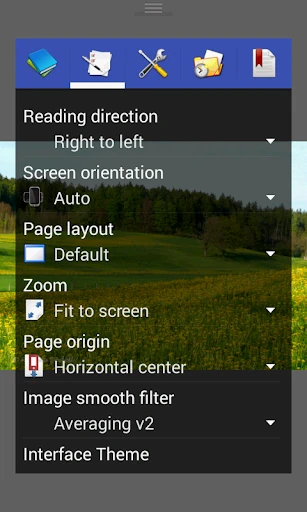
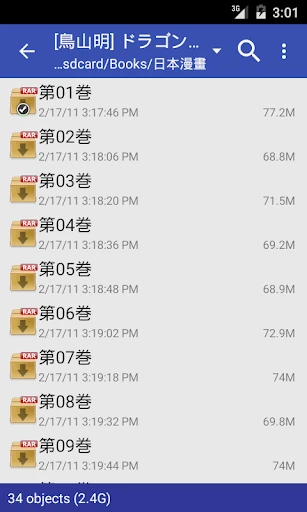
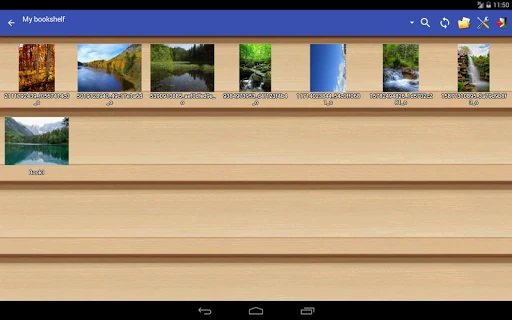
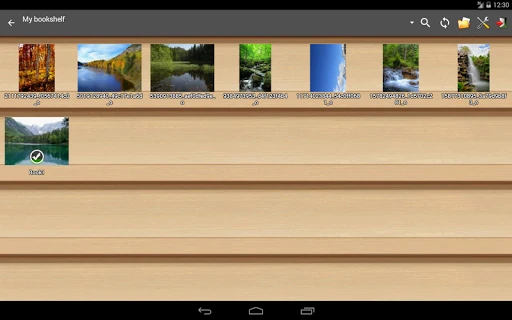
The user experience of Perfect Viewer is unapologetically utility-first. The interface favors a traditional file-management style which may feel slightly dated compared to modern "Material Design" applications, but it offers unparalleled efficiency for those with massive collections. The "Bookshelf" function provides a visual organization system that mirrors a physical library, though the true strength of the UX lies in its gesture controls. Pinch-to-zoom and fling gestures are highly responsive, contributing to the "fast" reputation of the app. However, the sheer density of the settings menu can create a steep learning curve for casual readers.
The most significant upgrade for Perfect Viewer would be a modernization of the UI/UX to align with contemporary design standards, perhaps through a simplified "Basic Mode" for new users. Additionally, integrating PDF and cloud support directly into the core application—rather than requiring separate plugin installations—would significantly reduce friction during the initial setup process. Finally, a more intuitive "Colorize" preview for the donation-tier features could help drive higher conversion rates for the developer.
Perfect Viewer is the definitive choice for the "Pro" comic reader—the enthusiast with a sprawling collection stored across various network drives and cloud accounts. Its performance is unmatched, and its toolkit for image adjustment is professional-grade. While casual readers might find the setup and interface daunting, it remains the gold standard for anyone who values functionality and customization over aesthetic simplicity. If you have a large library of CBR or CBZ files, this is the first app you should install.