🏆 Expert Verdict & Overview
Beat Maker Pro - DJ Drum Pad stands out as a sophisticated yet accessible entry in the competitive Music & Audio landscape. It successfully bridges the gap between professional music production hardware and mobile convenience. By leveraging a 24-pad interface, the app provides a tactile experience that appeals to both aspiring beatmakers and seasoned DJs looking for a portable sketchpad for their rhythmic ideas. Its authoritative position in the market is cemented by its focus on education and ease of use, making it a premier choice for mobile groove production and rhythm mastery.
🔍 Key Features Breakdown
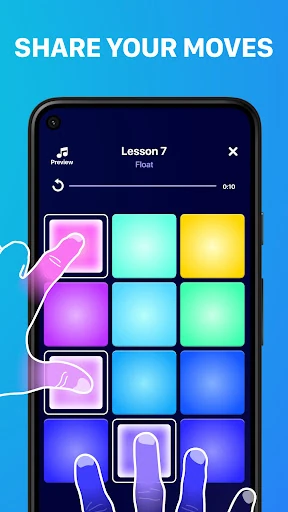
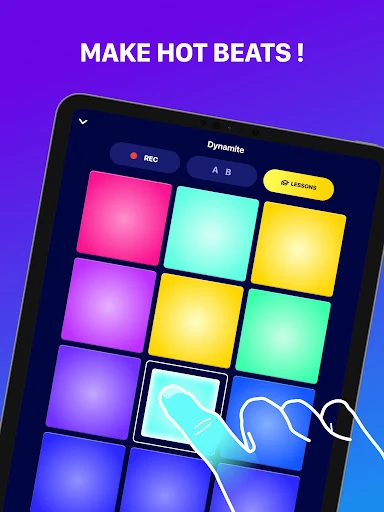
- 24-Pad Digital Drum Machine: Provides a comprehensive grid for triggering samples, allowing for complex rhythm patterns and multi-layered compositions that mimic professional MIDI controllers.
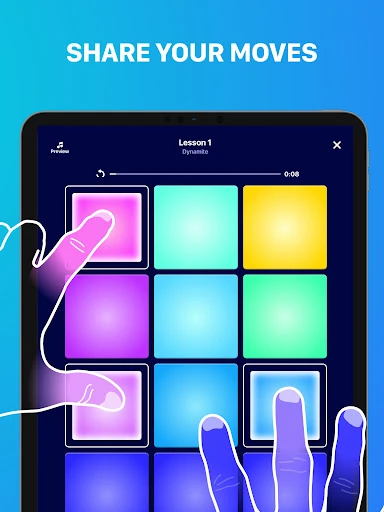
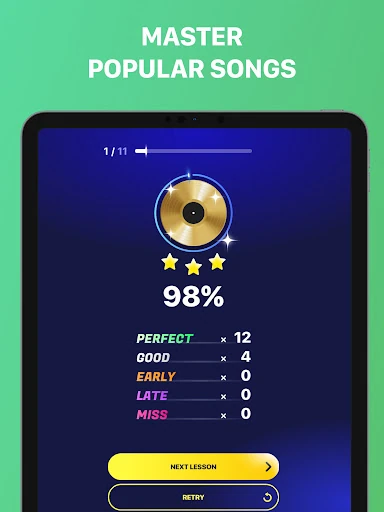
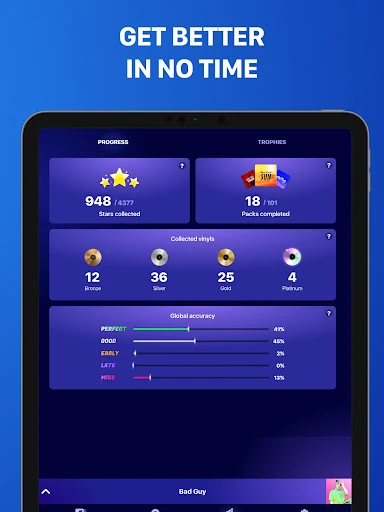
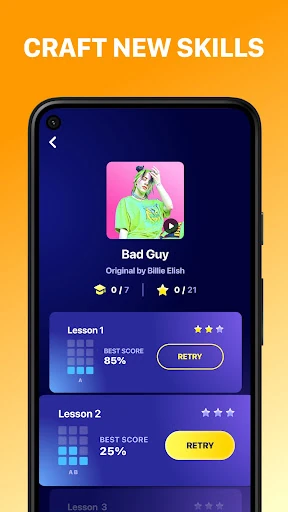
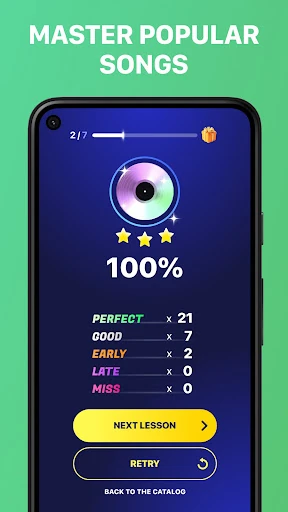
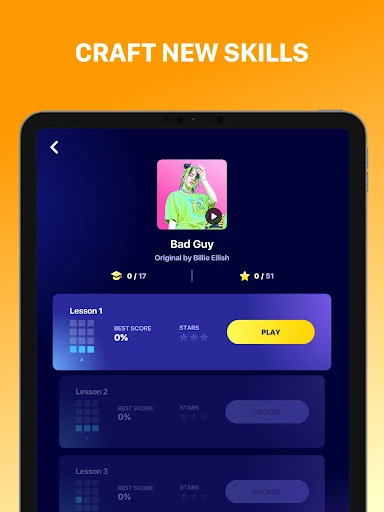
- Guided Beatmaking Lessons: Solves the high barrier to entry in music production by teaching users the mechanics of timing and rhythm through interactive tutorials.
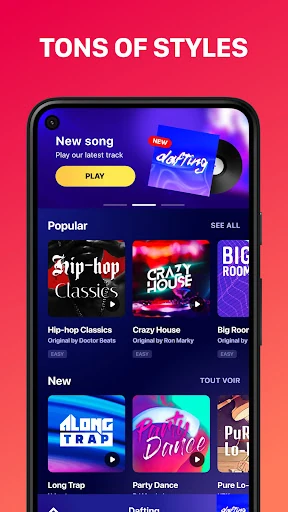
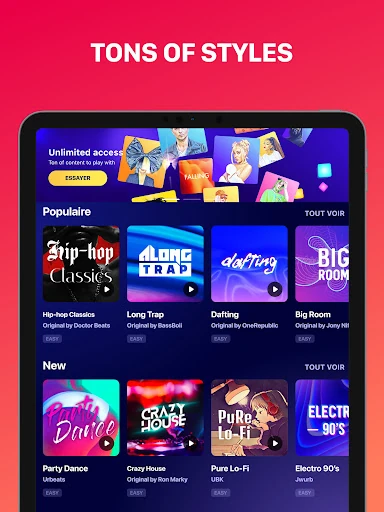
- Multi-Genre Sound Library: Offers specialized kits for Trap, EDM, Hip-Hop, and Dubstep, ensuring users have the correct sonic palette to stay relevant with current industry trends.
- Pocket Studio Functionality: Allows for recording and remixing on the go, solving the problem of creative friction by letting users capture inspiration whenever it strikes.
🎨 User Experience & Design
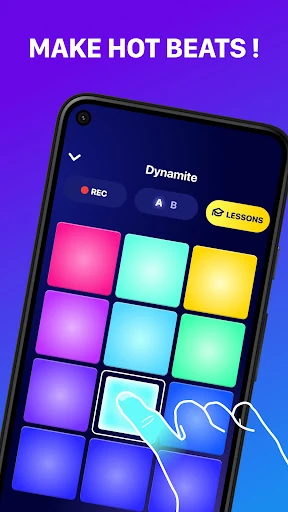
The interface of Beat Maker Pro - DJ Drum Pad adheres to the high standards expected of performance-based audio software. The UI features a high-contrast, color-coded grid that facilitates quick visual recognition—essential for high-speed finger drumming where looking away for a second can break the rhythm. From a UX perspective, the app minimizes "time-to-music" by placing the primary performance pads front and center upon launch. The touch response is optimized for low latency, a critical technical requirement in the Music & Audio category to ensure that the audio output aligns perfectly with the user's physical input.
⚖️ Pros & Cons Analysis
- ✅ The Good: Exceptional latency management, providing a professional-grade response time that is vital for accurate beat construction.
- ✅ The Good: The structured lesson format effectively gamifies the learning process, making music theory accessible to non-musicians.
- ❌ The Bad: The 24-pad layout can feel cramped on devices with smaller screens, leading to occasional accidental triggers.
- ❌ The Bad: Advanced users may find the lack of deep waveform editing or VST-style customization limiting for complex sound design.
🛠️ Room for Improvement
To further elevate the platform, the developers should consider implementing MIDI-over-USB/Bluetooth support, allowing the app to integrate into larger studio setups as a controller. Additionally, a dedicated "mixer view" with independent volume faders and basic EQ for each pad would provide the granular control that intermediate producers crave during the final stages of a track's creation.
🏁 Final Conclusion & Recommendation
Beat Maker Pro - DJ Drum Pad is an ideal solution for hobbyists, aspiring DJs, and content creators who require a streamlined, high-quality rhythm tool. It serves as an excellent educational gateway for those intimidated by traditional production software. While seasoned professionals might find it more of a "sketchpad" than a full DAW, its portability and ease of use make it a highly recommended download for anyone looking to master the art of the beat.