Advertisement
Click to download now, finish the installation quickly, and directly unlock the "all-round experience"
Advertisement
Screenshots



Click to download now, finish the installation quickly, and directly unlock the "all-round experience"
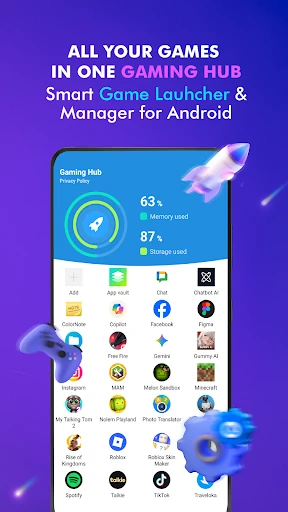
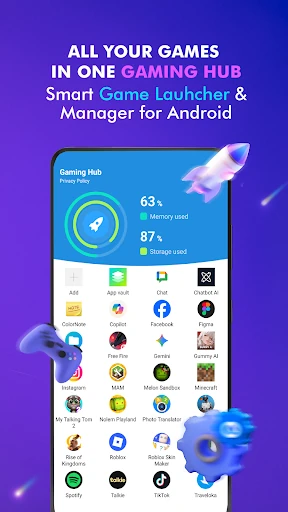
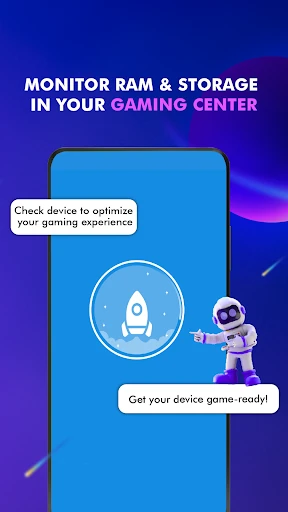
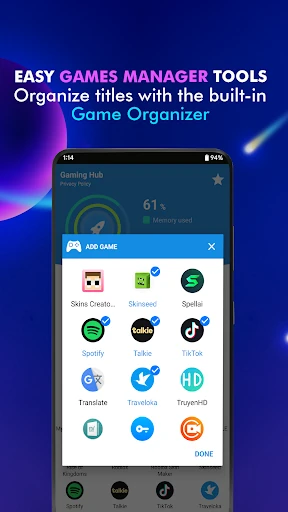
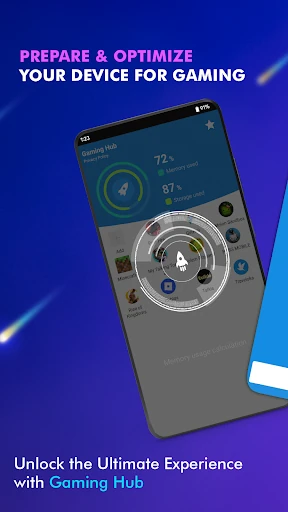
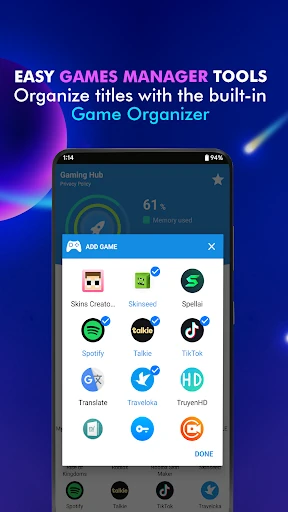
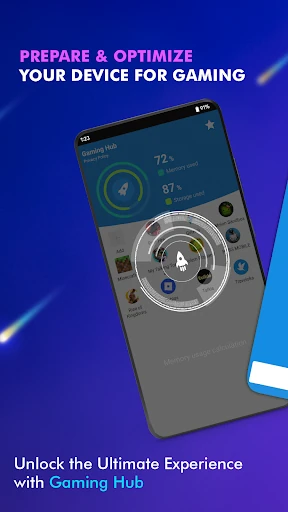
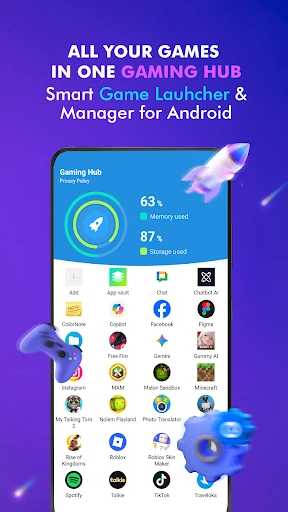
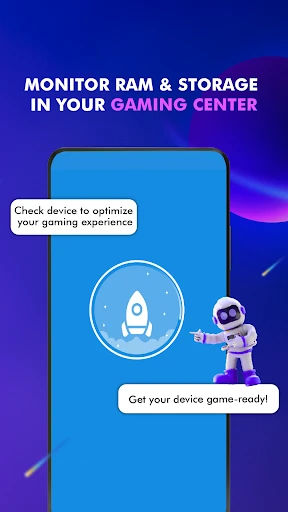
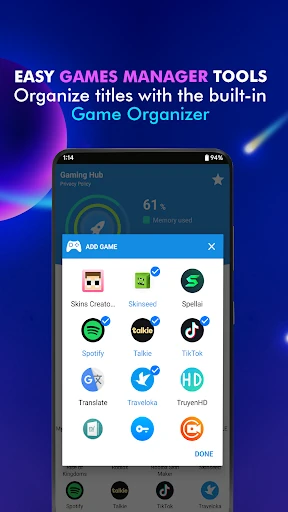
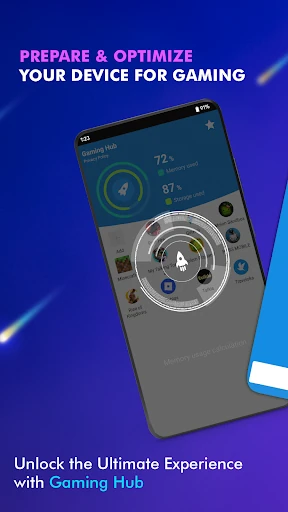
Gaming Hub: Game Launcher App serves as a specialized organizational utility within the Libraries & Demo category, designed to act as a centralized command center for Android users. In an ecosystem often prone to app bloat, this tool provides a streamlined "home base" that prioritizes accessibility and device health monitoring over superficial modifications. It effectively addresses the common pain point of app fragmentation by consolidating disparate titles into a single, manageable interface, positioning itself as an essential workflow optimizer for the modern mobile user.
The design philosophy behind Gaming Hub: Game Launcher App is rooted in utility and clarity. Adhering to the high standards expected of the Libraries & Demo category, the UI avoids overwhelming users with unnecessary visual noise, focusing instead on a clean, legible layout. The UX flow is intentionally minimalist—requiring only three steps from opening the hub to launching a game—which effectively solves the problem of "digital clutter" for both power users and casual gamers alike. The interface is responsive and provides a professional feel that mimics high-end native OS features.
To further elevate the application, the developers should consider implementing custom sorting layers, such as "Recently Played" or "Most Storage Intensive." Additionally, integrating a history of RAM spikes or device temperature logs would provide deeper value to technical users who wish to monitor how specific apps impact their hardware over long periods of time.
Gaming Hub: Game Launcher App is an ideal solution for Android users who value organization and require a dedicated workspace for their software library. It is particularly recommended for owners of devices with stock Android or minimalist skins that lack native game-management tools. While it does not modify hardware performance, it successfully optimizes the user's digital workflow and device awareness. This app is a "must-install" for those looking to regain control over a bloated app library.