Advertisement
Click to download now, finish the installation quickly, and directly unlock the "all-round experience"
Advertisement
Screenshots
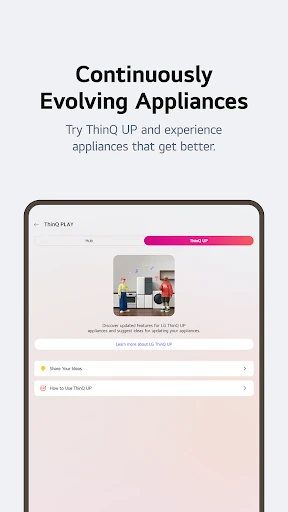
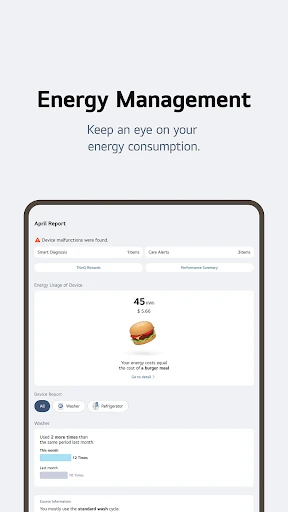
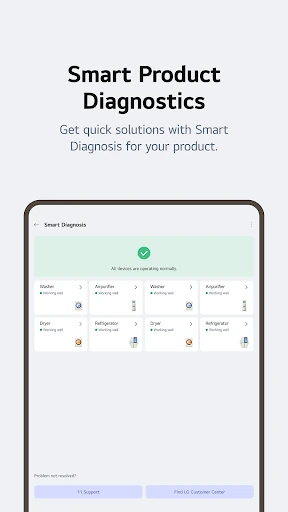
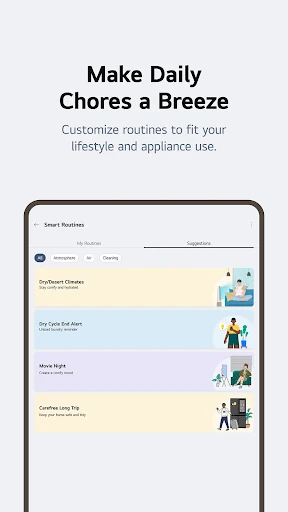
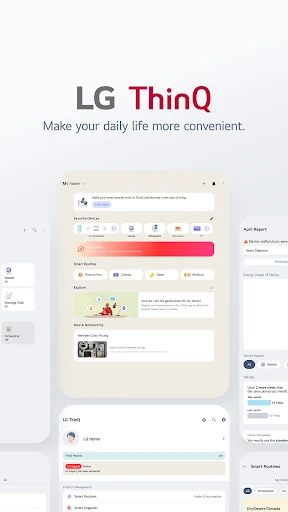
Click to download now, finish the installation quickly, and directly unlock the "all-round experience"
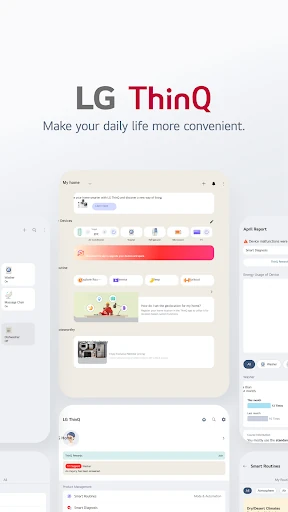
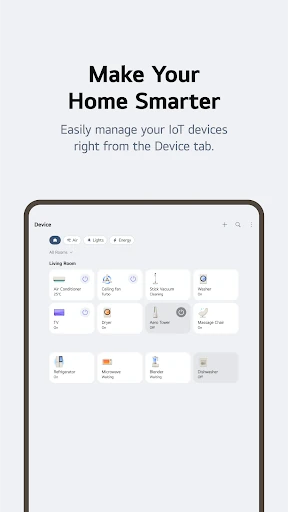
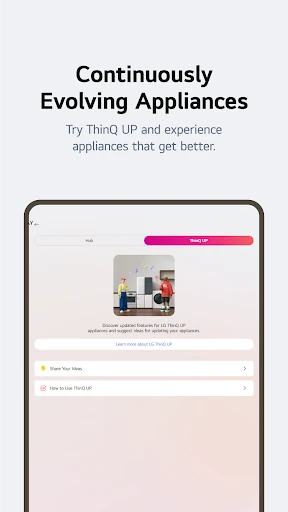
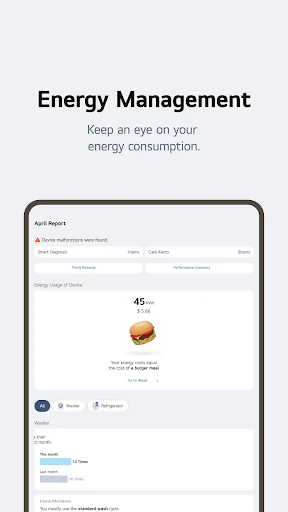
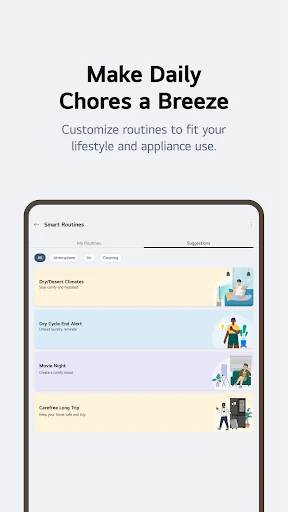
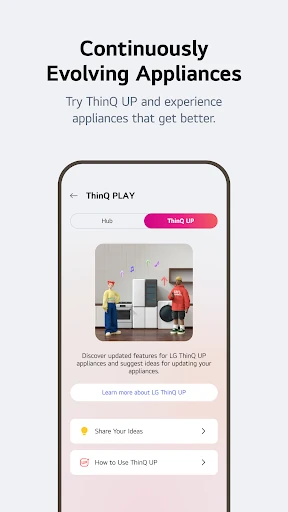
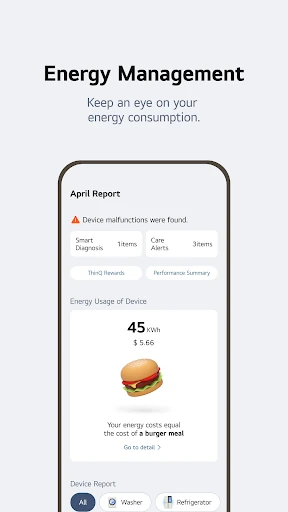
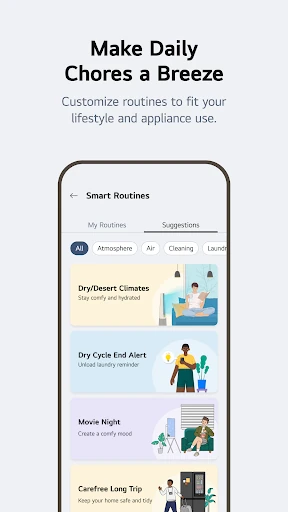
LG ThinQ stands as a sophisticated cornerstone in the Lifestyle and Smart Home categories, serving as a unified command center for LG’s extensive IoT ecosystem. As a Senior Analyst, I view this app not merely as a remote control, but as a proactive maintenance tool that leverages data-driven insights to extend the lifecycle of home appliances. By integrating energy management, automated routines, and direct service diagnostic tools, LG ThinQ successfully bridges the gap between hardware utility and digital convenience. It is an essential installation for any modern household invested in the LG ecosystem, offering a level of transparency into home operations that was previously inaccessible to the average consumer.
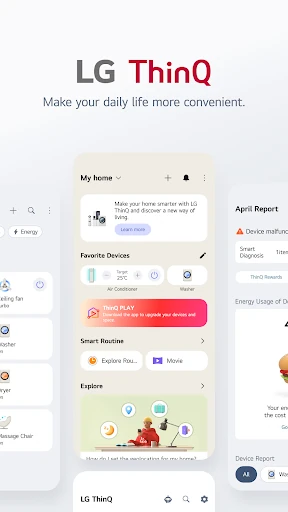
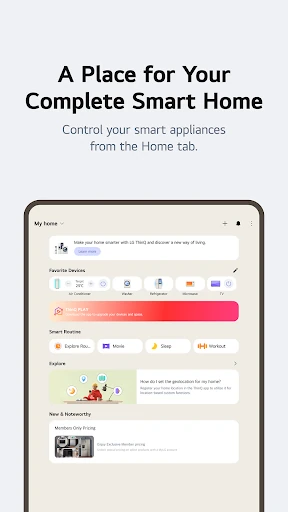
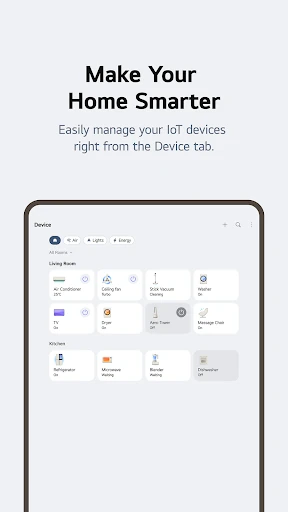
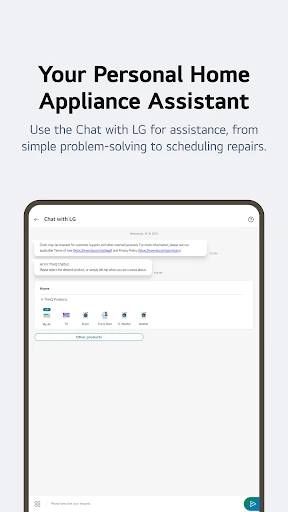
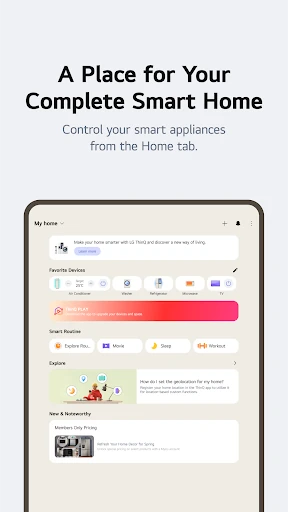
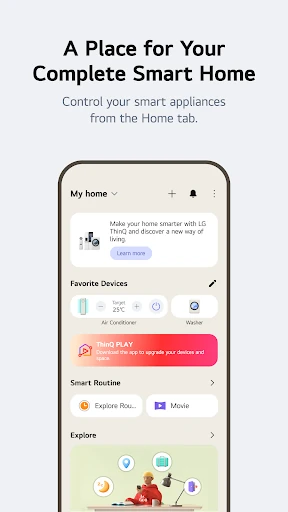
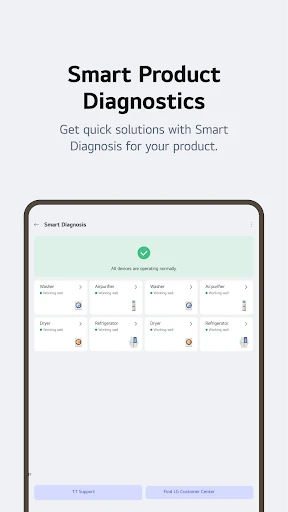
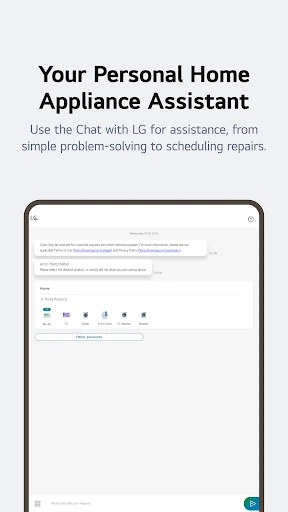
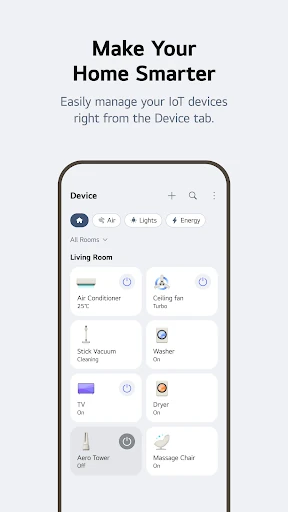
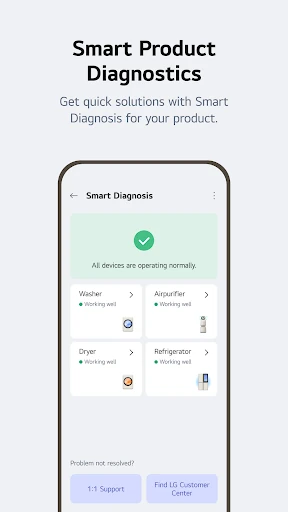
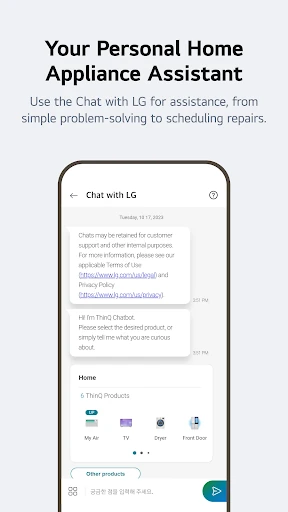
The UI of LG ThinQ follows a clean, modular aesthetic typical of high-end lifestyle applications. The "Home" tab acts as a functional dashboard, utilizing white space effectively to prevent cognitive overload despite the high density of data. Navigational flow is intuitive, with a clear distinction between daily control and deep-dive analytics. However, the heavy reliance on a wide array of system permissions—ranging from location to nearby device scanning—creates a significant onboarding hurdle. Once configured, the UX shines through its "Smart Diagnosis" and "Chat with LG" features, which utilize AI to provide a conversational and less technical interface for troubleshooting complex hardware issues.
To elevate the experience further, LG should focus on standardizing feature availability across all global regions to eliminate user frustration. Streamlining the initial setup process by grouping permission requests more logically would also improve the first-time user experience. Additionally, integrating more third-party IoT compatibility outside of the LG ecosystem would transform the app from a brand-specific tool into a universal smart home hub, increasing its value within the competitive Lifestyle landscape.
LG ThinQ is an indispensable tool for homeowners who have invested in LG’s smart appliance lineup. It excels at turning "dumb" appliances into interactive assets that provide data, save energy, and self-diagnose. While the permission requirements are extensive and regional feature disparity exists, the sheer utility of the Energy Monitoring and Smart Diagnosis features makes it a top-tier lifestyle application. I highly recommend this app for any user looking to transition from a reactive to a proactive home management style.