
Advertisement
Click to download now, finish the installation quickly, and directly unlock the all-round experience
Advertisement
Screenshots
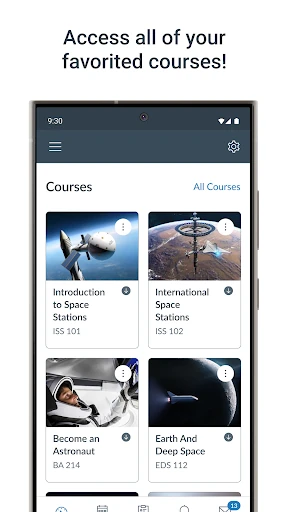
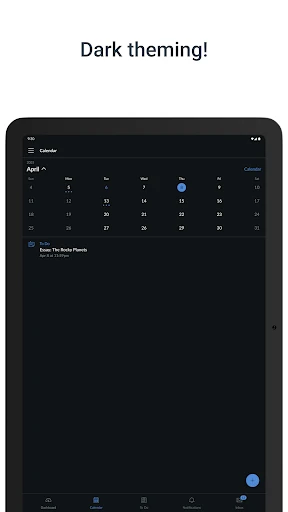
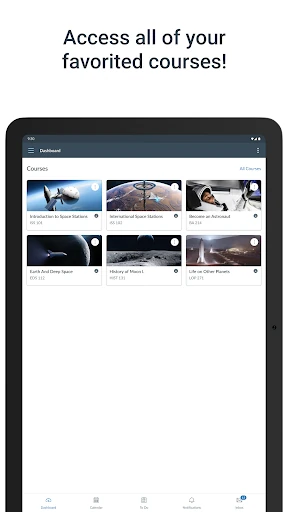
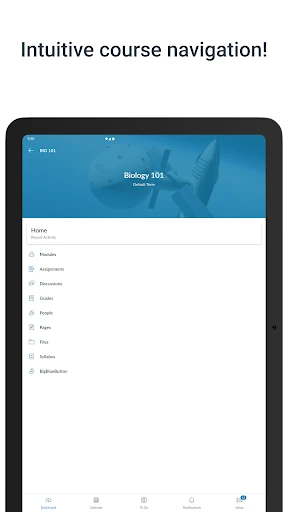
Click to download now, finish the installation quickly, and directly unlock the all-round experience
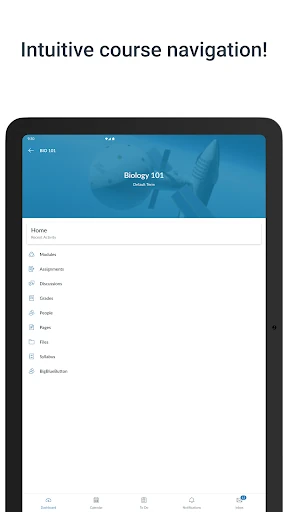
Canvas is an education app for students who use Instructure’s Canvas learning platform through their school or college. It brings course information and common study tasks together on an Android device, so it suits learners who want to check class updates, keep track of deadlines and work with course materials away from a computer.
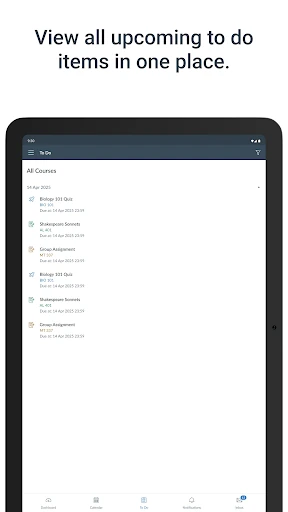
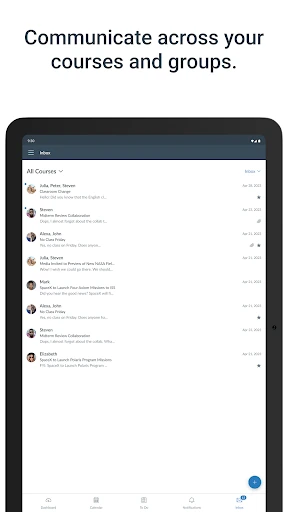
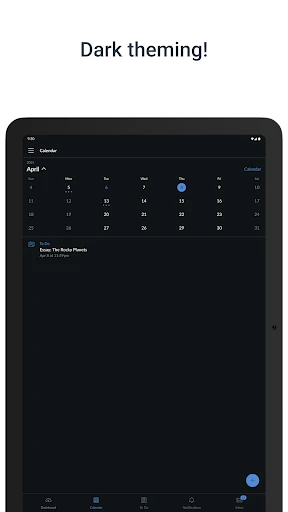
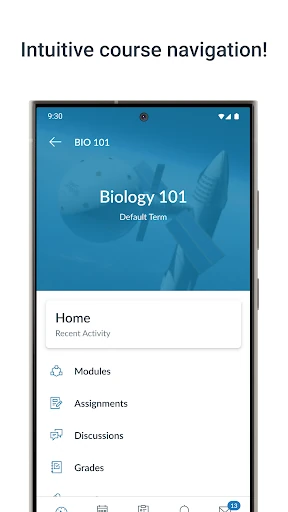
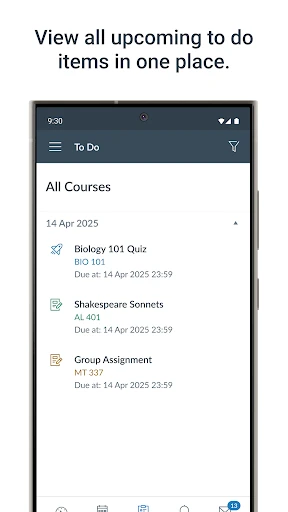
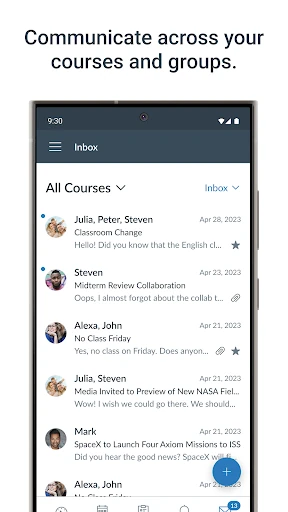
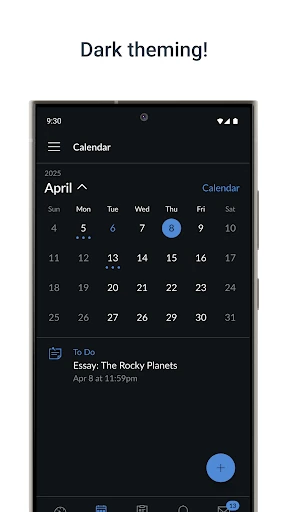
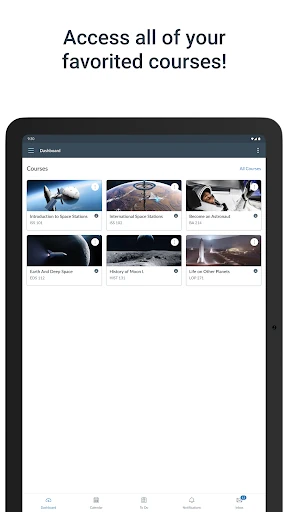
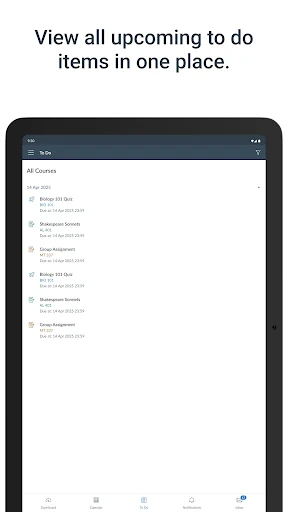
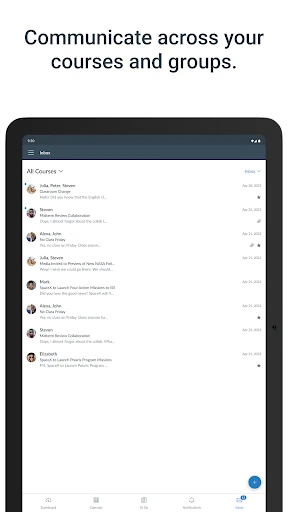
Use the app to view courses, check grades and instructor feedback, and follow assignment deadlines with the calendar and to-do list. Students can submit work from a mobile device, take quizzes, watch course videos and join class discussions. Messaging tools support communication with instructors and classmates, while notifications can flag course updates, new grades and upcoming work.
What appears in the app depends on the courses and tools your institution makes available. Canvas is a companion to an institution’s learning platform, rather than a place to find or enrol in classes on its own.
Instructure develops Canvas, listed in the Education category. Its Google Play listing has a 4.6-star rating from 219,254 ratings and more than 10 million installs. Those figures offer a useful snapshot of its reach, though the app’s relevance depends on whether your school or college uses Canvas.
Canvas is most useful for students already taking courses on the platform who need a mobile way to review class materials, check progress and stay aware of assignments. Instructors may also use it to follow course activity and communicate with students. If your institution relies on Canvas, the app can keep key course information close at hand; if it uses a different learning system, this app may not fit your needs.