Advertisement
Click to download now, finish the installation quickly, and directly unlock the "all-round experience"
Advertisement
Screenshots
Click to download now, finish the installation quickly, and directly unlock the "all-round experience"
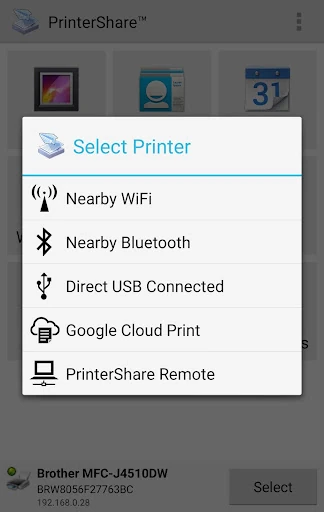
PrinterShare Mobile Print stands as a cornerstone utility in the Business category, bridging the gap between mobile productivity and physical documentation. As one of the most mature printing solutions on the Google Play Store, it offers a robust architecture designed to interface with an expansive range of hardware, from modern wireless units to legacy machines via desktop bridging. While the mobile landscape has shifted toward native OS printing solutions, PrinterShare remains a vital tool for power users who require granular control and universal compatibility that standard system drivers often lack.
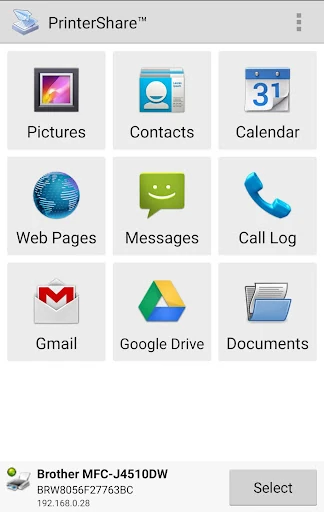
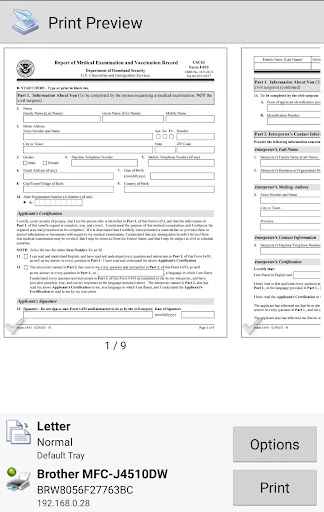
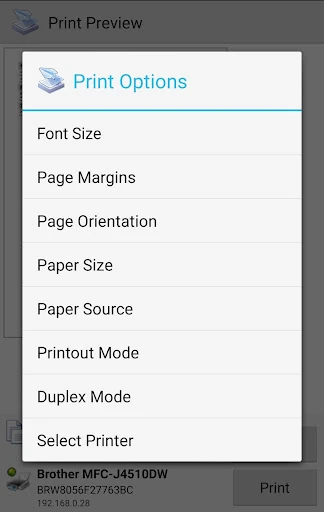
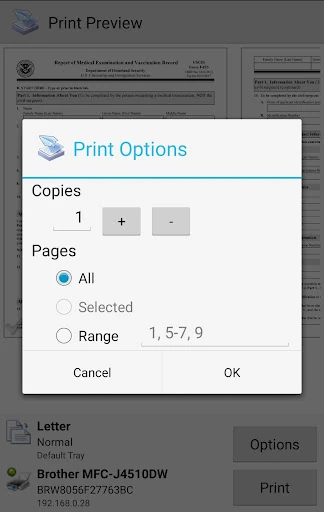
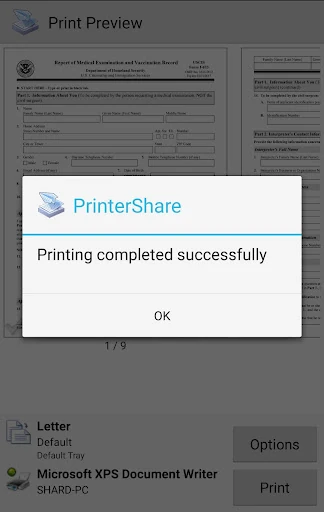
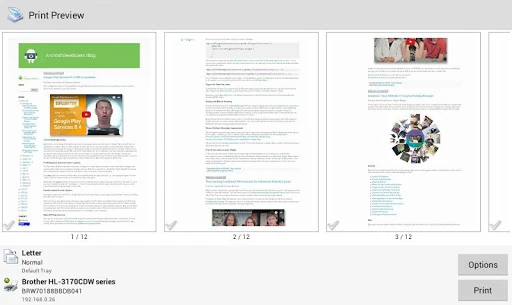
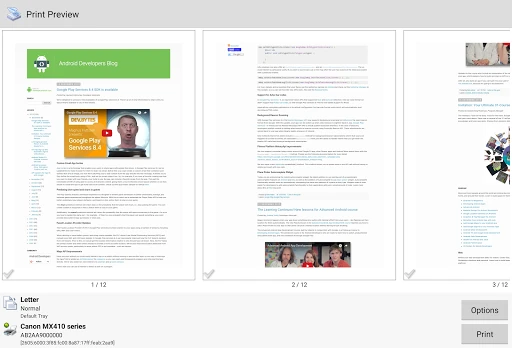
The user interface of PrinterShare prioritizes functional reliability over modern aesthetic flourishes, which aligns with its status as a high-utility business tool. The navigation is logical, guiding users through the printer discovery process and document selection with minimal friction. While the UI may feel slightly utilitarian compared to contemporary Material Design apps, its performance-first approach ensures a low learning curve for professional users who value efficiency and technical accuracy over visual flair.
A visual modernization of the interface would greatly benefit the app, bringing it in line with modern Android 14+ design standards. Additionally, streamlining the driver download process for specific printer models and expanding direct integration with emerging niche cloud providers would further solidify its position as the market leader. Providing more transparent in-app troubleshooting for USB OTG connections would also help non-technical users.
PrinterShare Mobile Print is an indispensable tool for business professionals, field agents, and remote workers who operate in diverse office environments with varying hardware. It remains the "Swiss Army Knife" of mobile printing. This app is highly recommended for users who find their device's native printing capabilities insufficient for complex professional tasks or those dealing with older network hardware. The Premium upgrade is a worthwhile investment for any mobile-first office setup.