Advertisement
Click to download now, finish the installation quickly, and directly unlock the "all-round experience"
Advertisement
Screenshots
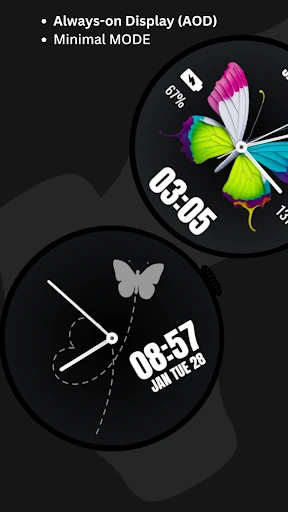
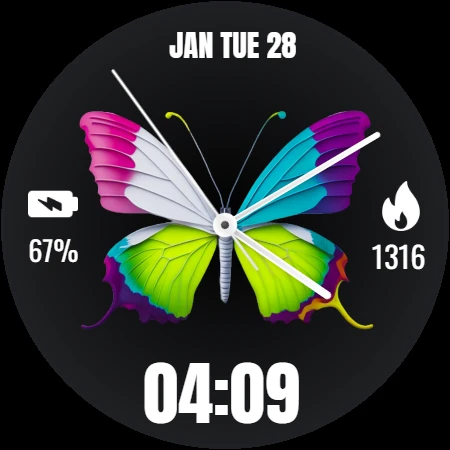
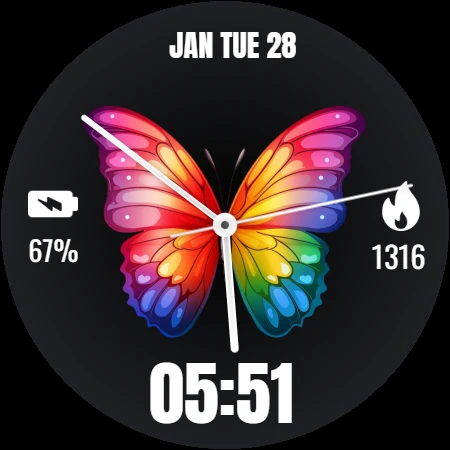
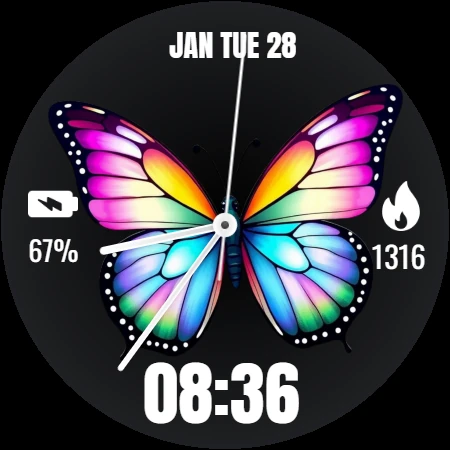
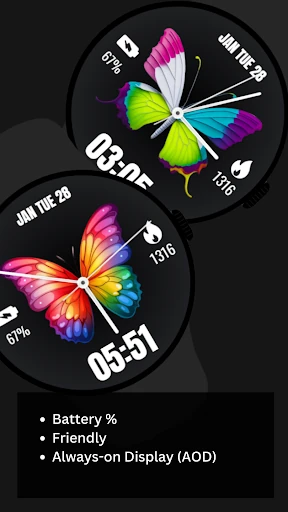
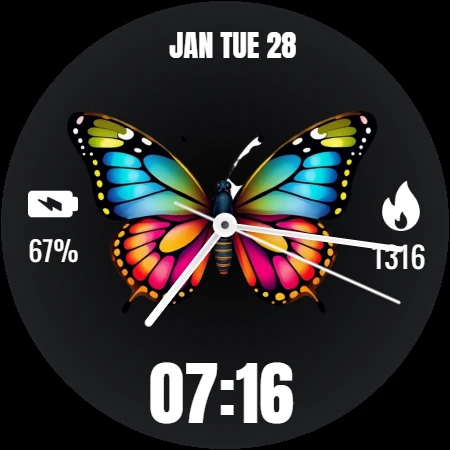
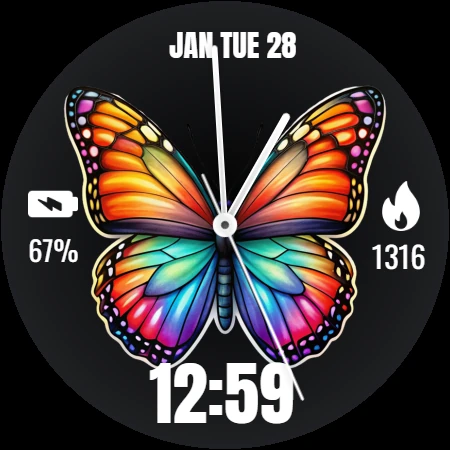
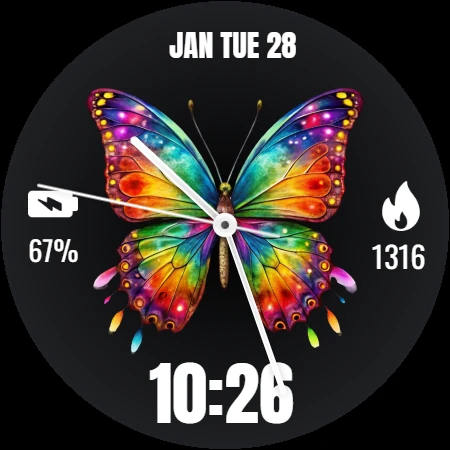
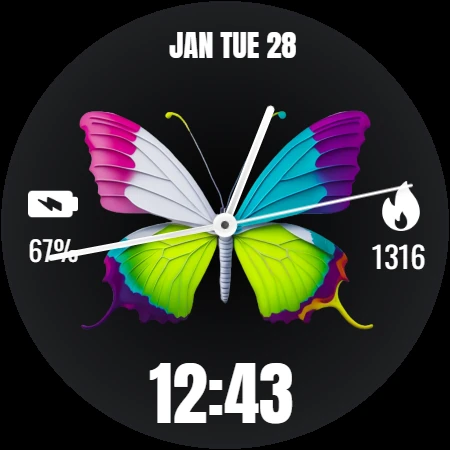
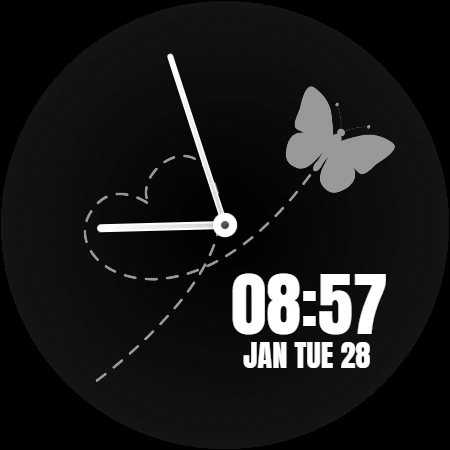
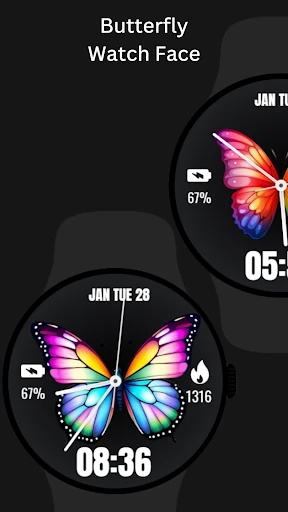
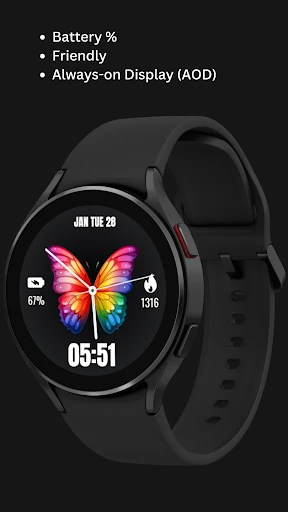
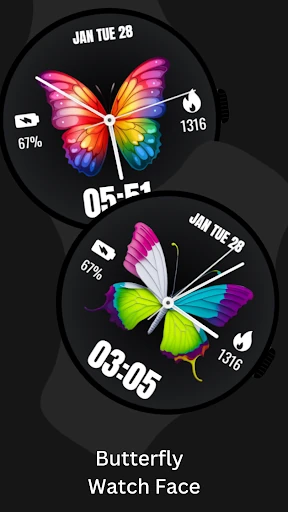
Click to download now, finish the installation quickly, and directly unlock the "all-round experience"
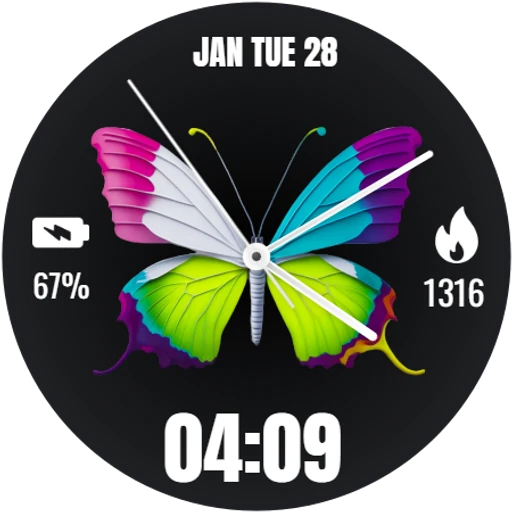
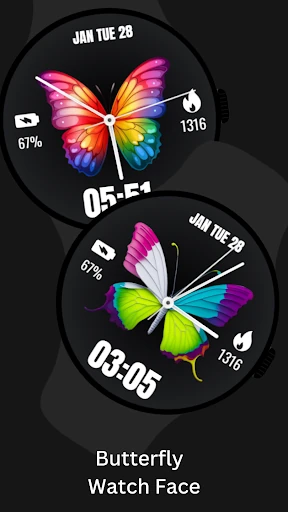
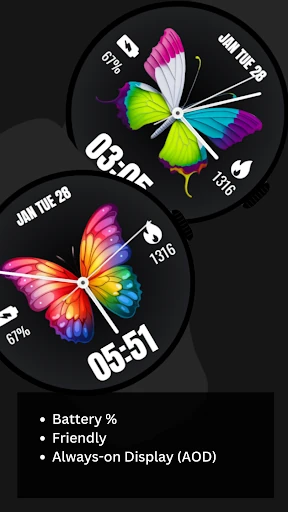
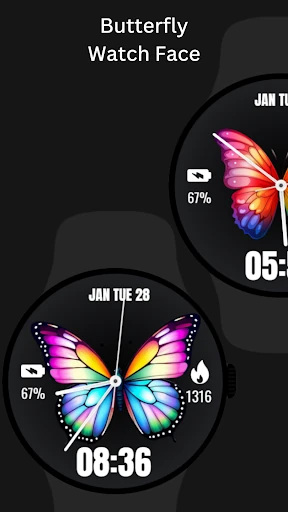
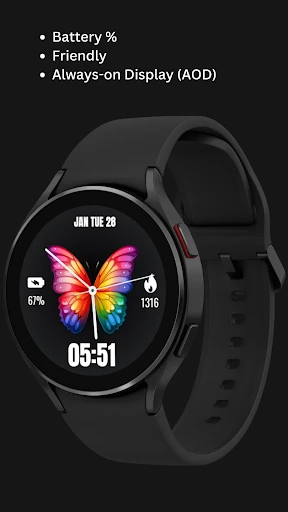
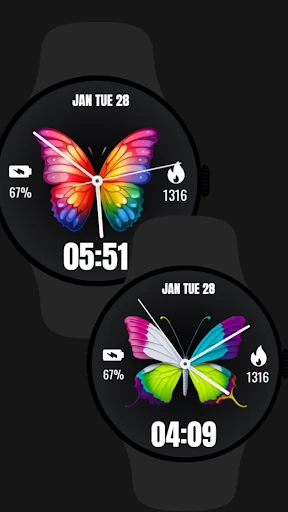
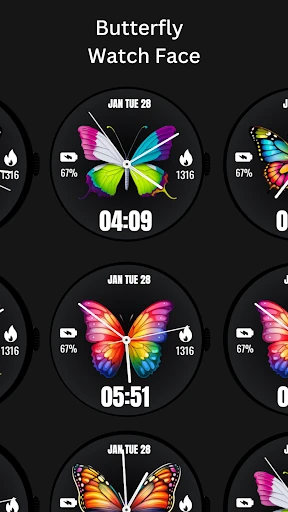
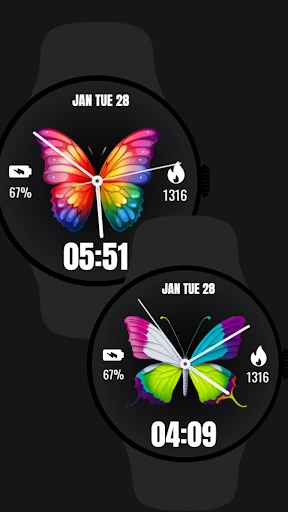
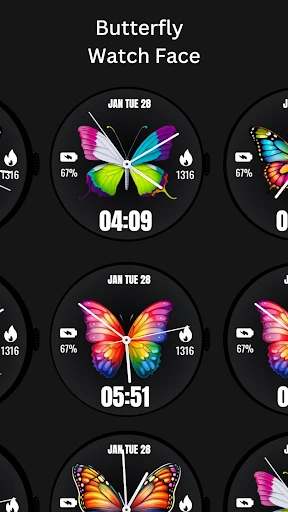
Butterfly WatchFace enters the Wear OS personalization market as a focused aesthetic solution that balances grace with essential utility. In a landscape often dominated by overly technical or cluttered designs, this app carves out a niche for users seeking a nature-inspired, elegant interface. It provides a cohesive visual experience that transforms a standard smartwatch into a more personalized accessory without sacrificing the primary data points modern users rely on daily.
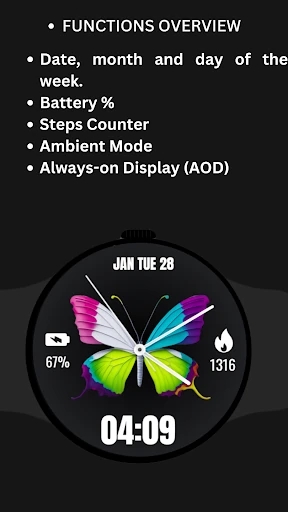
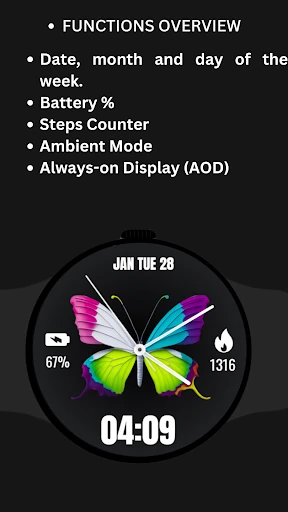
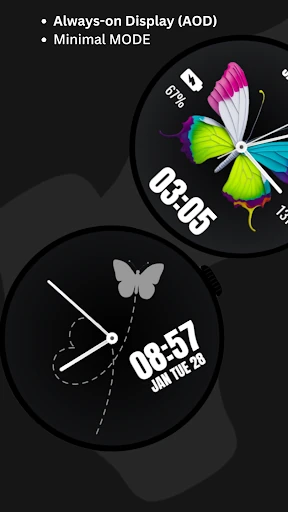
The user experience is built around the principle of "glanceable information." From a UI perspective, the butterfly motif serves as a central artistic anchor, ensuring the design feels intentional rather than generic. For the Personalization category, the interface succeeds by maintaining high legibility despite its decorative theme. The transition between active and ambient modes is designed to be seamless, though the developer provides clear guidance on battery optimization, showing a user-centric approach to hardware limitations.
To further elevate the app, the developer should consider adding customizable complications, allowing users to swap the step counter for other metrics like heart rate or weather. Additionally, introducing color palettes for the butterfly element would enhance the personalization aspect. Finally, optimizing the AOD mode to use fewer active pixels could help resolve the battery drain issues, making the "Always On" feature more viable for daily use.
Butterfly WatchFace is specifically designed for Wear OS users who prioritize style and thematic beauty over data-dense, industrial dashboards. It is an excellent choice for owners of circular smartwatches like the Pixel Watch or Galaxy Watch series who want their wearable to reflect a softer, more sophisticated aesthetic. We recommend this app for users who want a beautiful, "install-and-enjoy" face that covers the fundamental basics of time and health tracking.