Advertisement
Click to download now, finish the installation quickly, and directly unlock the "all-round experience"
Advertisement
Screenshots


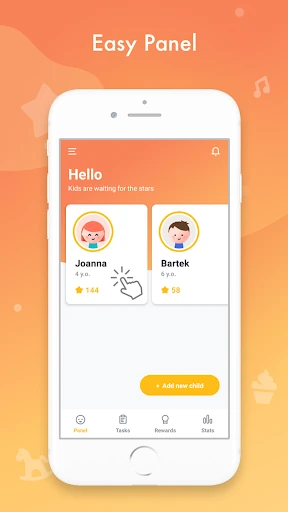

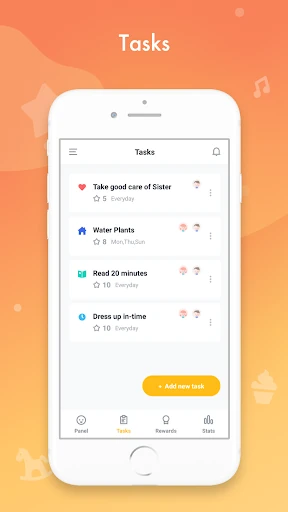
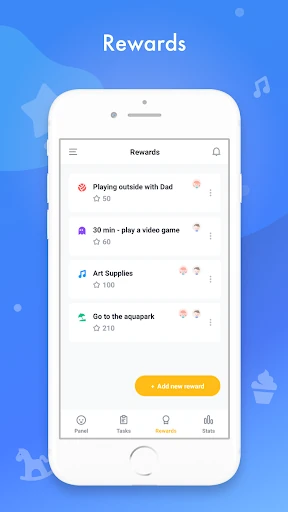

Click to download now, finish the installation quickly, and directly unlock the "all-round experience"
Child Reward enters the competitive parenting technology market as a streamlined, goal-oriented utility designed to gamify household responsibilities. By bridging the gap between parental expectations and childhood motivation, the app transforms the often-mundane routine of chores into a structured "earn-as-you-learn" economy. Positioned as a digital chore chart, it leverages psychological reinforcement through star-based rewards, making it a highly effective tool for families looking to instill a sense of accountability and financial literacy in their children from an early age.
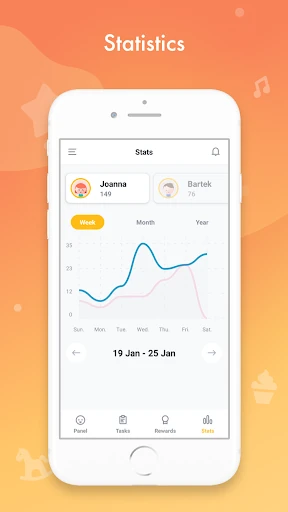
The user experience of Child Reward is built on the principle of friction reduction. The inclusion of a guest mode and Google Sign-In options demonstrates an understanding that parents are often time-poor and require immediate utility. The UI is partitioned strategically; the parent's side focuses on "Advanced Statistics" and management, while the child's side is optimized for simplicity. However, the requirement for a parent to log in before switching to the child’s view suggests a design prioritized for shared devices, which is a common and safe standard in the parenting category.
To further elevate the platform, the developers should consider implementing an automated in-app account deletion feature to align with the latest privacy UX standards. Additionally, adding a "Photo Verification" feature—where children can snap a picture of the finished chore—would add an extra layer of engagement and accountability. Introducing a multi-device sync that allows children to log in directly via a secure "Child Code" (similar to YouTube Kids) would also improve the experience for families with multiple tablets.
Child Reward is an excellent solution for parents of children aged 5 to 12 who are struggling to maintain a consistent chore routine. It successfully replaces the physical "sticker chart" with a sophisticated, data-driven digital ecosystem. For families seeking a balance between discipline and positive reinforcement, this app is a highly recommended addition to their digital parenting toolkit.