
Remini - AI Photo Enhancer
Bending Spoons
Downloads
500,000,000+
Source
Google Play
Advertisement
Click to download now, finish the installation quickly, and directly unlock the all-round experience
Advertisement
Screenshots


















Click to download now, finish the installation quickly, and directly unlock the all-round experience
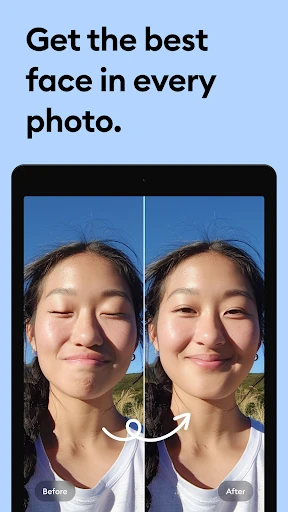
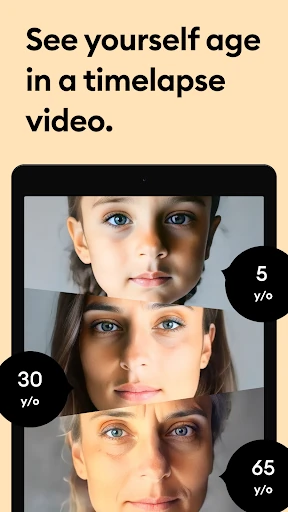
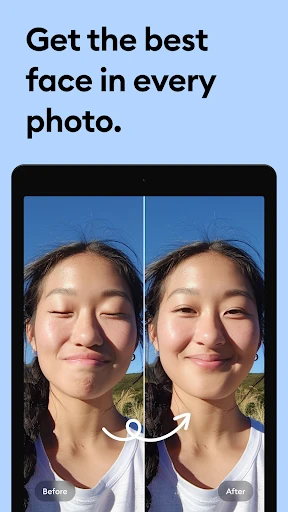
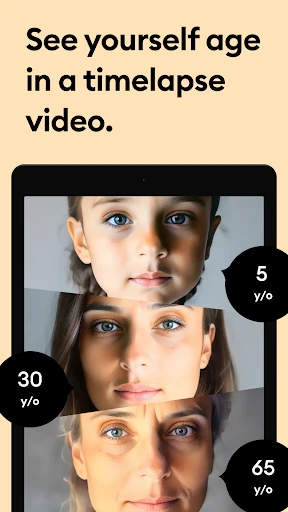
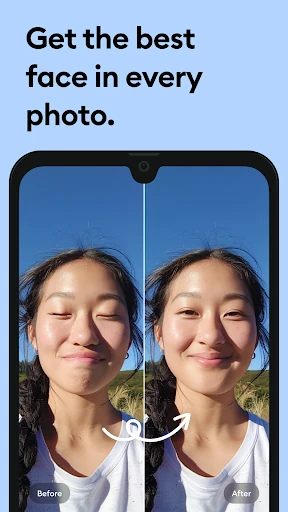
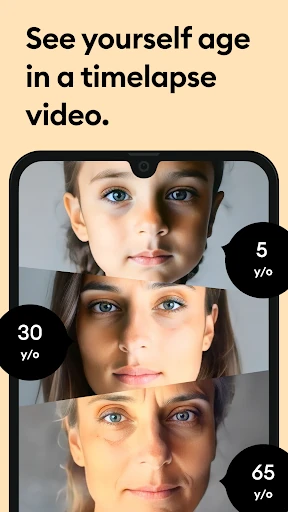
Remini - AI Photo Enhancer uses AI to improve the appearance of photos, with a focus on sharpening blurry or pixelated images and bringing out detail. It also offers tools for restoring older pictures and enhancing faces in portraits. The app may suit people who want to improve a low-quality image without working through a full set of manual editing controls.
Use Remini to work on portraits, selfies, or older photos where faces and other details are hard to make out. Its enhancement tools aim to reconstruct or clarify image details, while restoration tools can help with photos that look faded, noisy, or worn. Results depend on the original image; AI enhancement can change how details look, so check the finished picture before sharing or keeping it as a faithful record.
Remini is listed in the Photography category and is developed by Bending Spoons. It has a Google Play rating of 4.1 out of 5, based on more than 5.6 million ratings, and 500,000,000+ installs. These figures provide a sense of its reach and user feedback, though they do not guarantee that every enhancement will suit every photo.
This app is a practical option for anyone looking to make a soft or low-resolution picture clearer, or to give an old portrait a cleaner appearance. It is less suited to users who want precise control over every adjustment: its main appeal is AI-led image enhancement rather than detailed, hands-on editing.