Advertisement
Click to download now, finish the installation quickly, and directly unlock the "all-round experience"
Advertisement
Screenshots
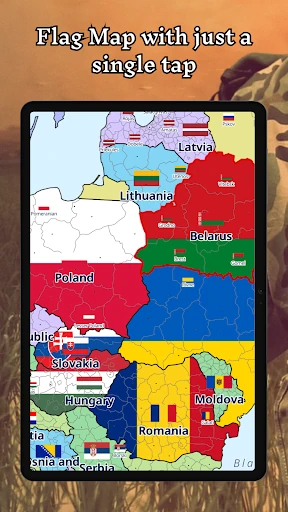
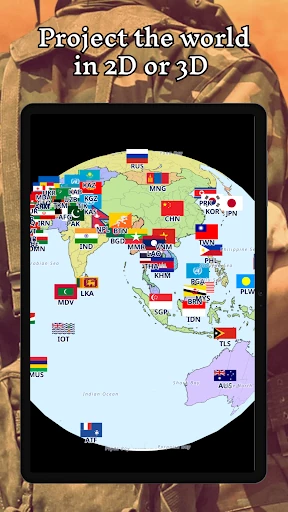
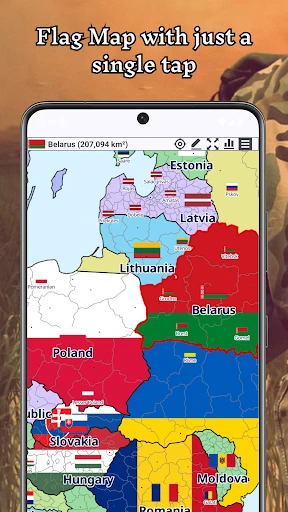
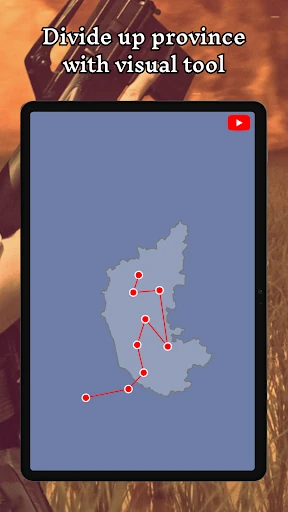
Click to download now, finish the installation quickly, and directly unlock the "all-round experience"
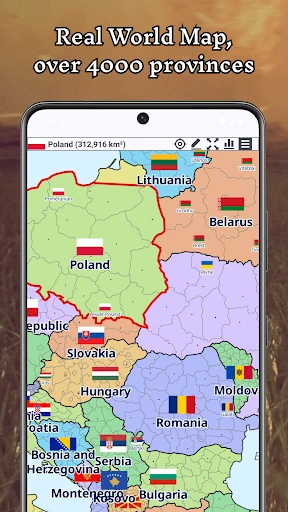
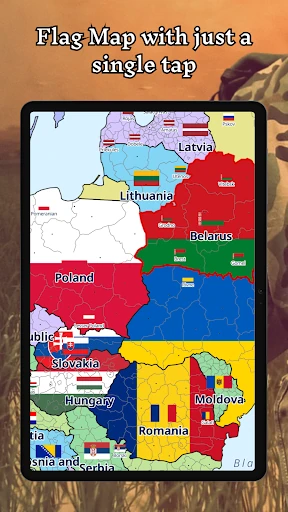
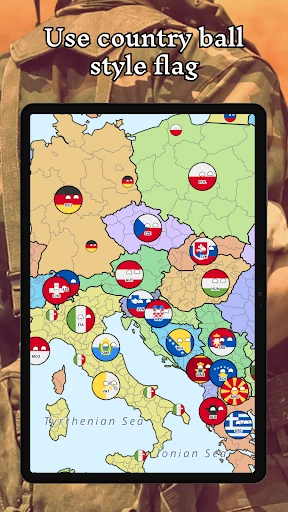
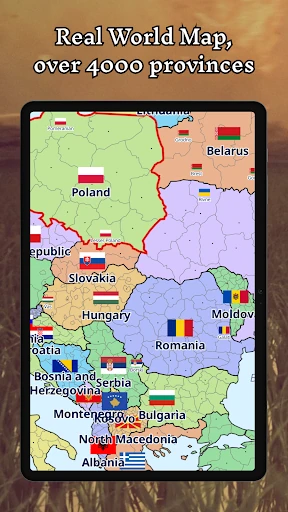
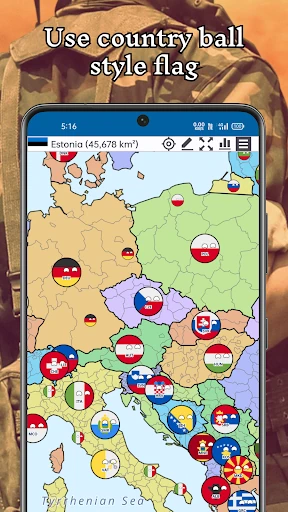
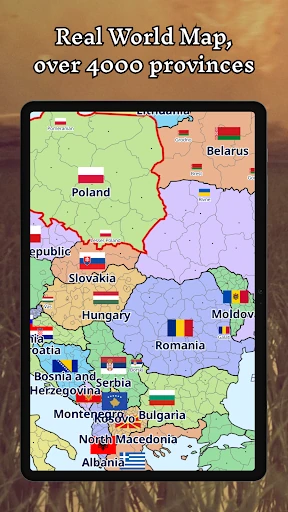
A+ World Map Editor Sandbox represents a specialized niche in the digital geography space, shifting the focus from passive map viewing to active cartographic creation. As an entry in the Trivia and education landscape, it distinguishes itself by offering a robust "what-if" environment where users are not just tested on their knowledge, but are given the tools to reshape it. This application functions as a comprehensive creative suite for world-builders and history enthusiasts, offering a sophisticated blend of geographical data and creative freedom that is rarely seen in mobile sandbox titles.
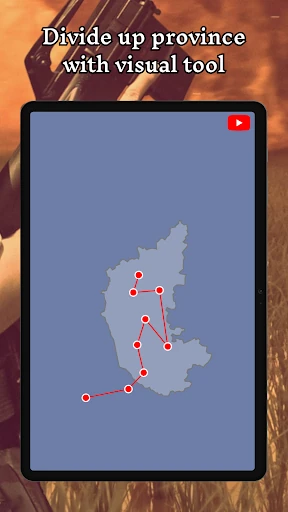
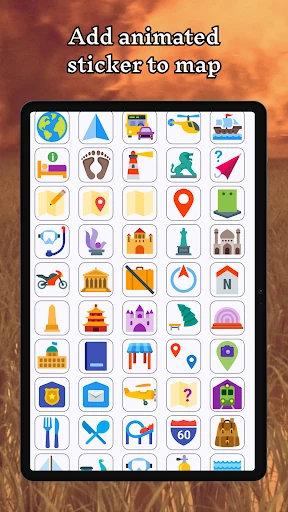
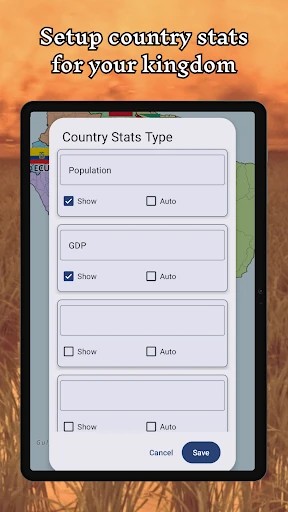
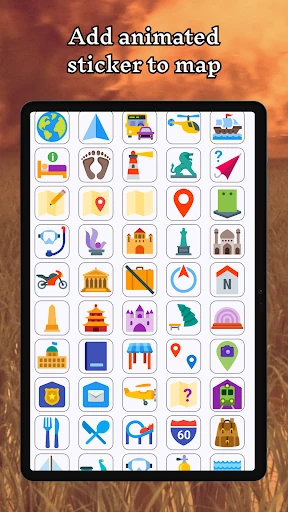
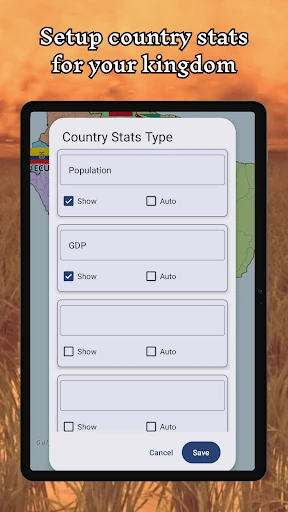
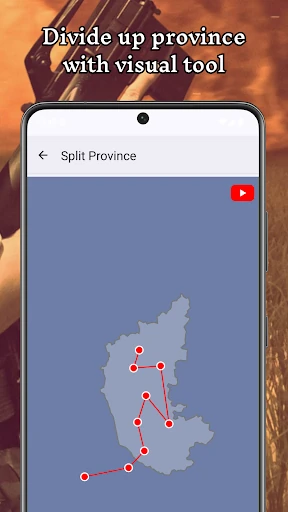
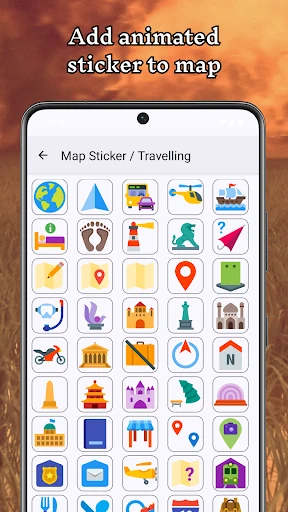
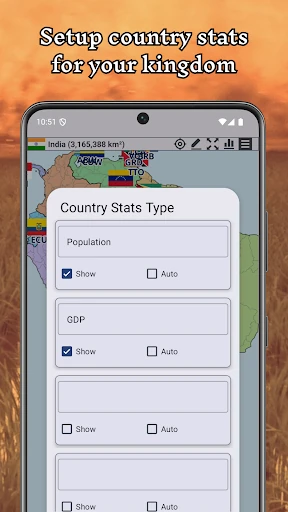
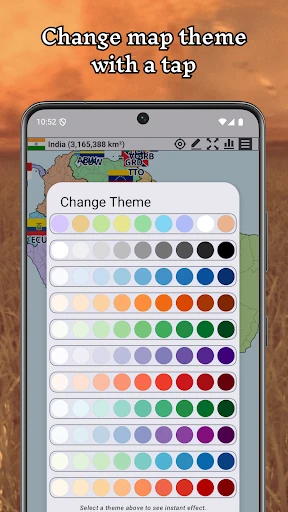
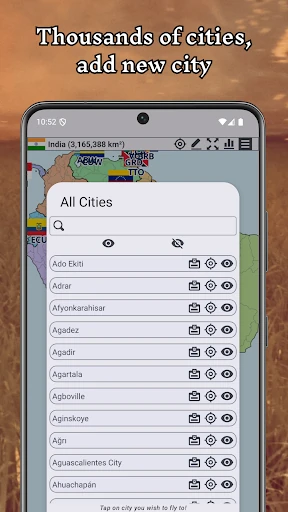
The UI of A+ World Map Editor Sandbox is designed with a focus on utility and versatility. While many apps in the Trivia category rely on simple multiple-choice interfaces, this app utilizes a workspace-centric design that prioritizes tool accessibility. The transition between 2D and 3D views is remarkably fluid, which is essential for maintaining a sense of scale when editing global territories. The UX design succeeds in making complex tasks—like renaming provinces or setting national rankings—feel intuitive through direct-touch interactions. However, users should expect a slight learning curve as they familiarize themselves with the various editing layers and sticker placements.
To elevate the experience for the next update, the inclusion of "Historical Presets" would be a significant addition, allowing users to start from specific eras like the Napoleonic Wars or the Cold War rather than just the modern day. Furthermore, adding an export feature for high-resolution images or vector files would allow educators and content creators to use their designs in external presentations. Finally, integrating a "Quiz Mode" that generates questions based on the user's custom-created world would better align the app with its Trivia category labeling.
A+ World Map Editor Sandbox is a premier choice for cartography nerds, alternate history buffs, and tabletop RPG world-builders. It transcends the typical trivia app by providing a tactile, creative experience that encourages users to engage with geography on a fundamental level. It is best suited for individuals who enjoy meticulous detail and creative storytelling. If you are looking for a tool to visualize "what if" scenarios or to teach geopolitical concepts in a hands-on way, this is an indispensable addition to your app library.