Advertisement
Click to download now, finish the installation quickly, and directly unlock the "all-round experience"
Advertisement
Screenshots
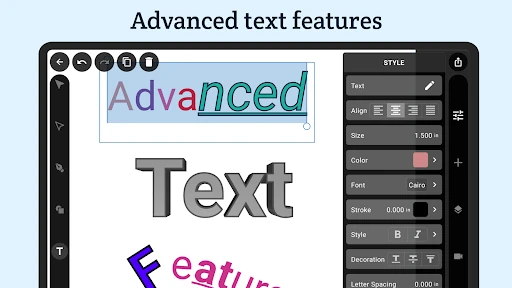
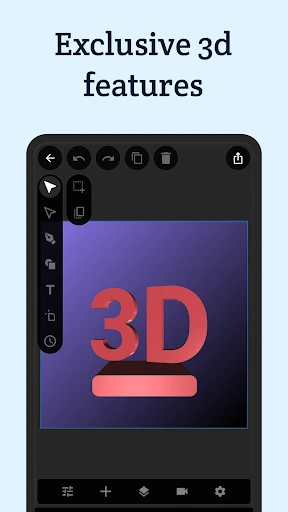
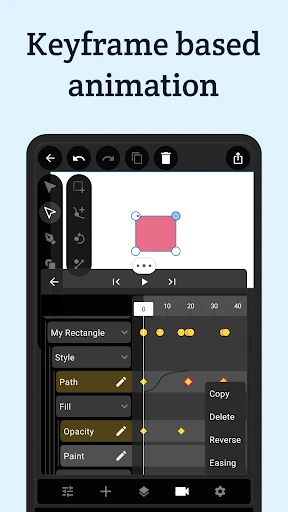
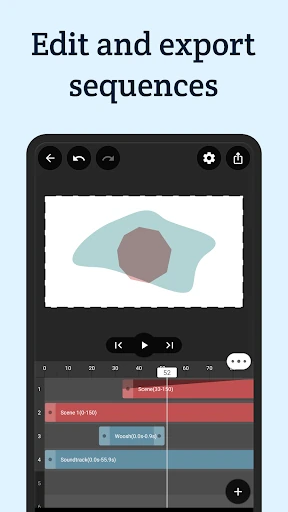
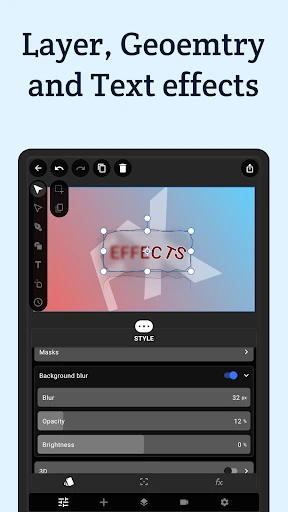
Click to download now, finish the installation quickly, and directly unlock the "all-round experience"
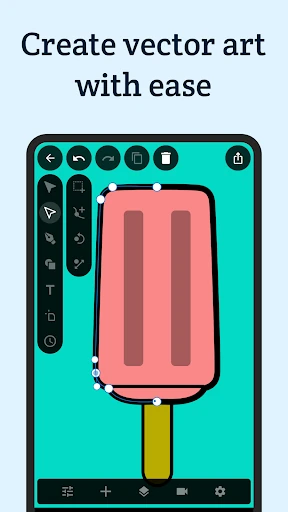
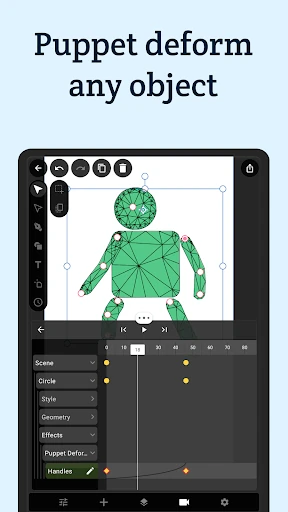
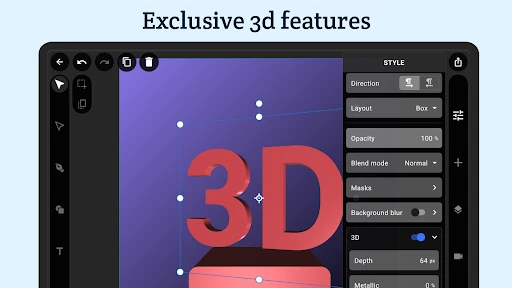
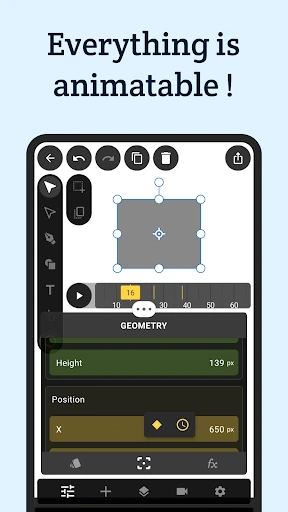
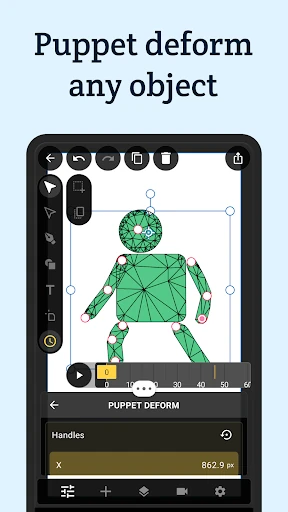
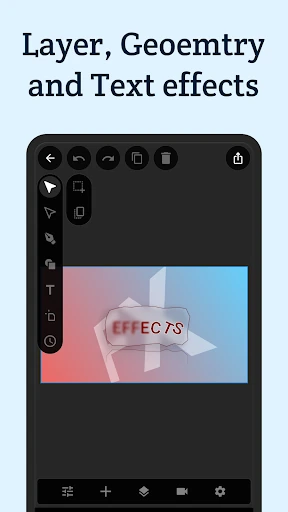
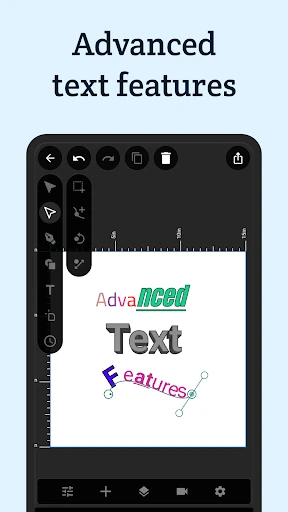
VectorMotion - Design/Animate stands out as a high-performance disruptor within the Art & Design category. By providing a professional-grade vector illustration and motion graphics suite that is entirely free and devoid of advertisements, it challenges the subscription-heavy landscape of mobile creativity. The app bridges the gap between simple image editors and complex desktop motion software, offering a robust engine capable of handling everything from static SVG creation to complex 3D-extruded animations and character rigging.
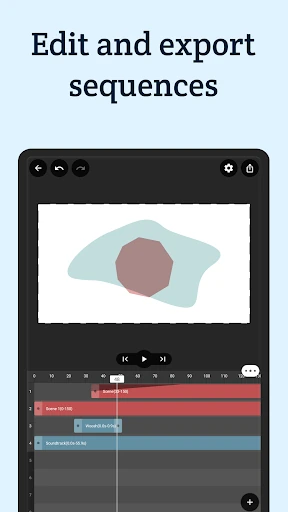
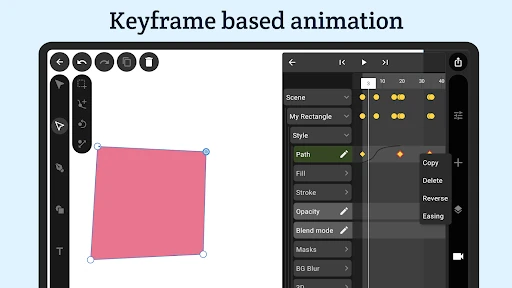
The UI of VectorMotion is designed for power users, prioritizing workspace utility over minimalist aesthetics. It adopts a professional "dark mode" aesthetic that reduces eye strain during long design sessions. While the interface is densely packed with features—including a sophisticated timeline and layer management system—it remains logical. The UX relies on a "long-click to animate" paradigm which, once learned, becomes a highly efficient shortcut for the mobile workflow. However, given the complexity of vector node manipulation, the experience is significantly enhanced when used on larger screens or with a stylus.
To further empower the user base, VectorMotion could benefit from a dedicated in-app tutorial library or interactive onboarding flow to explain the "long-click" animation system to novices. Additionally, the implementation of cloud-based project backups and a community-driven template gallery would help users kickstart their creative process and safeguard their work across different devices.
VectorMotion - Design/Animate is an essential tool for motion designers, social media content creators, and vector artists who require professional-level features on the go. It is best suited for intermediate to advanced users who find other mobile design apps too restrictive. For anyone looking to escape the "freemium" trap of modern apps, VectorMotion is a rare, powerhouse utility that provides elite creative freedom at no cost.